


We may earn a commission when you buy through links on this site. How this works.

A field guide for scattered brains

Tools that make focusing a little easier.

A short, opinionated list of apps, books, paper, and gear that help with time blindness, distraction, and getting started. Picked for usefulness, not commission.

78
picks
11
categories
Updated
October 2026

01 PLANNING APPS

6 picks

Planning apps

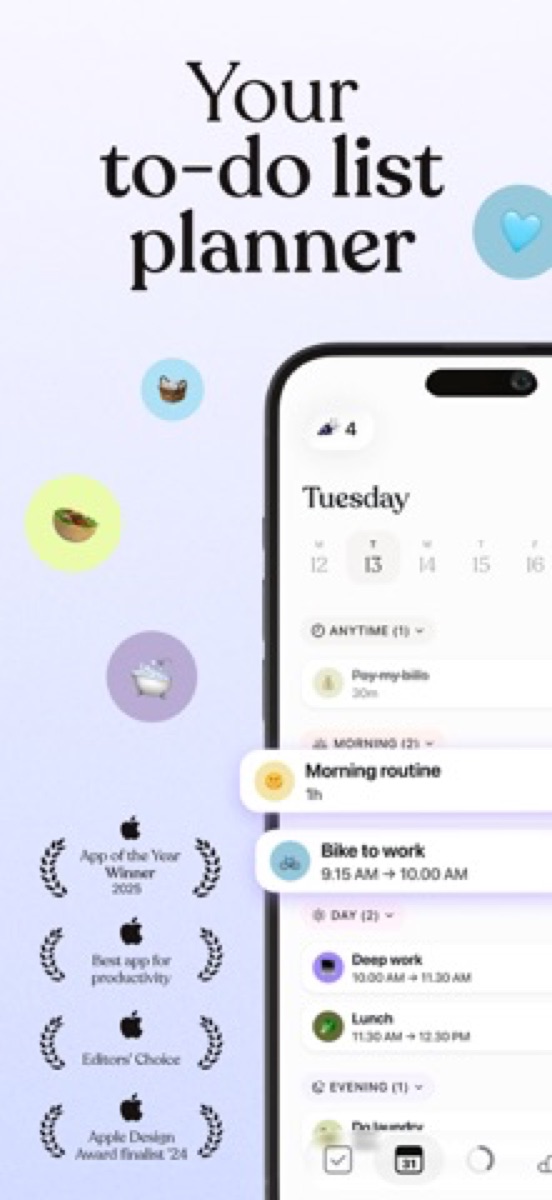
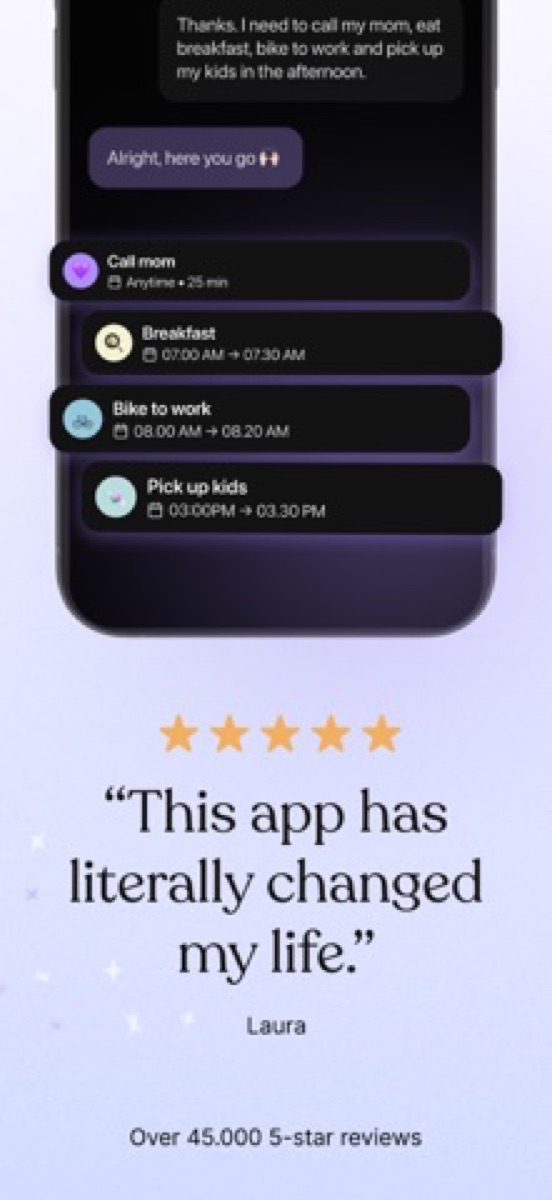
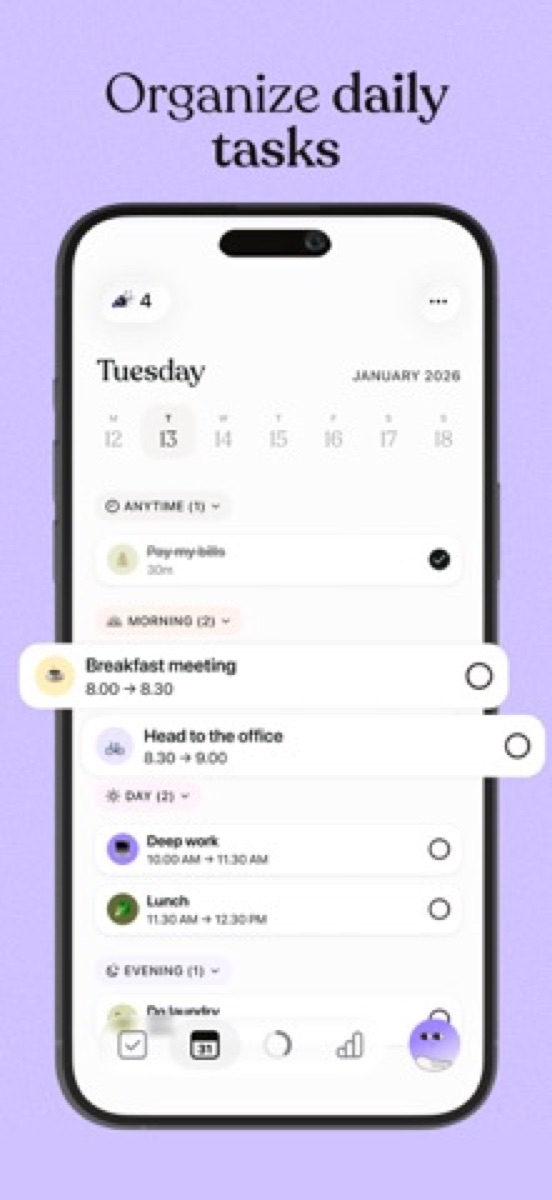
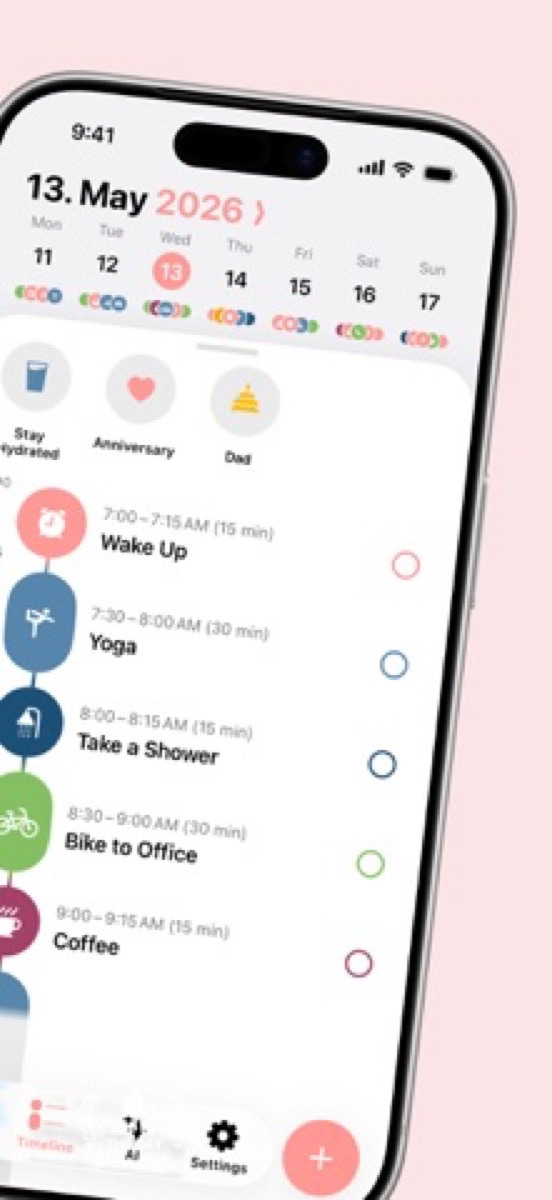
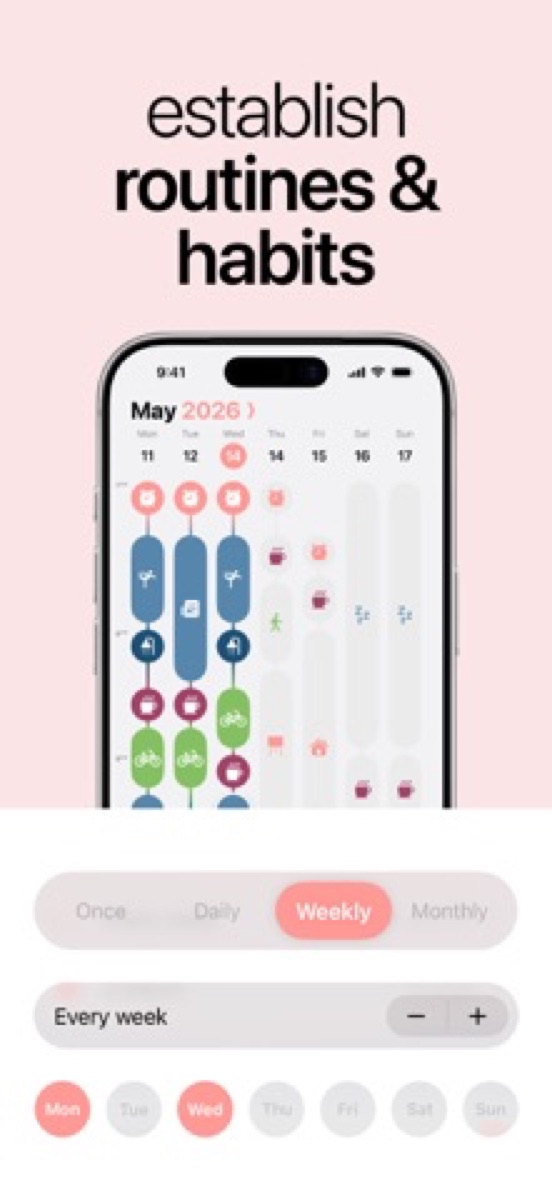
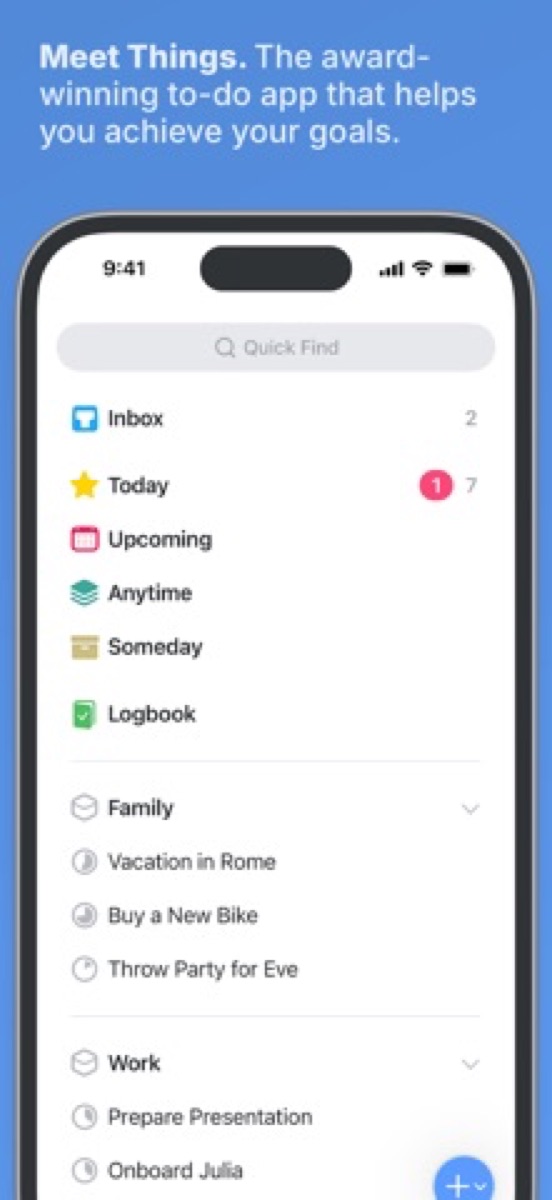
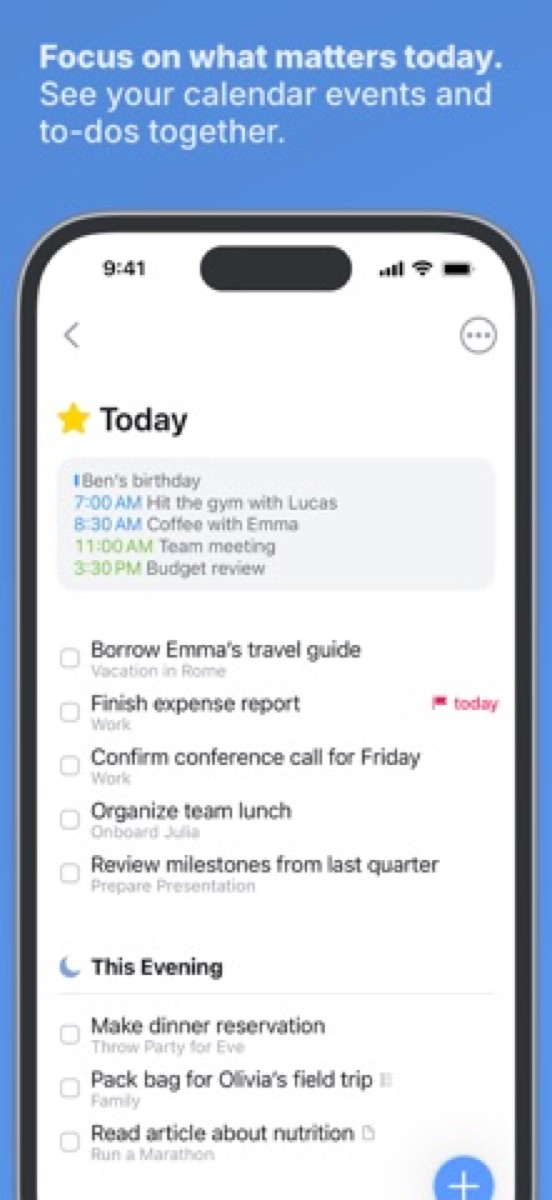
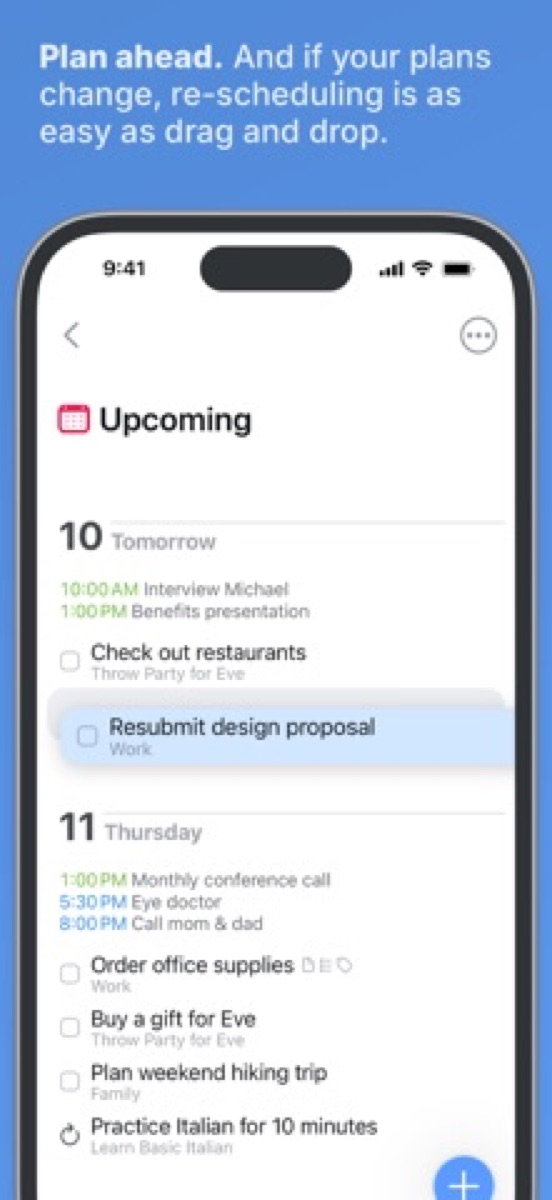
When everything lives in your head, small tasks feel equal to big ones. These apps externalize the day so you can see what’s next without re-deciding every hour.

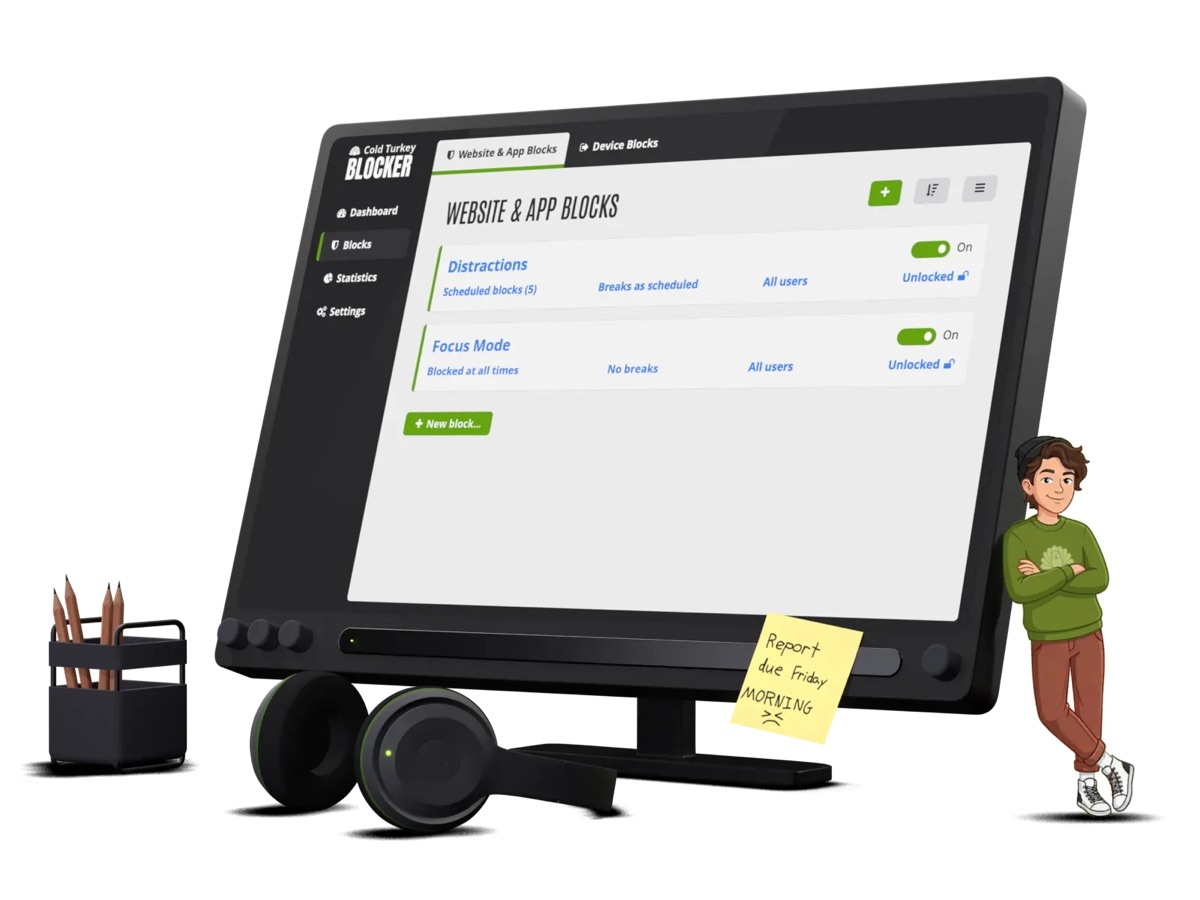
02 DISTRACTION BLOCKERS

6 picks

Distraction blockers

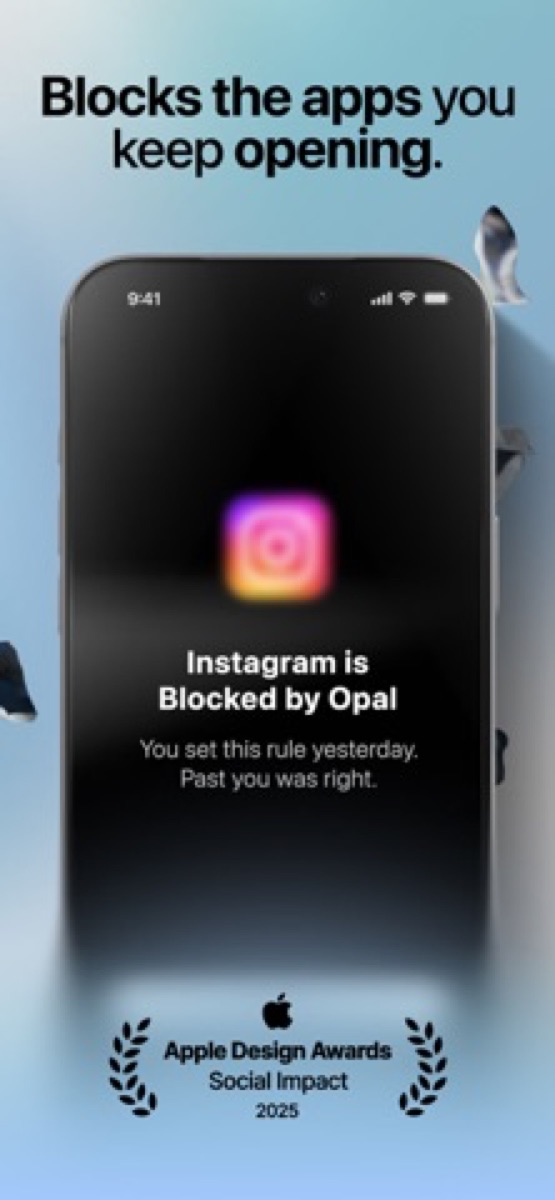
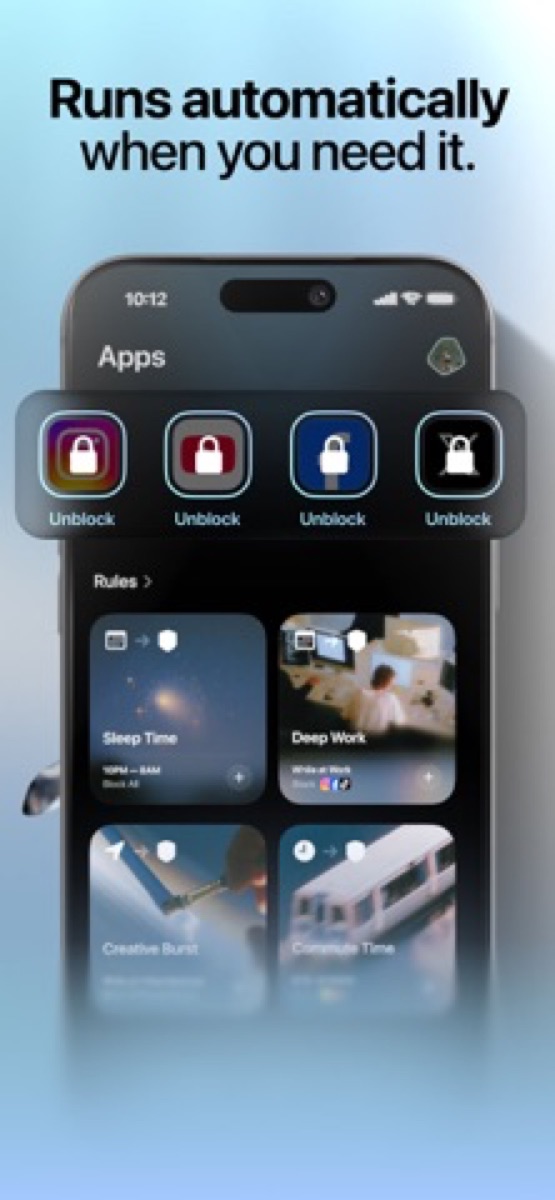
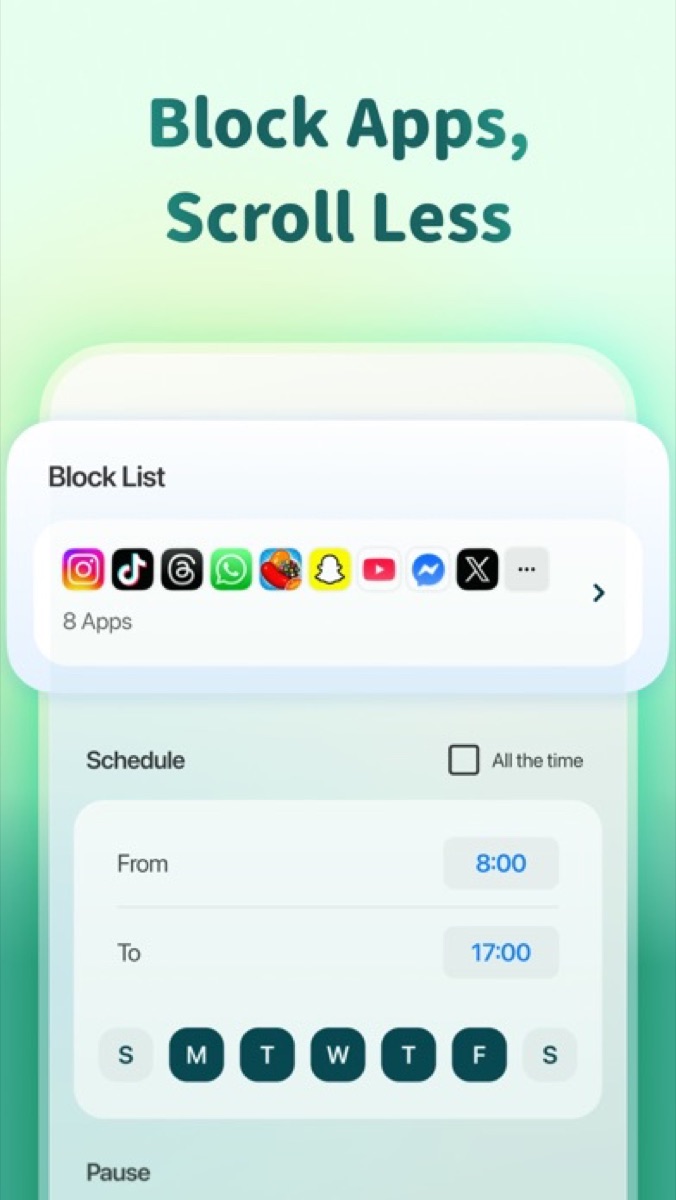
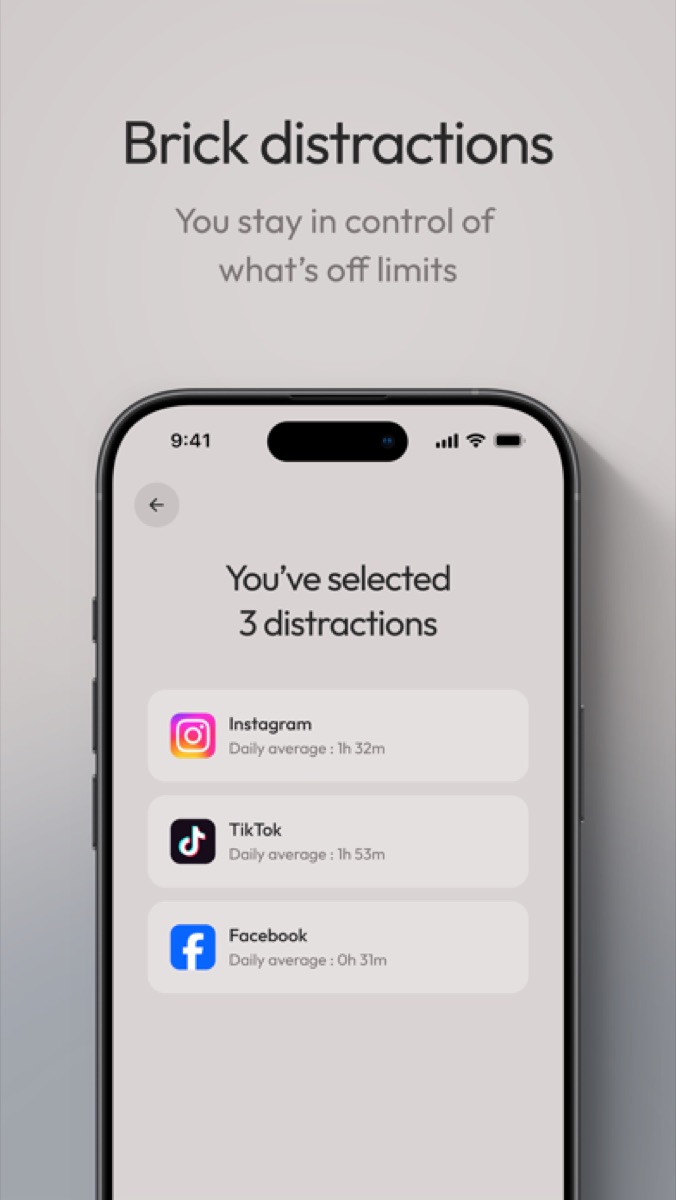
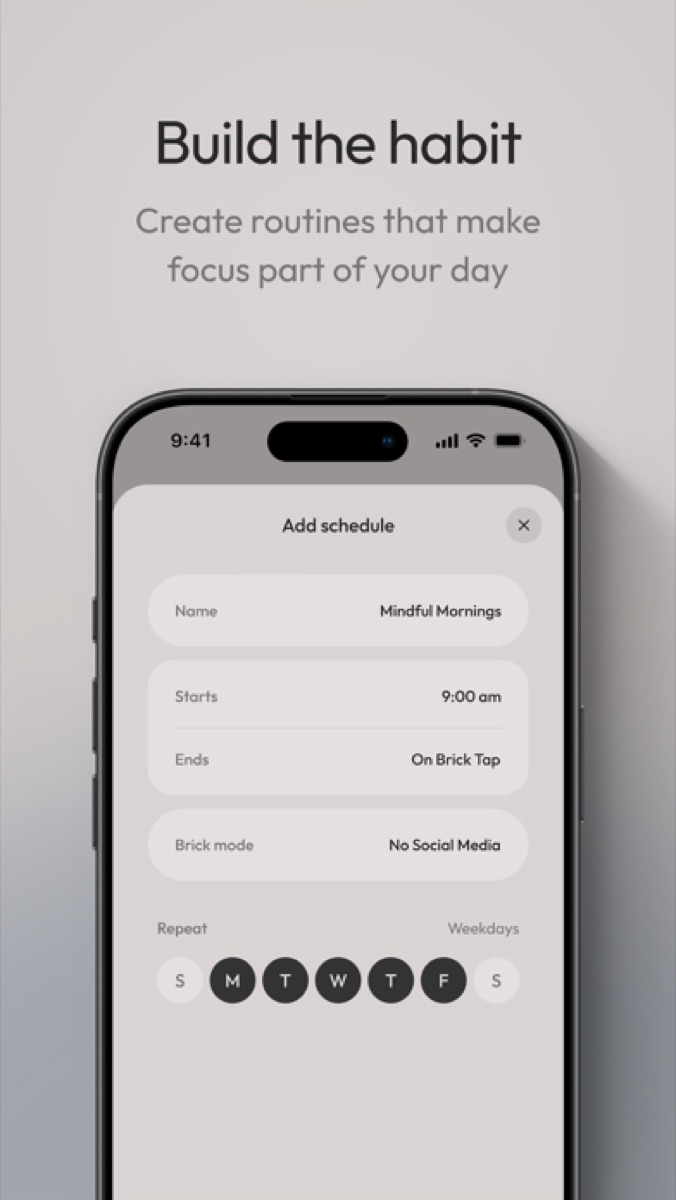
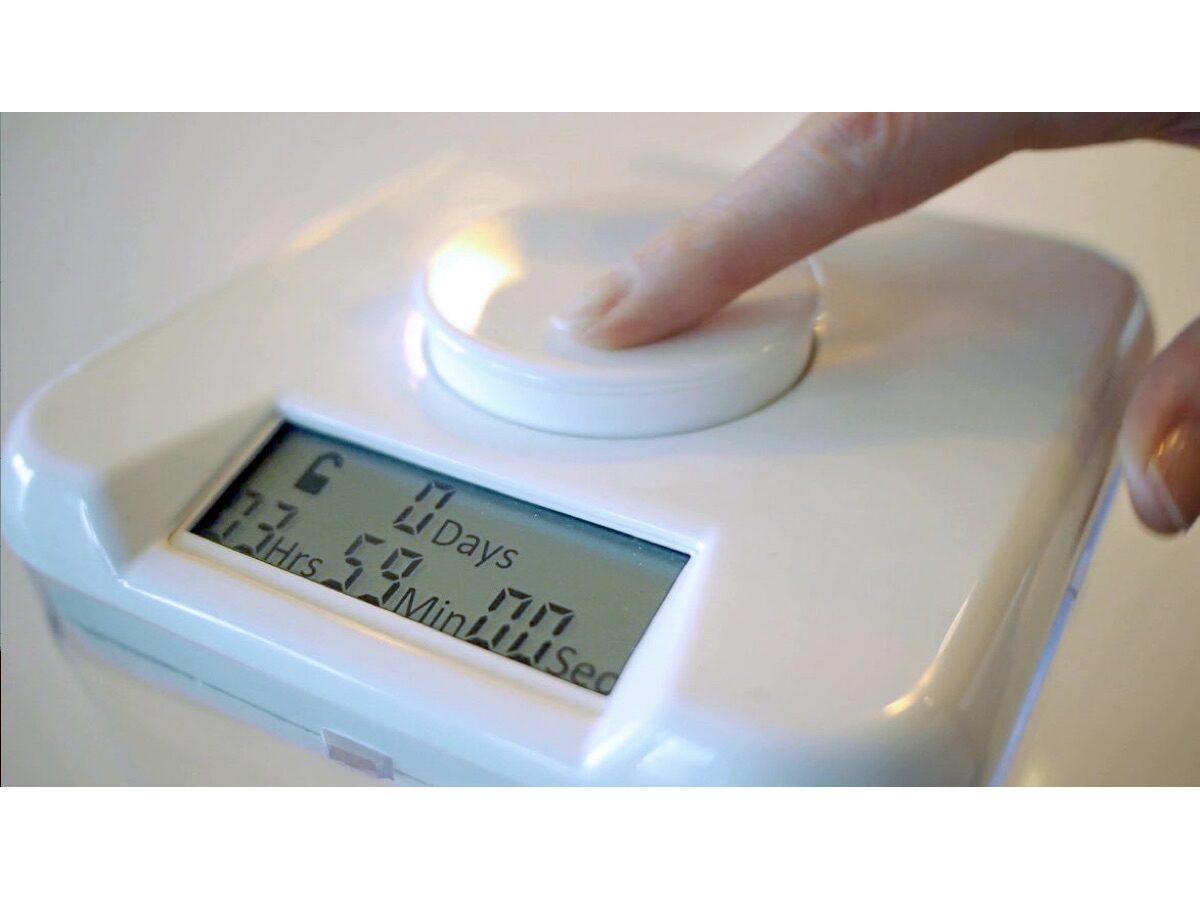
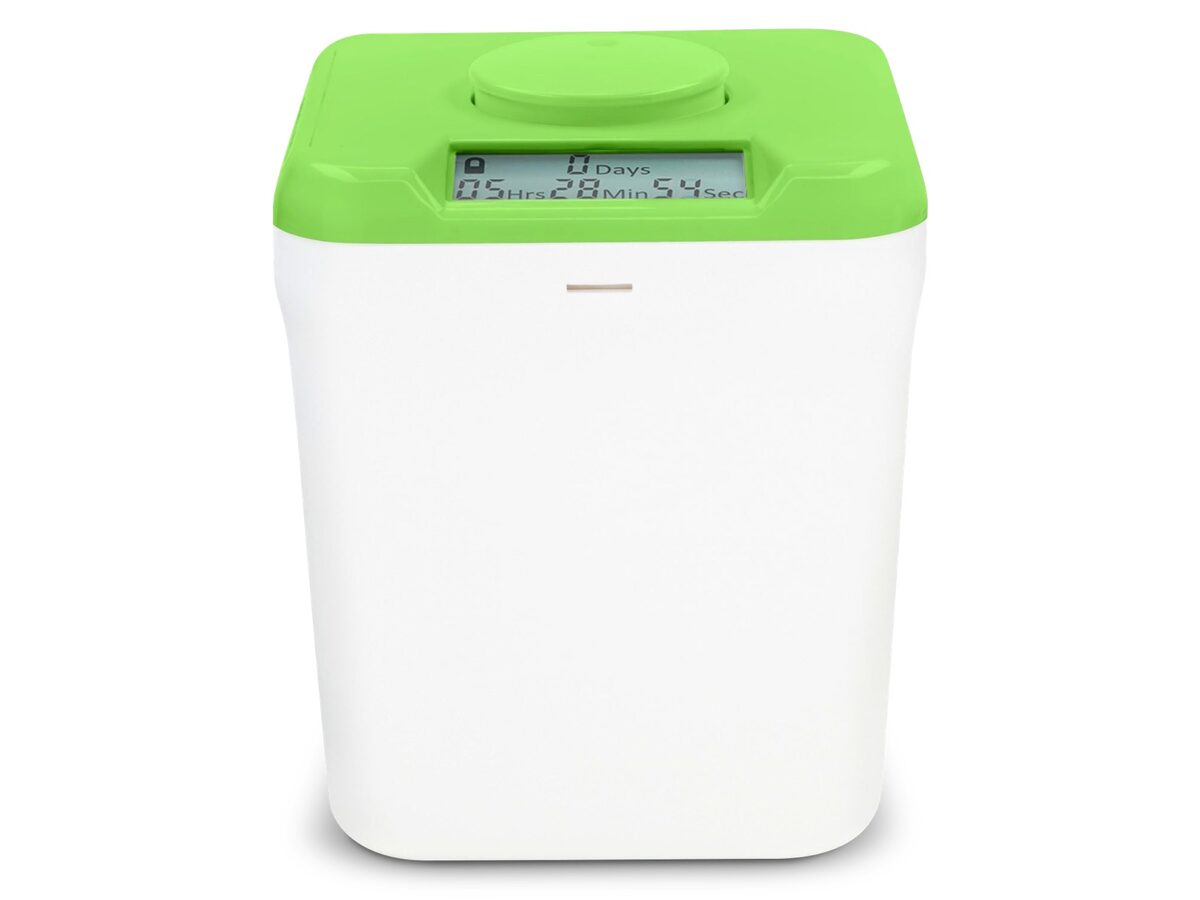
Willpower runs out before lunch. These add friction—software limits, scheduled blocks, or putting the phone somewhere you can’t casually unlock.

03 SOUND AND NOISE

9 picks

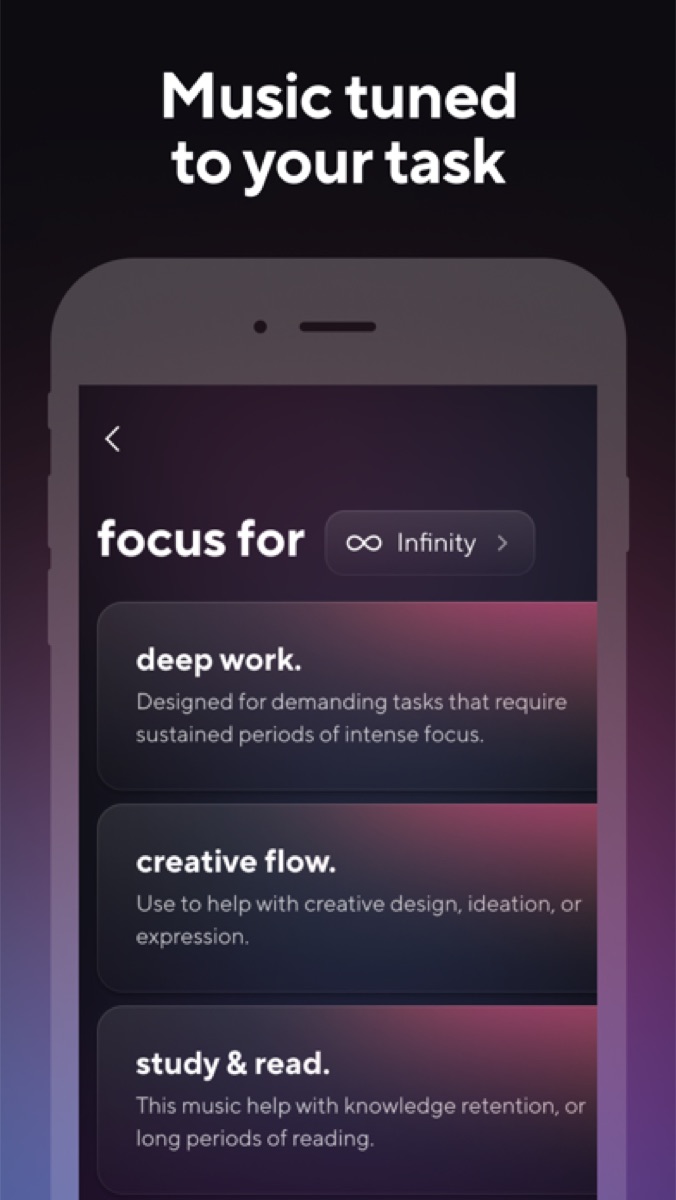
Sound and noise

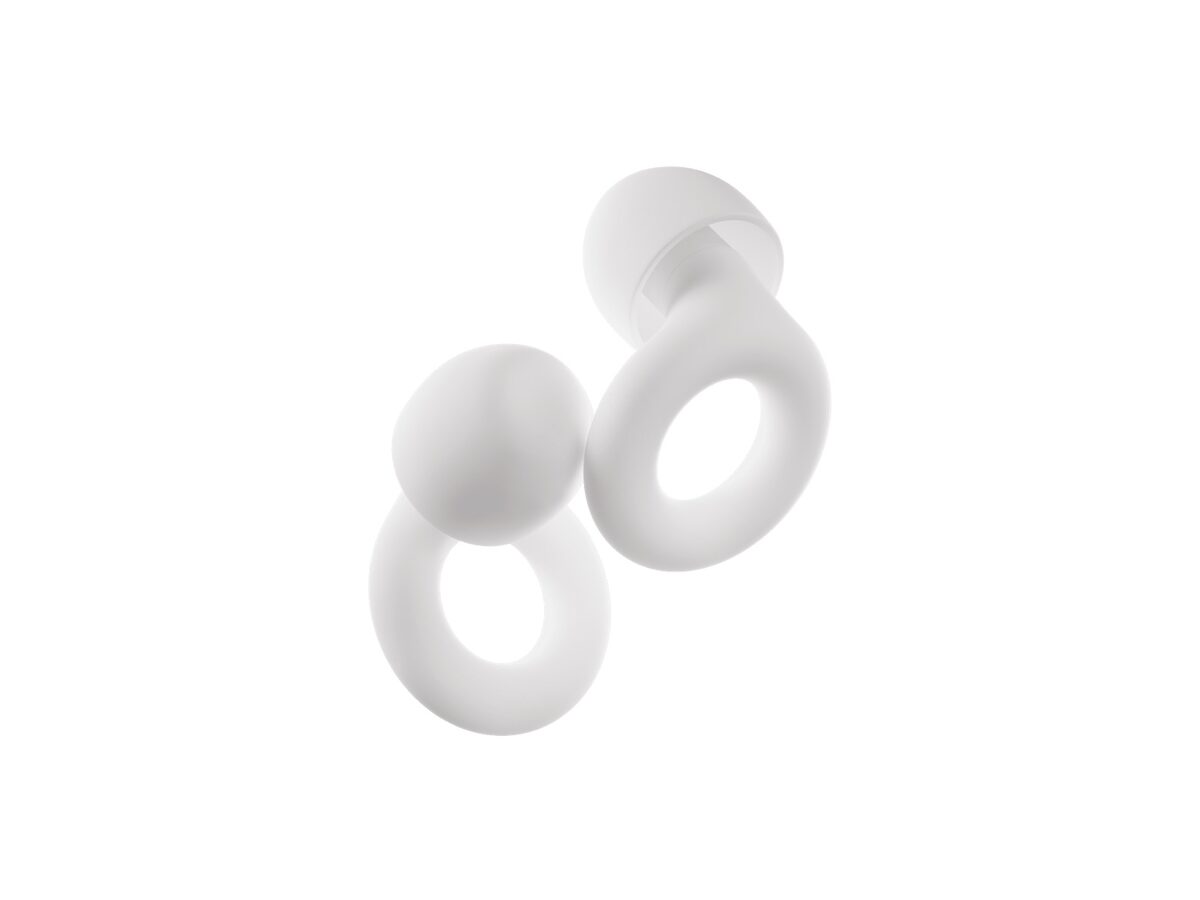
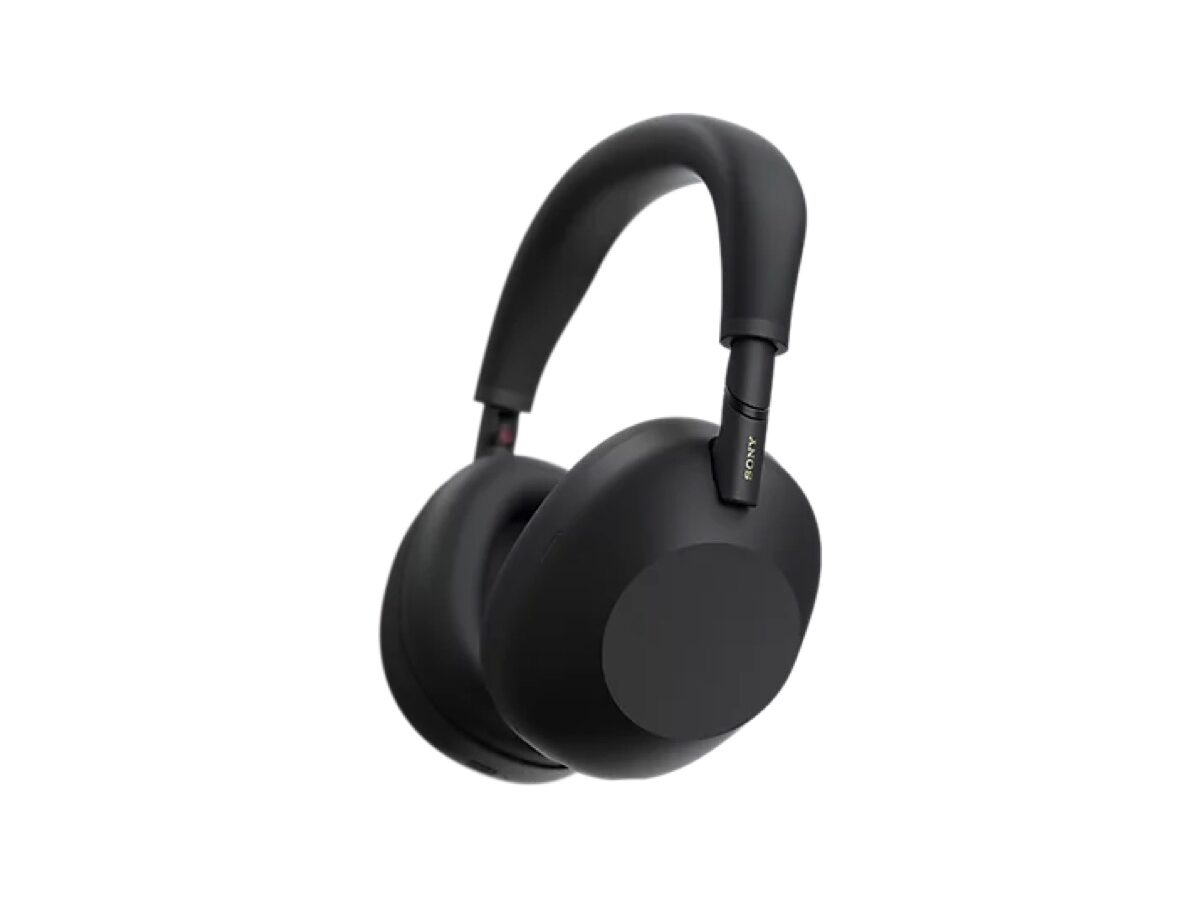
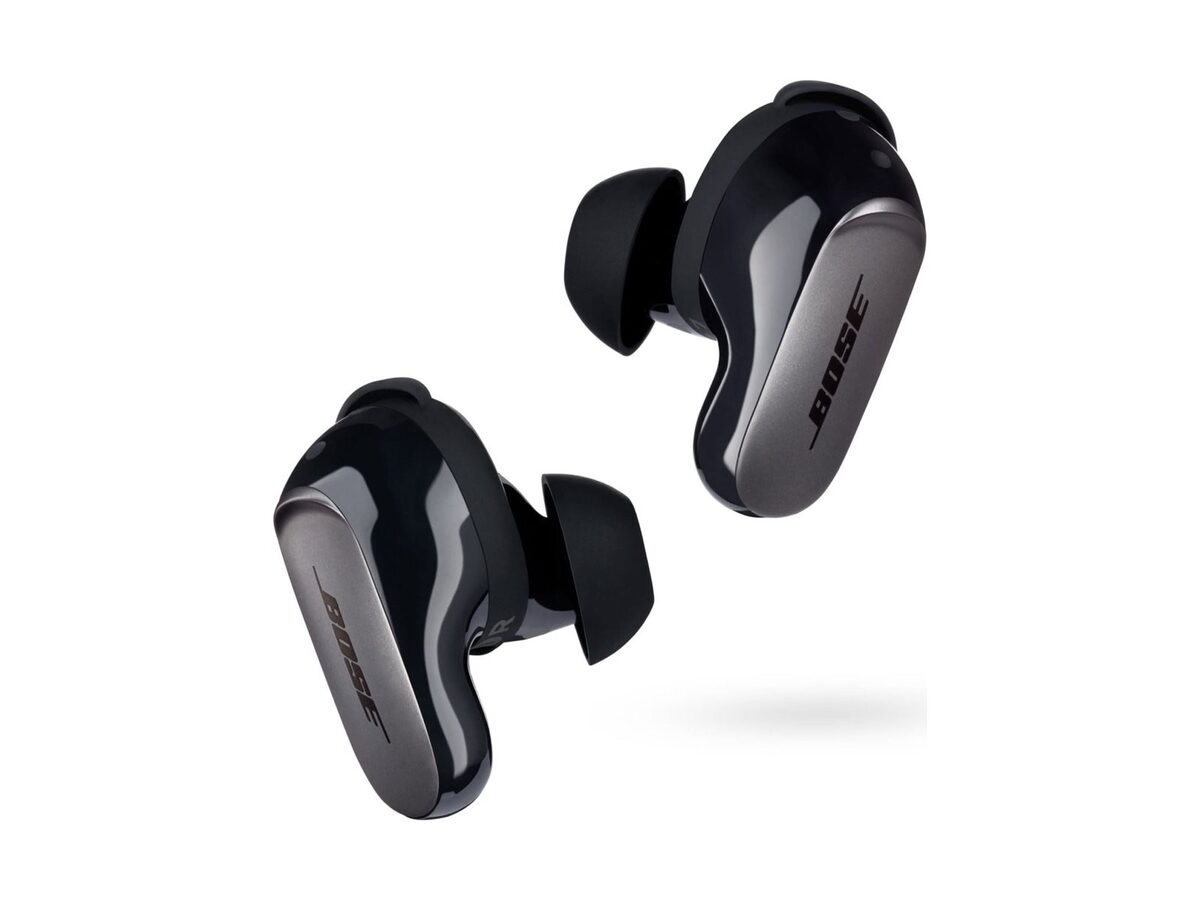
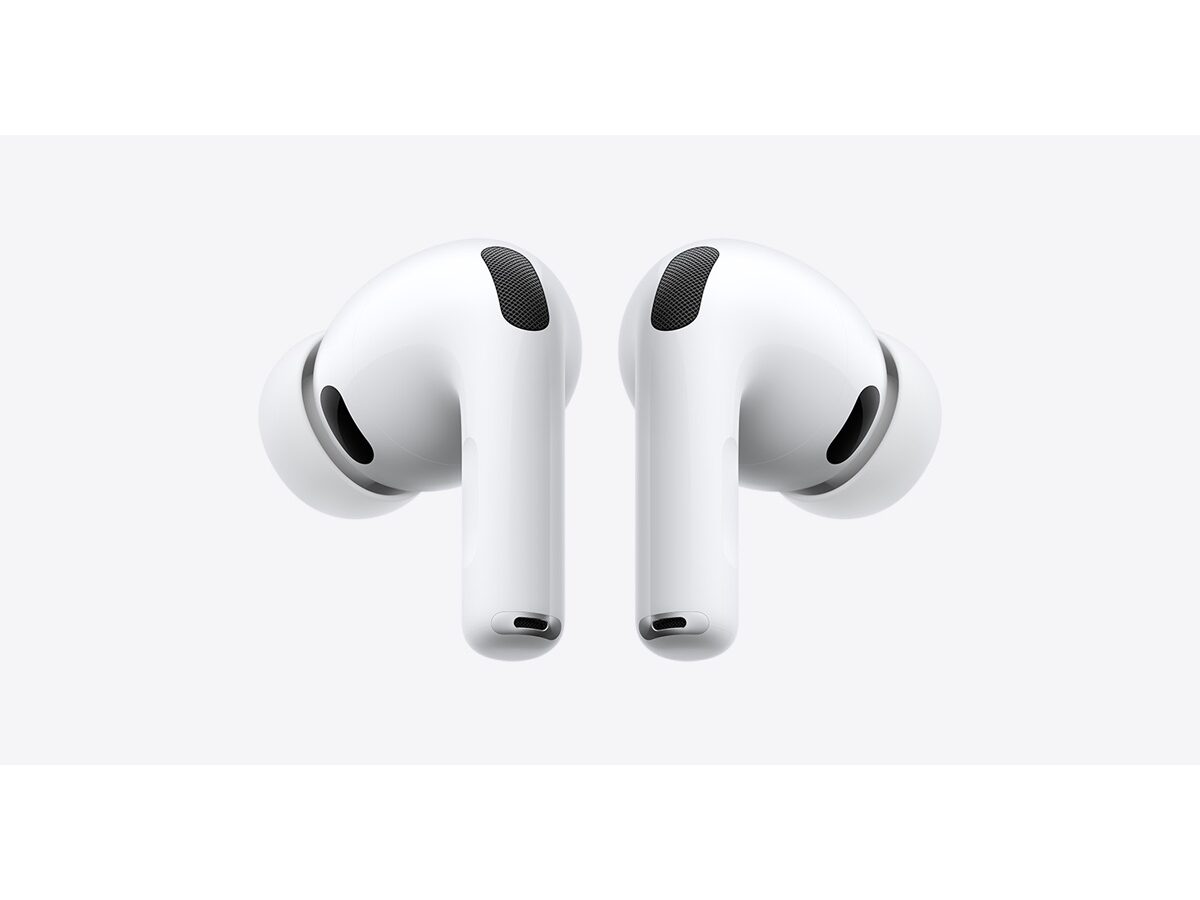
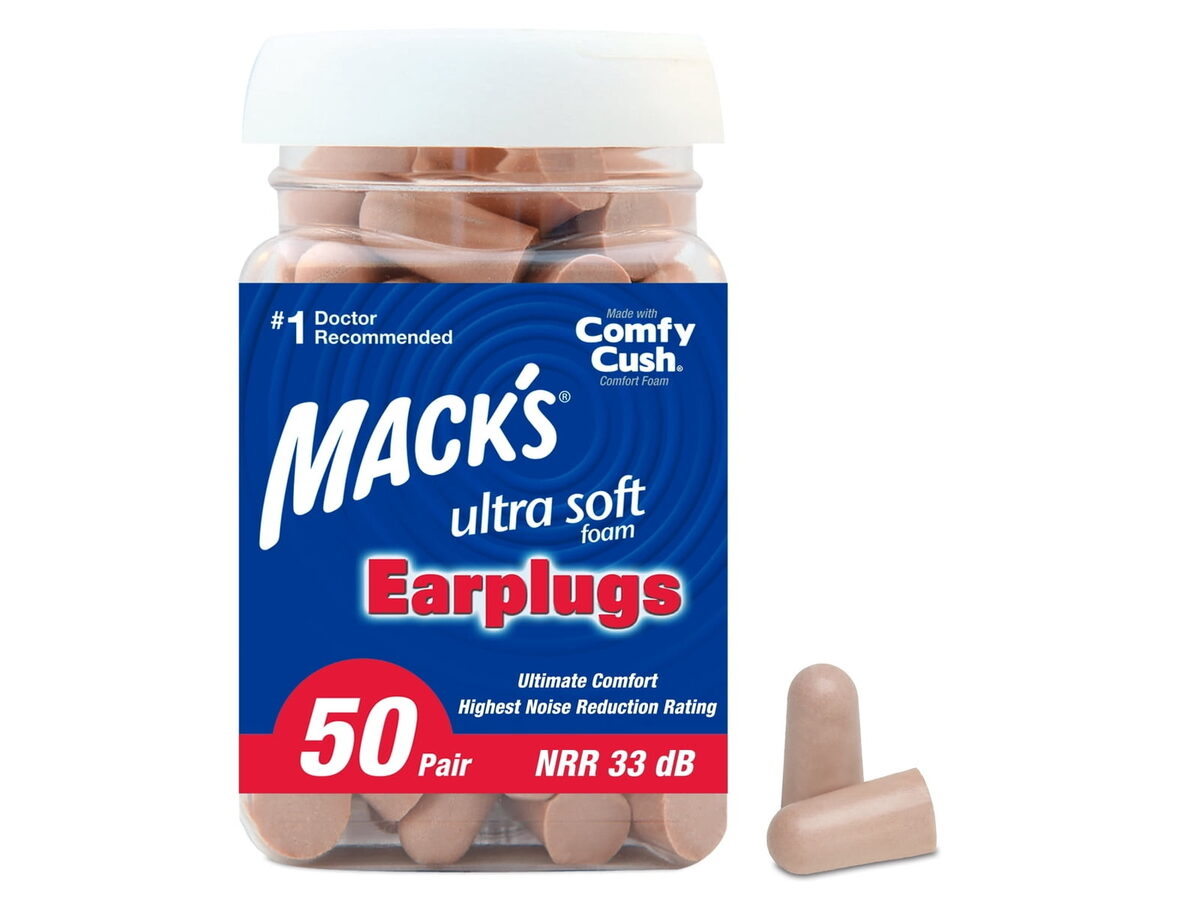
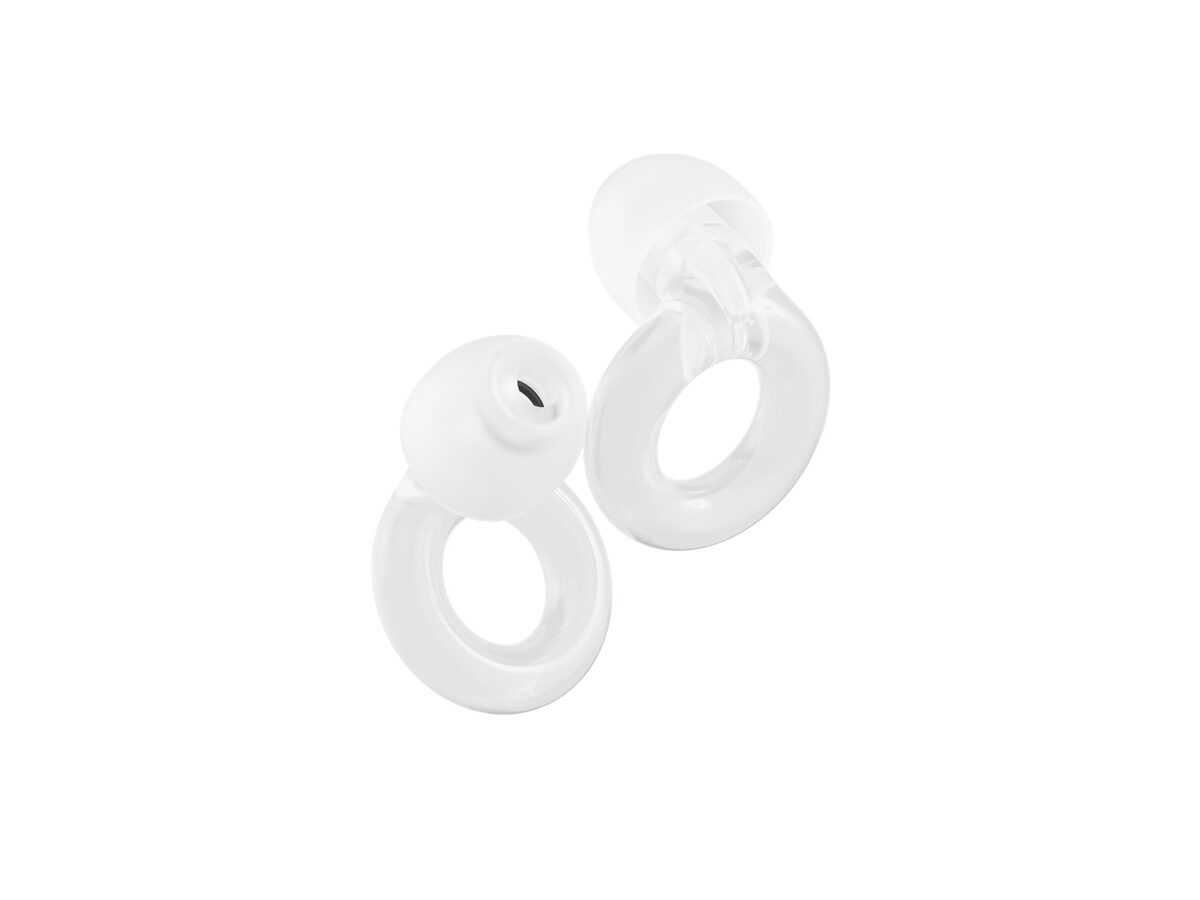
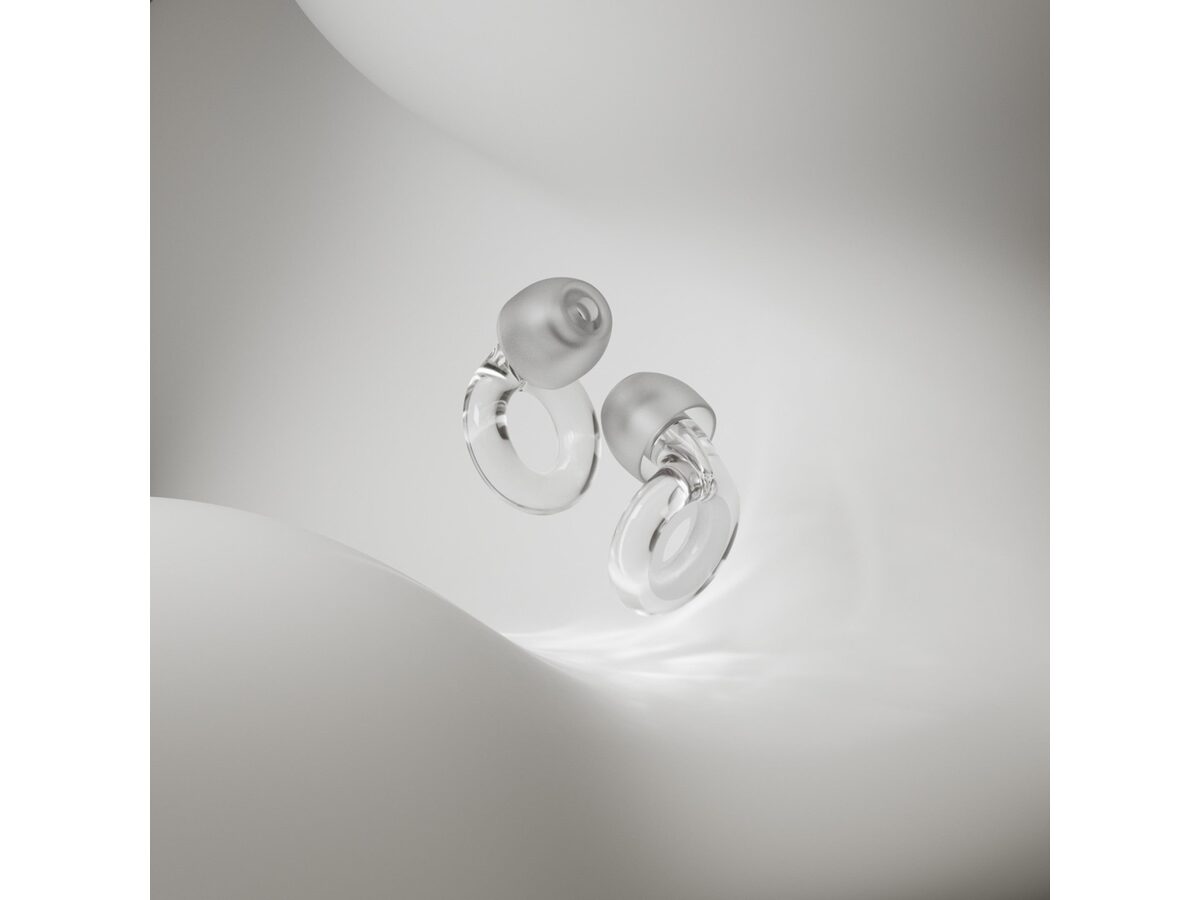
Open offices and home chaos aren’t optional for everyone. Steady audio or ear protection can shrink the world to one task.

04 NOTEBOOKS AND NOTEPADS

7 picks

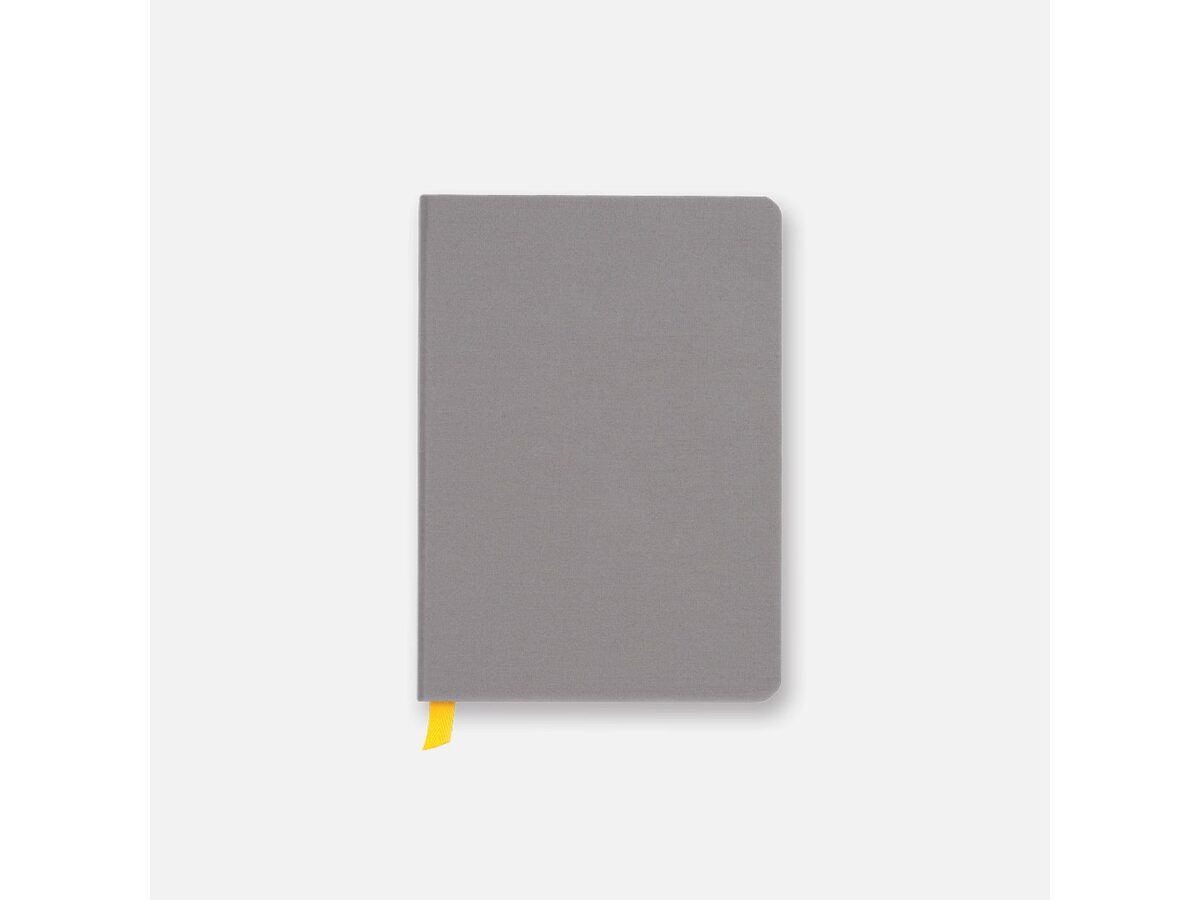
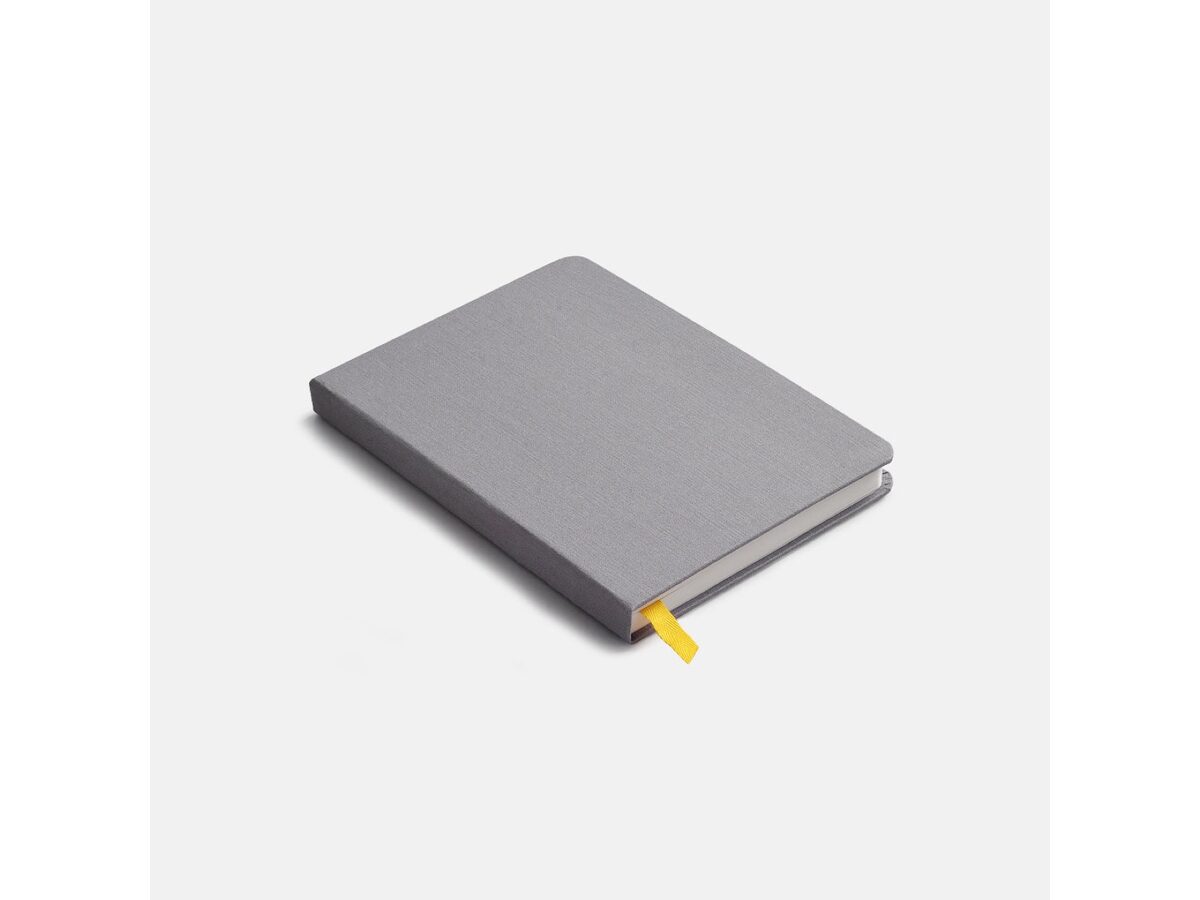
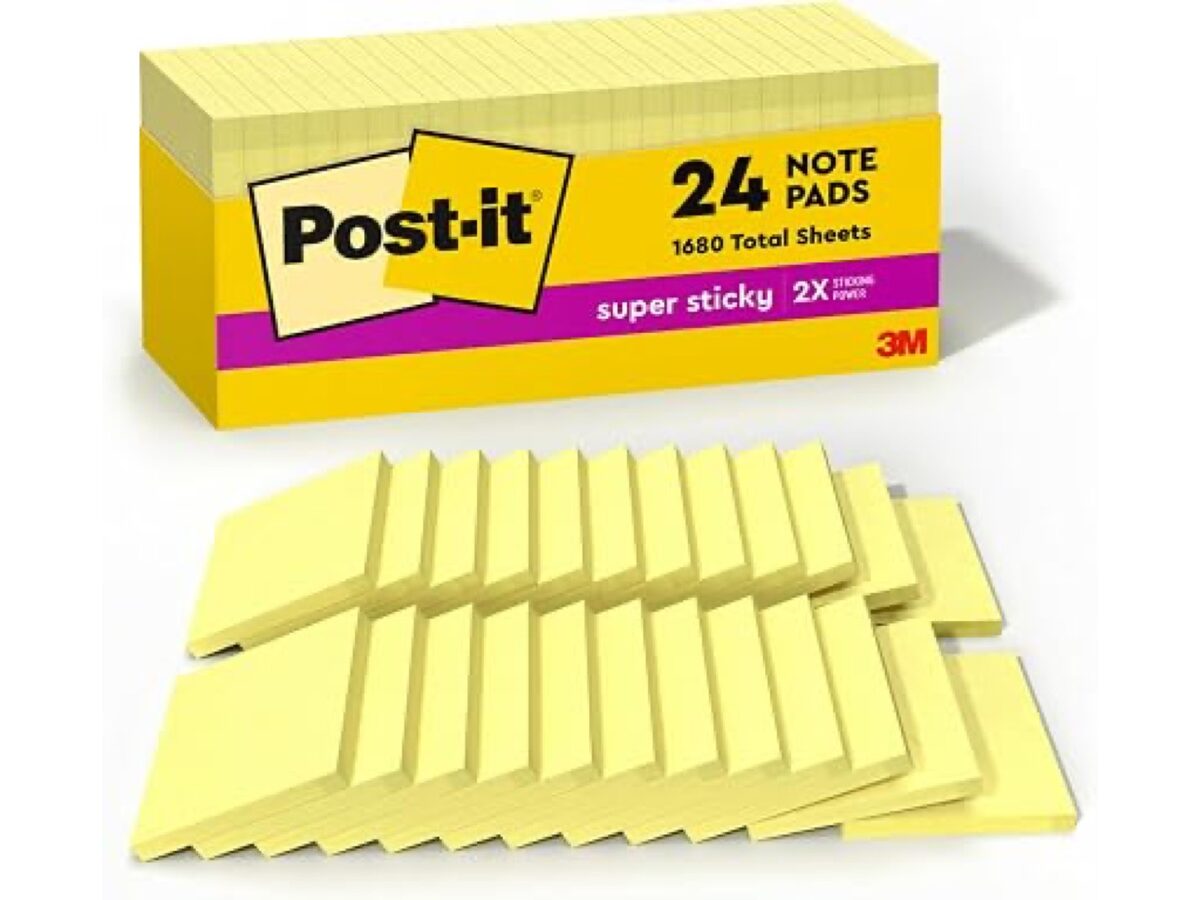
Notebooks and notepads

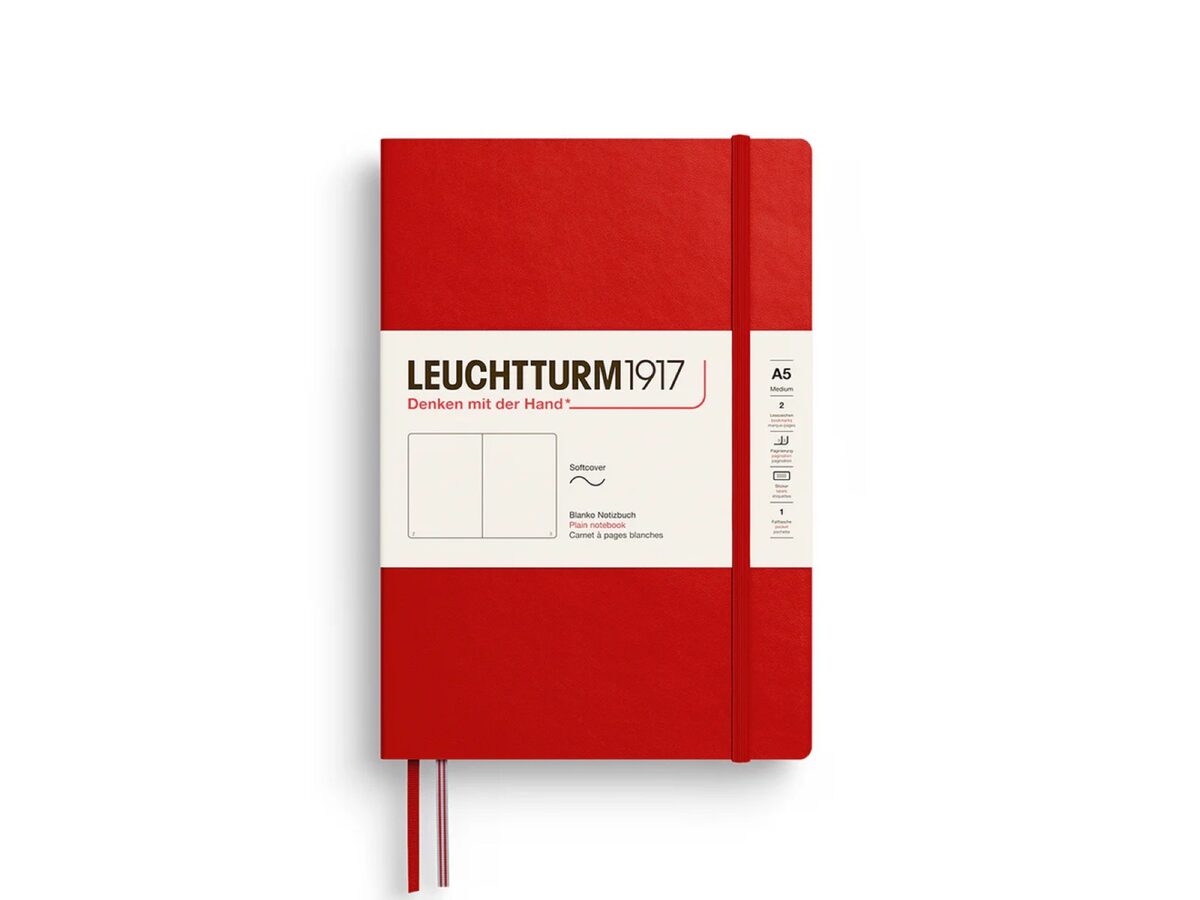
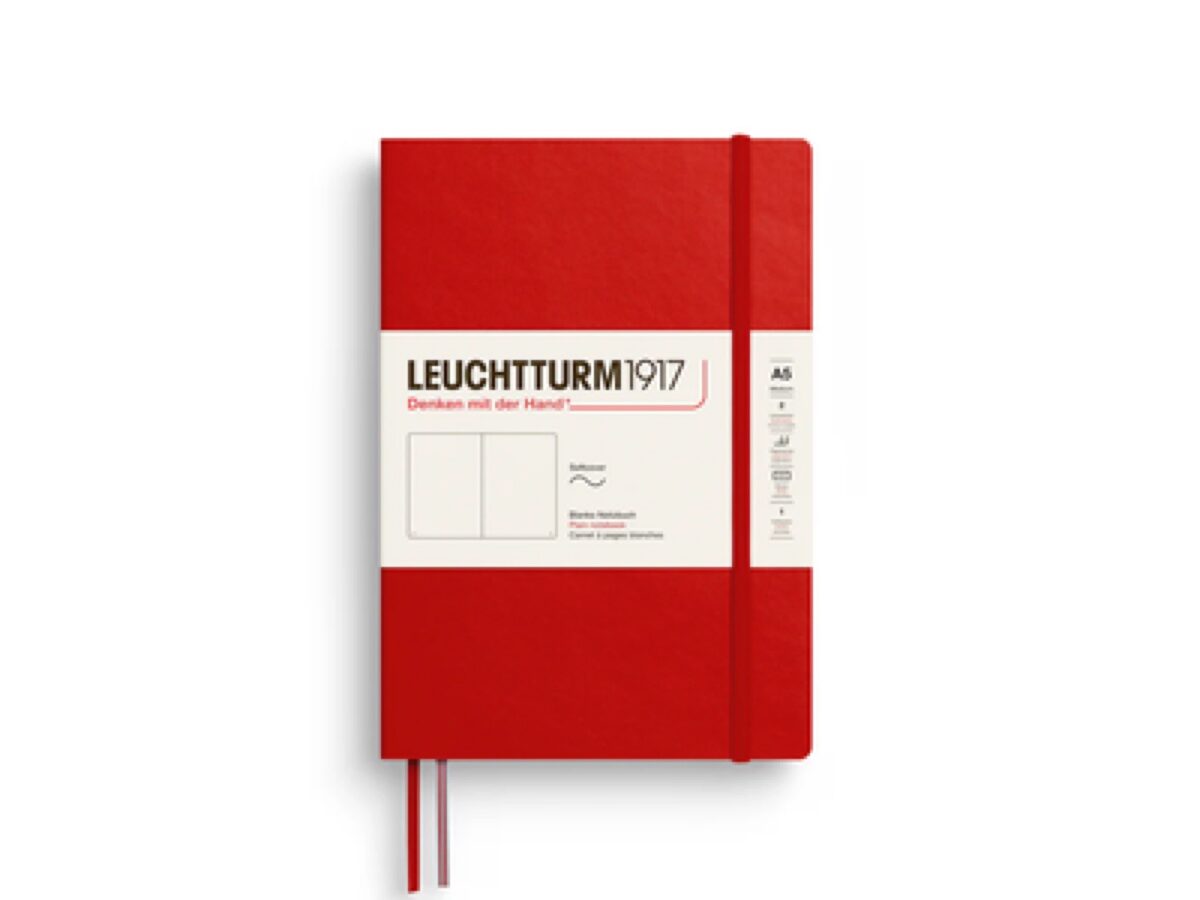
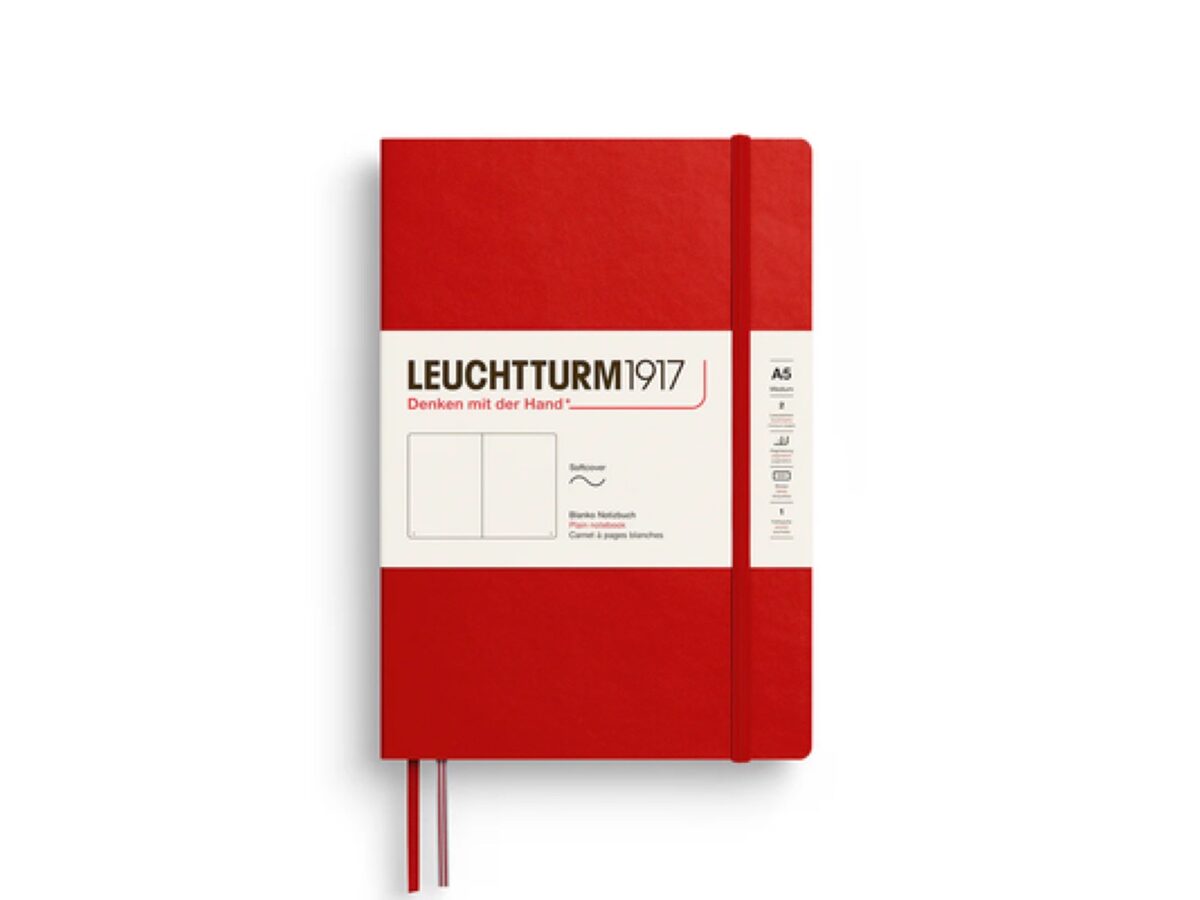
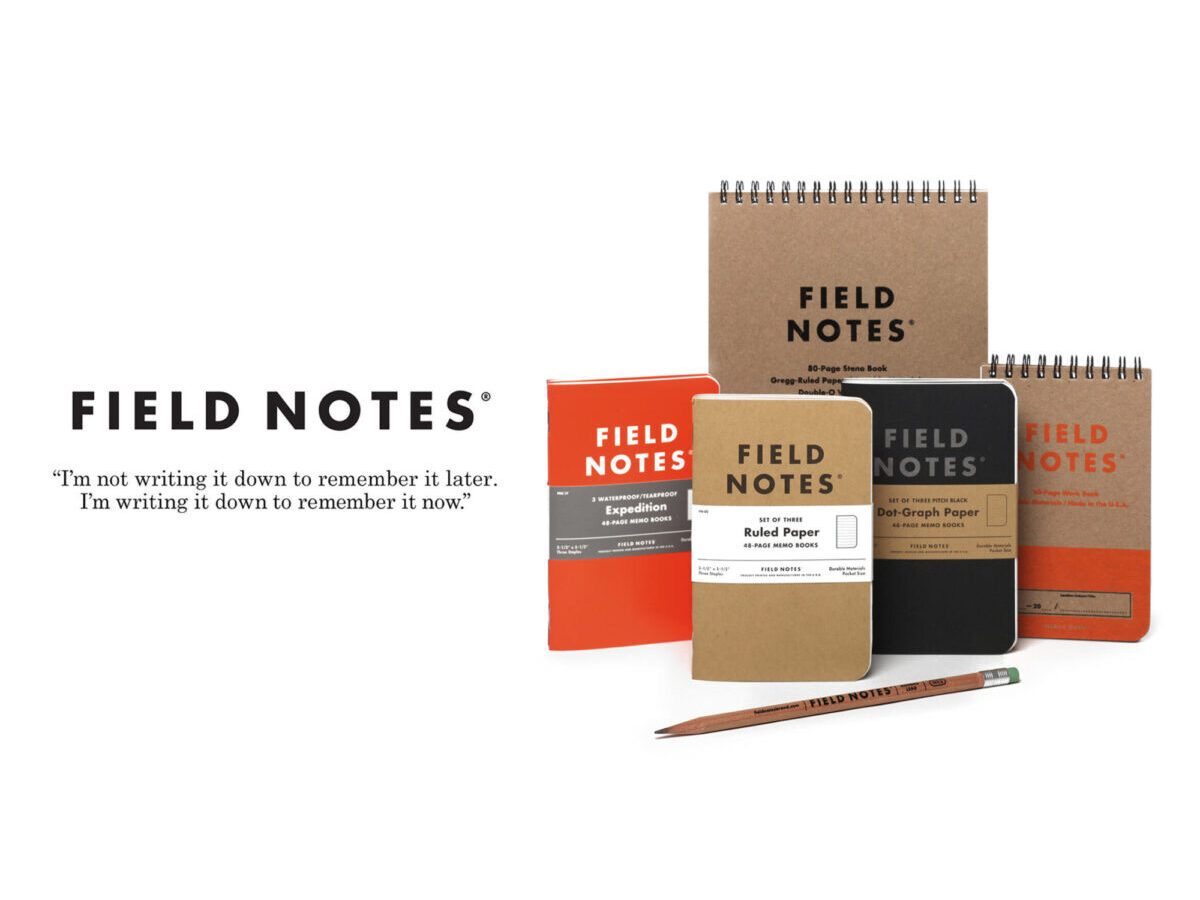
Typing helps some brains; others need paper to offload loops and capture ideas before they vanish.

05 PAPER PLANNERS

6 picks

Paper planners

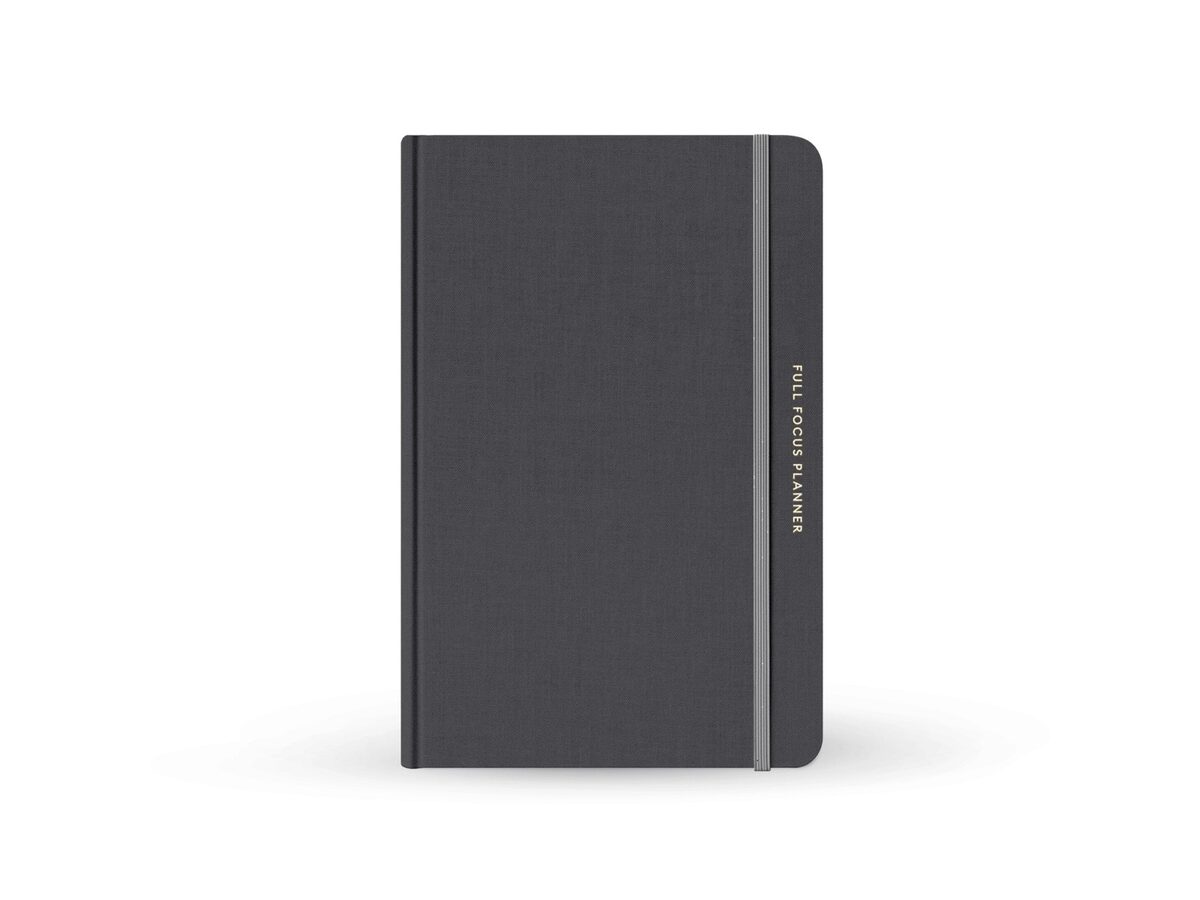
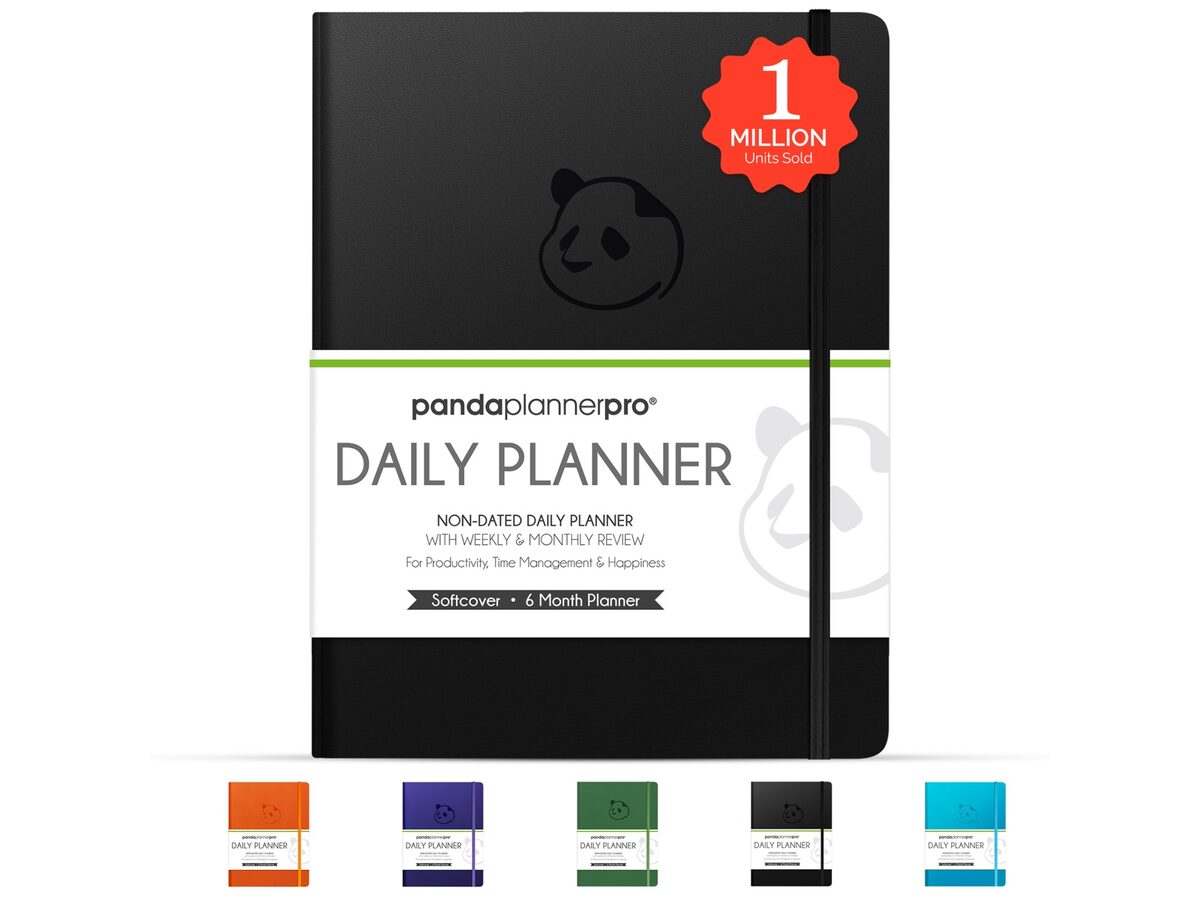
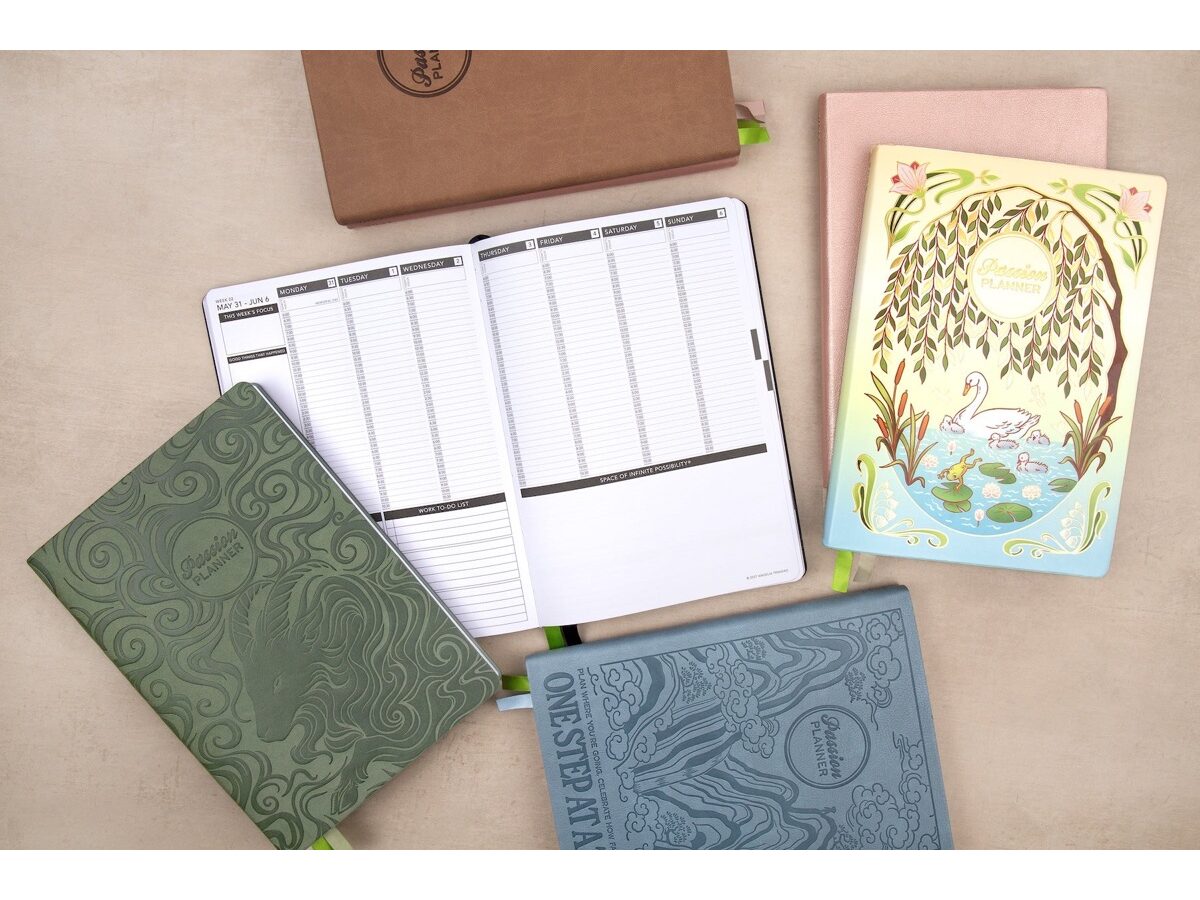
Paper slows you down just enough to choose what matters today—no notifications, no infinite scroll of overdue tasks.

06 BOOKS AND AUDIOBOOKS

10 picks

Books and audiobooks

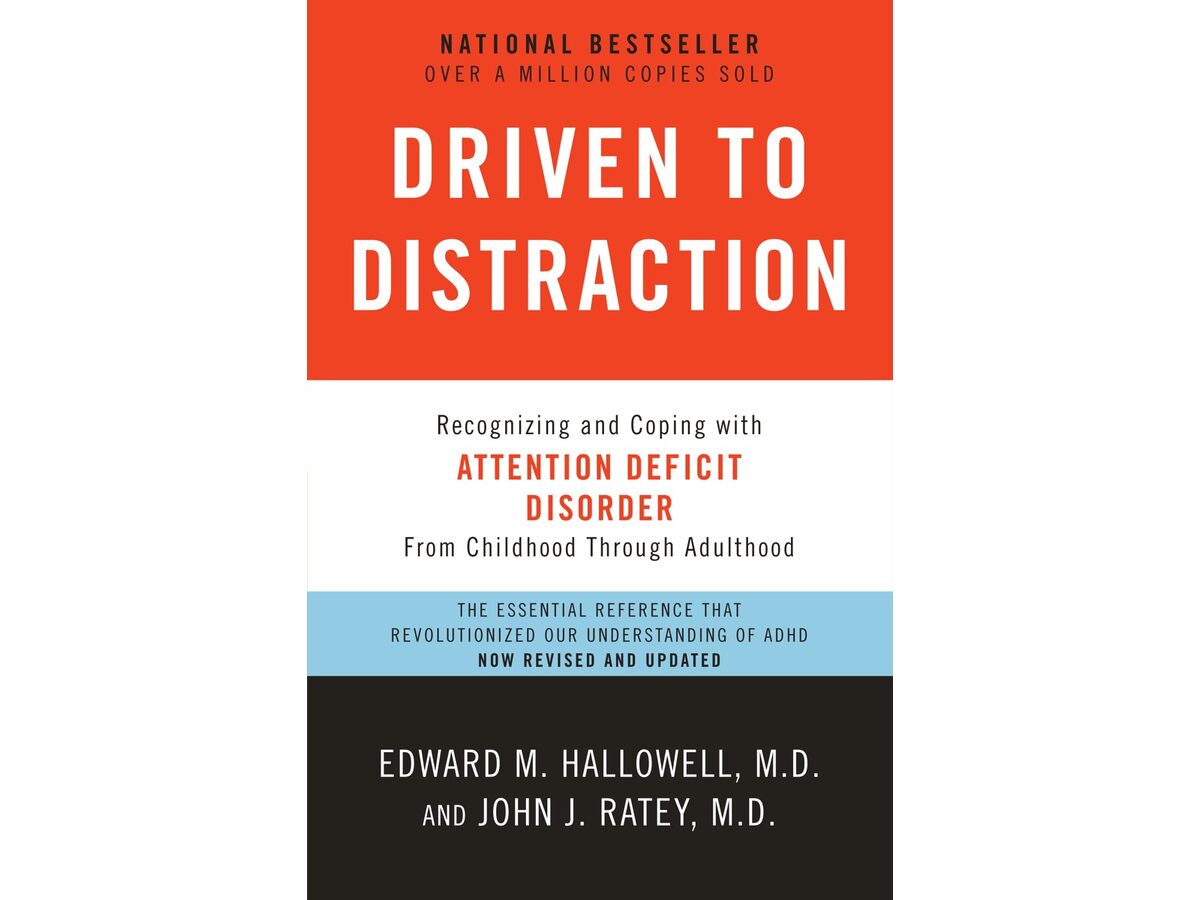
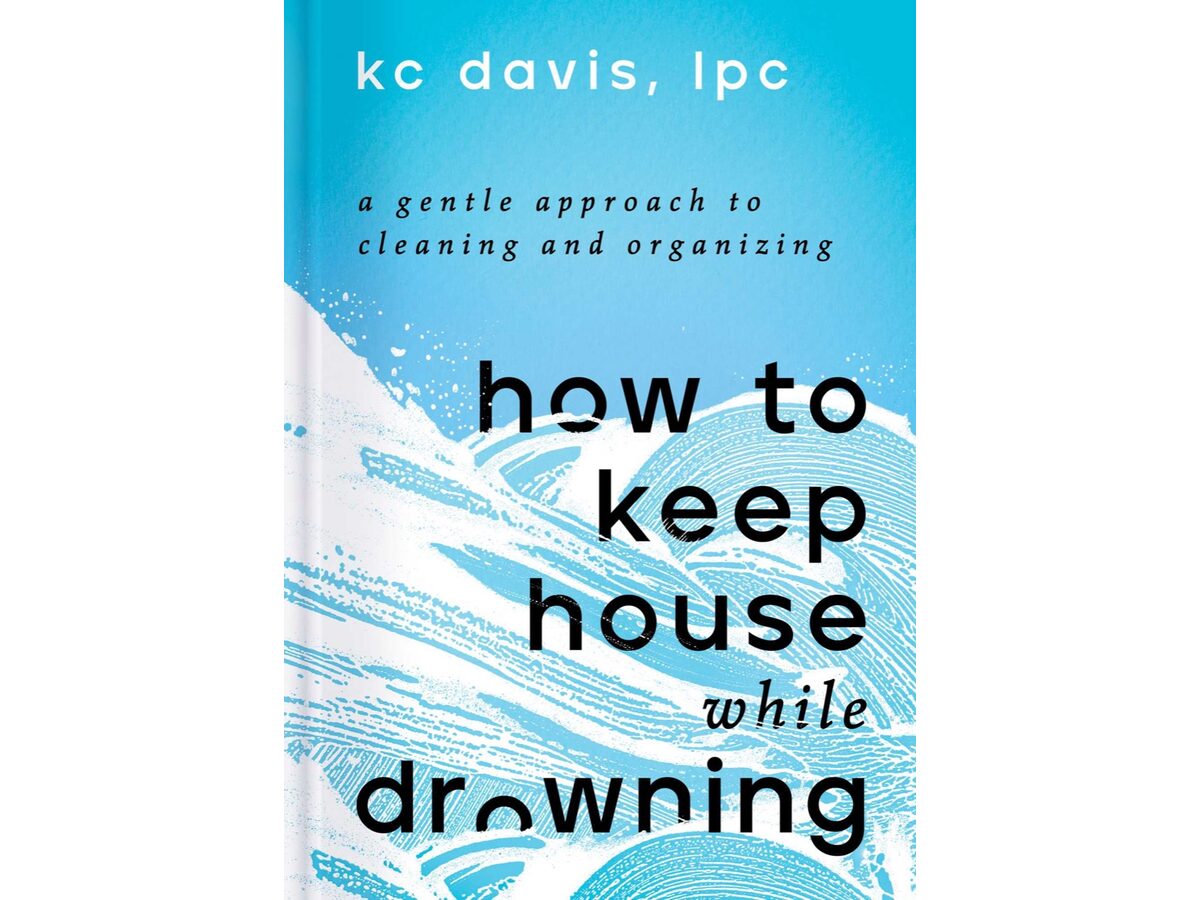
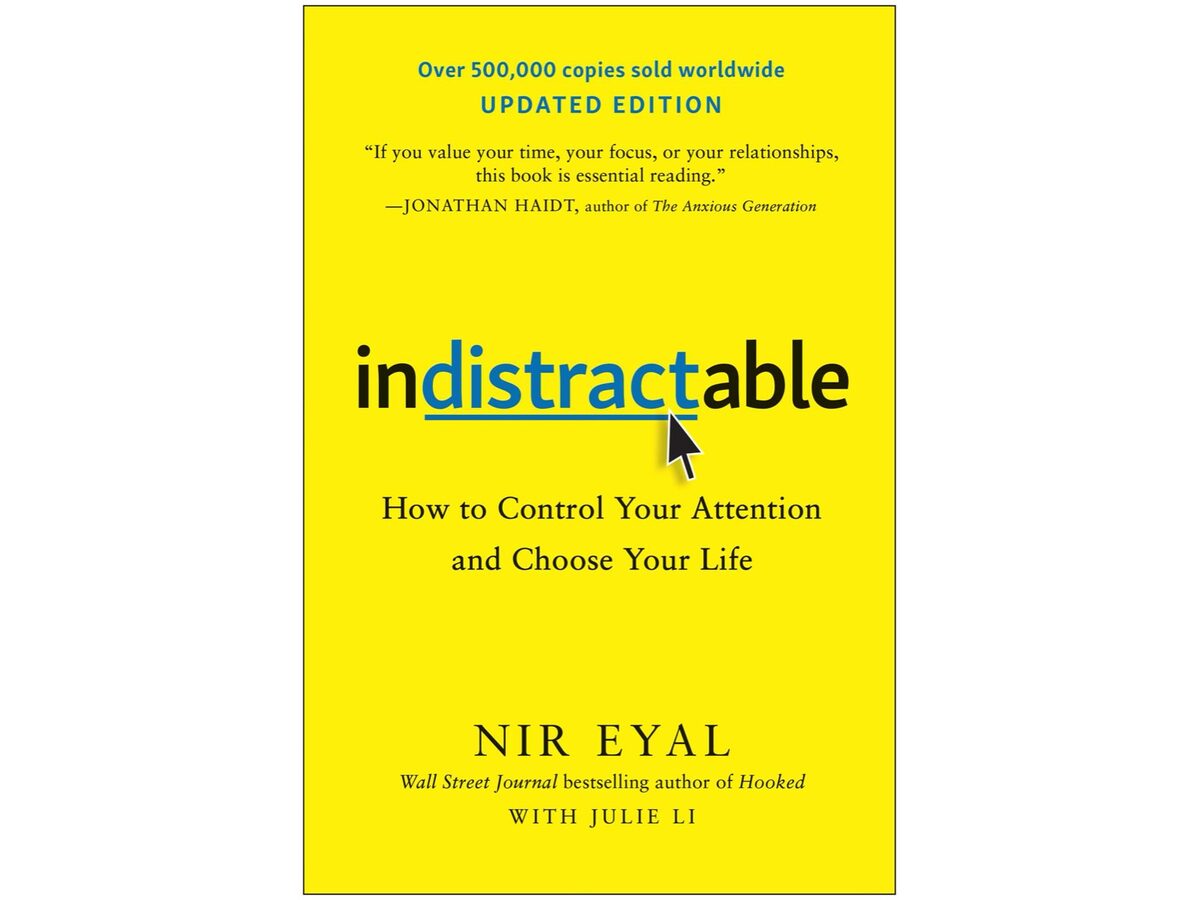
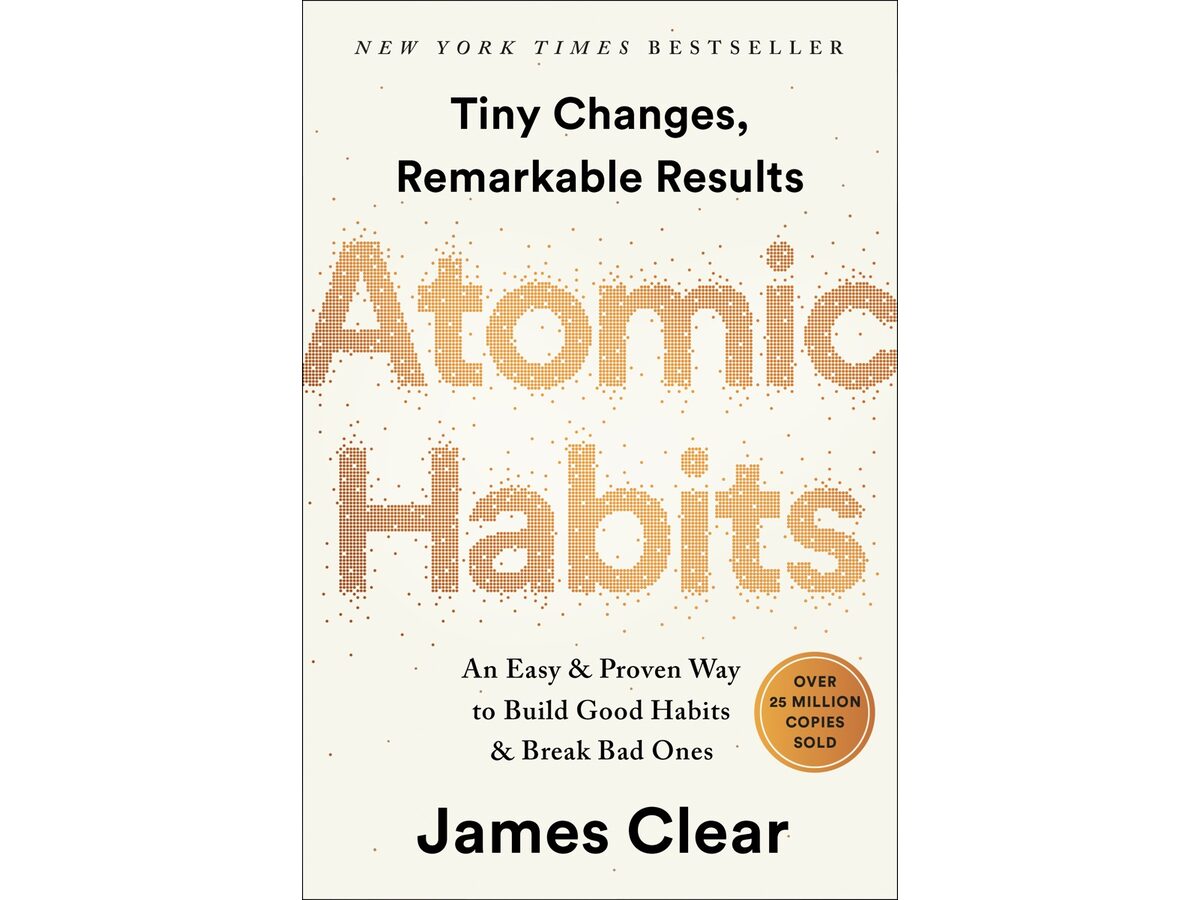
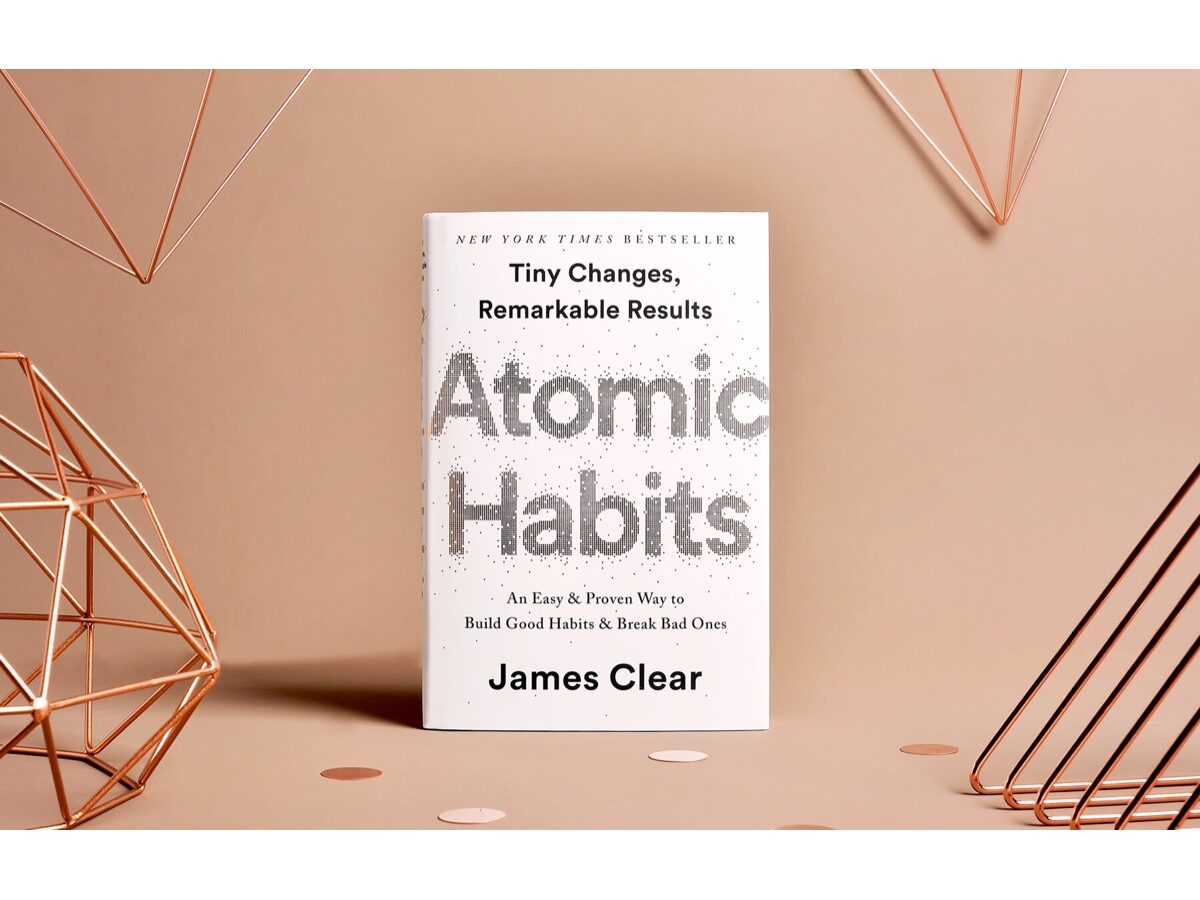
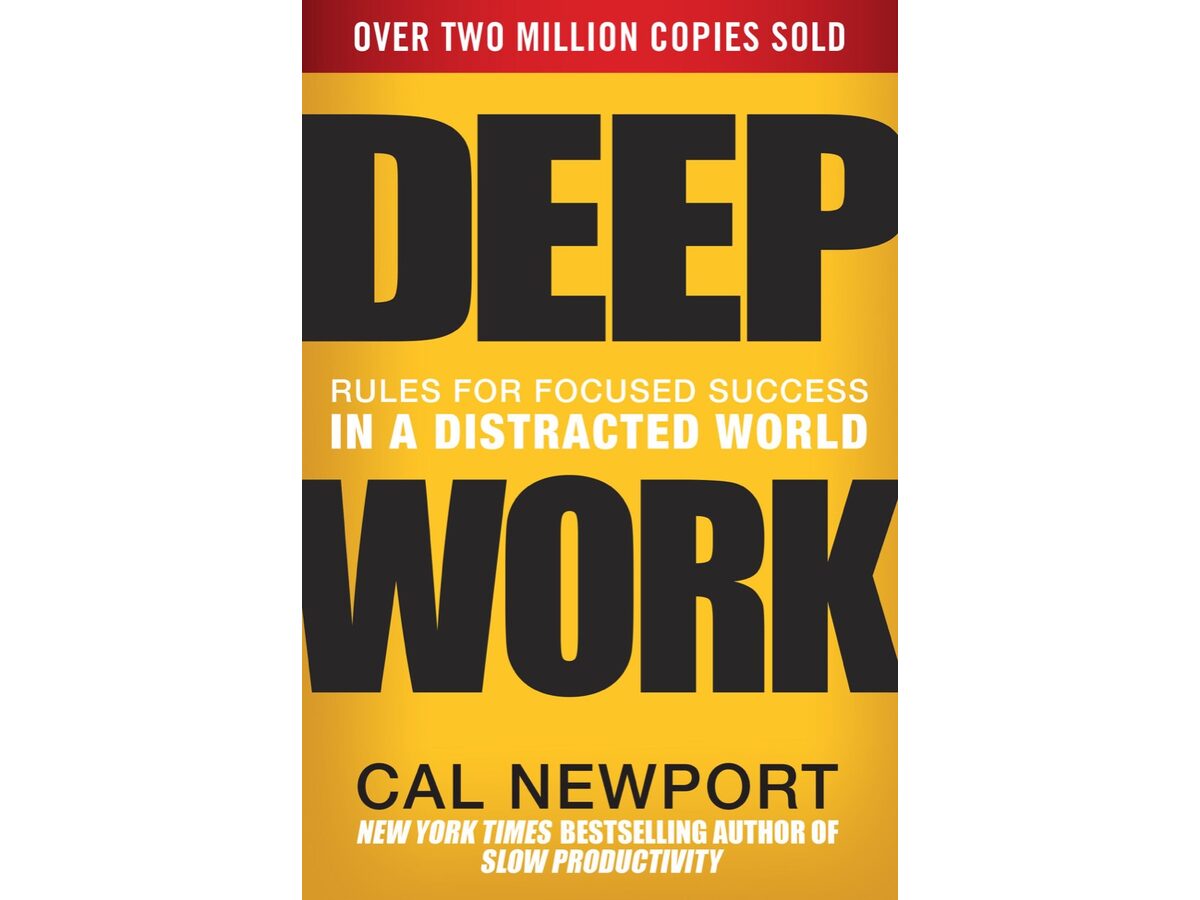
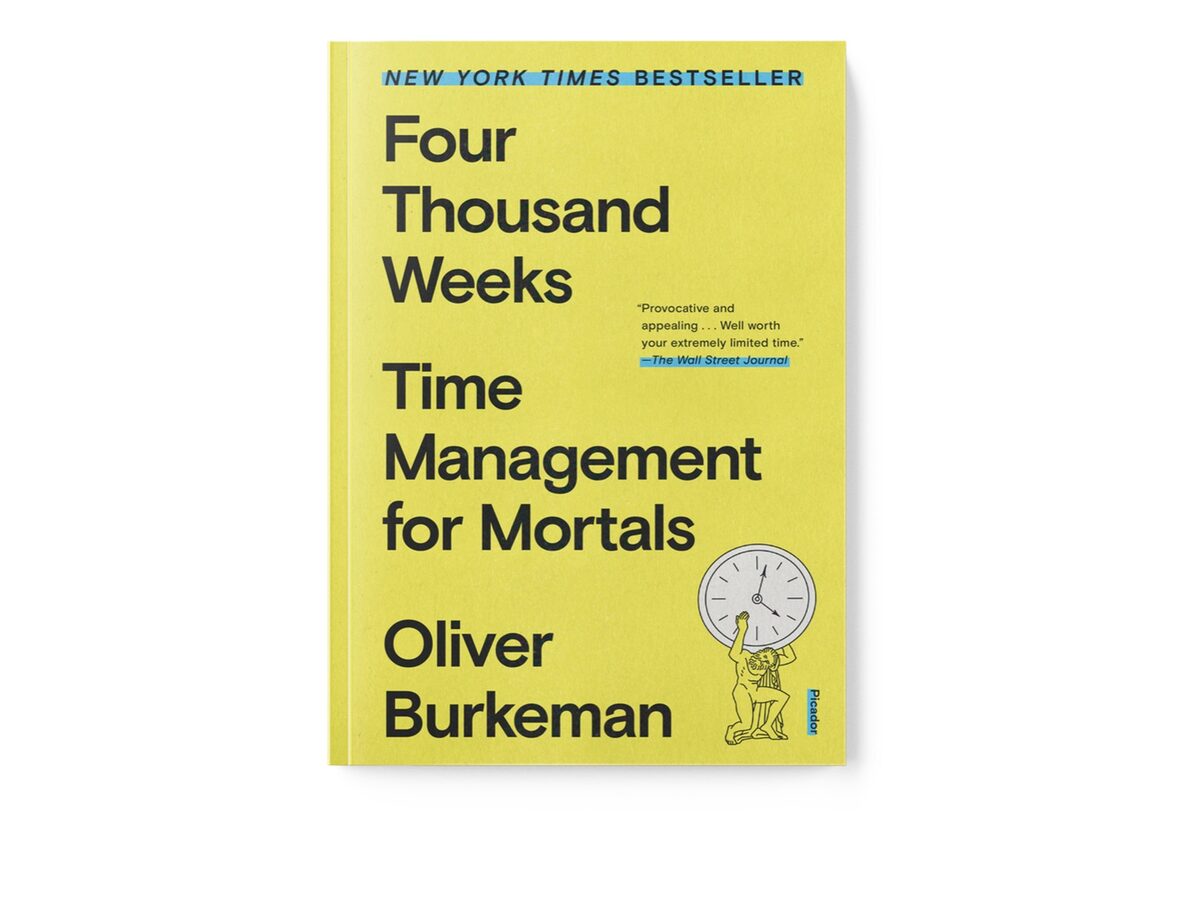
A good system beats a good intention. These books teach the habits behind the tools—and most come as audiobooks you can finish on a walk instead of abandoning on the nightstand.

07 CALENDARS

6 picks

Calendars

Digital calendars hide behind a lock screen. These keep the date, the week, and what part of the day it is in your line of sight—no unlock, no notifications.

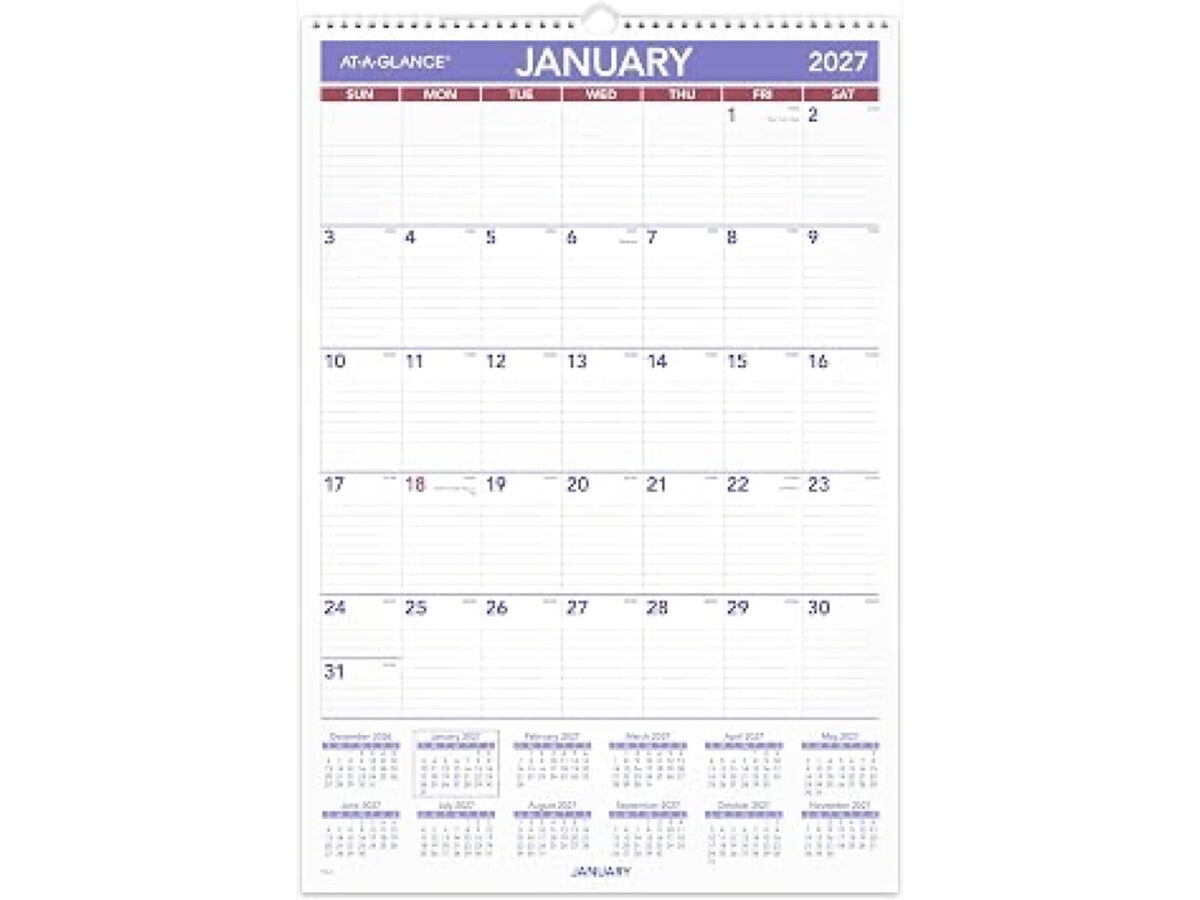
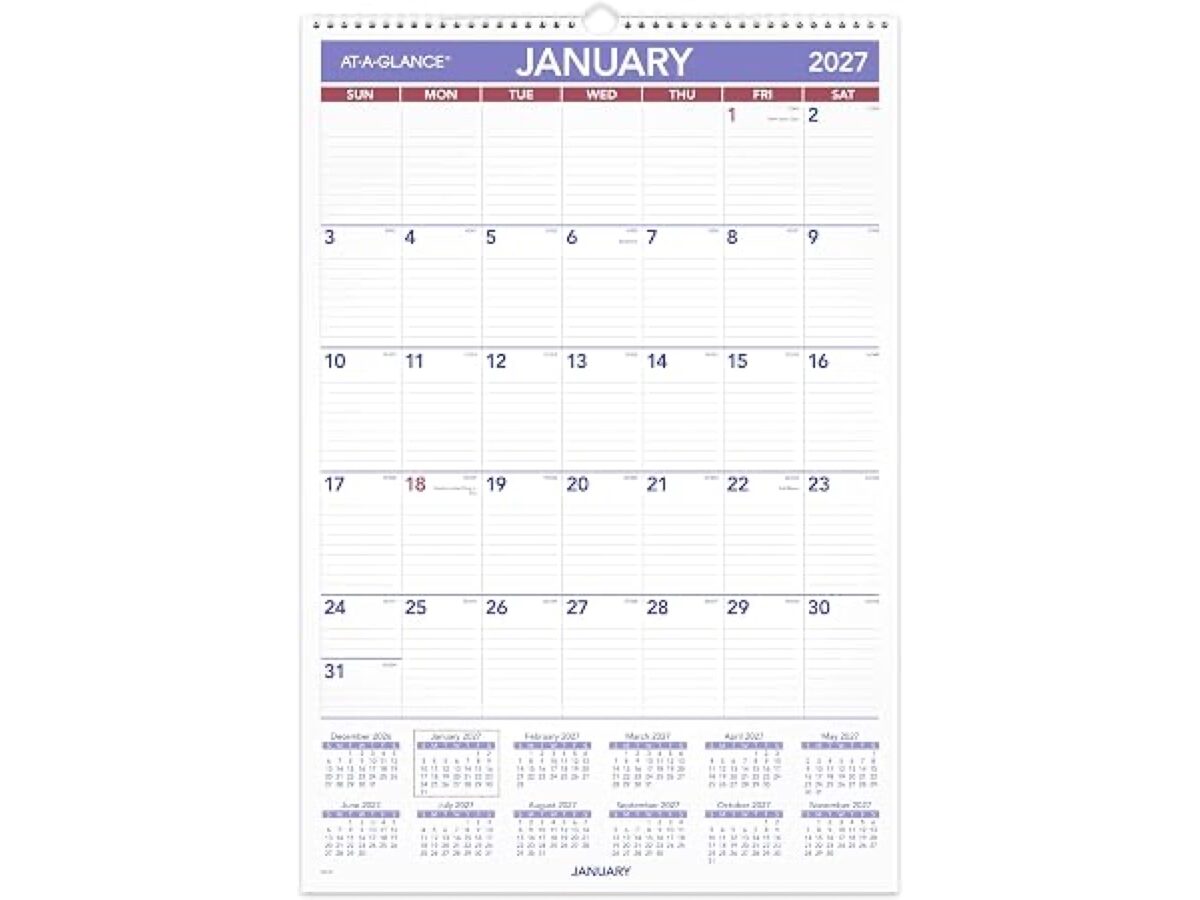
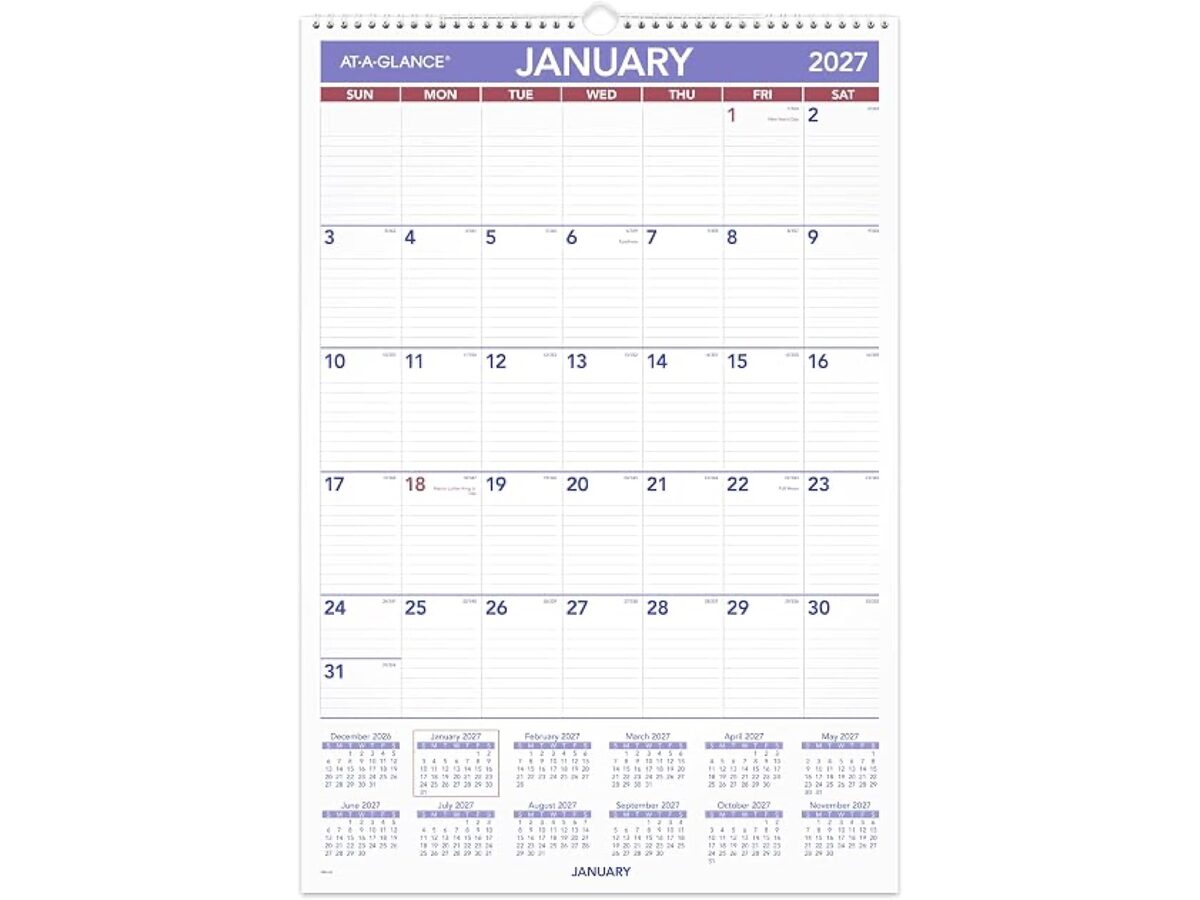
  • AT-A-GLANCE 2027 Wall Calendar

    AT-A-GLANCE

    Oversized monthly pages with ruled day blocks hang where you already look—deadlines stay readable from across the room without opening anything.

    $Best for: Paper month-at-a-glance at home or office
  • American Lifetime Day Clock

    American Lifetime

    The display spells out the day of week, date, time, and part of day in full words—helps when "what day is it?" and "how much morning is left?" blur together.

    $Best for: Desk or kitchen time-blindness anchor
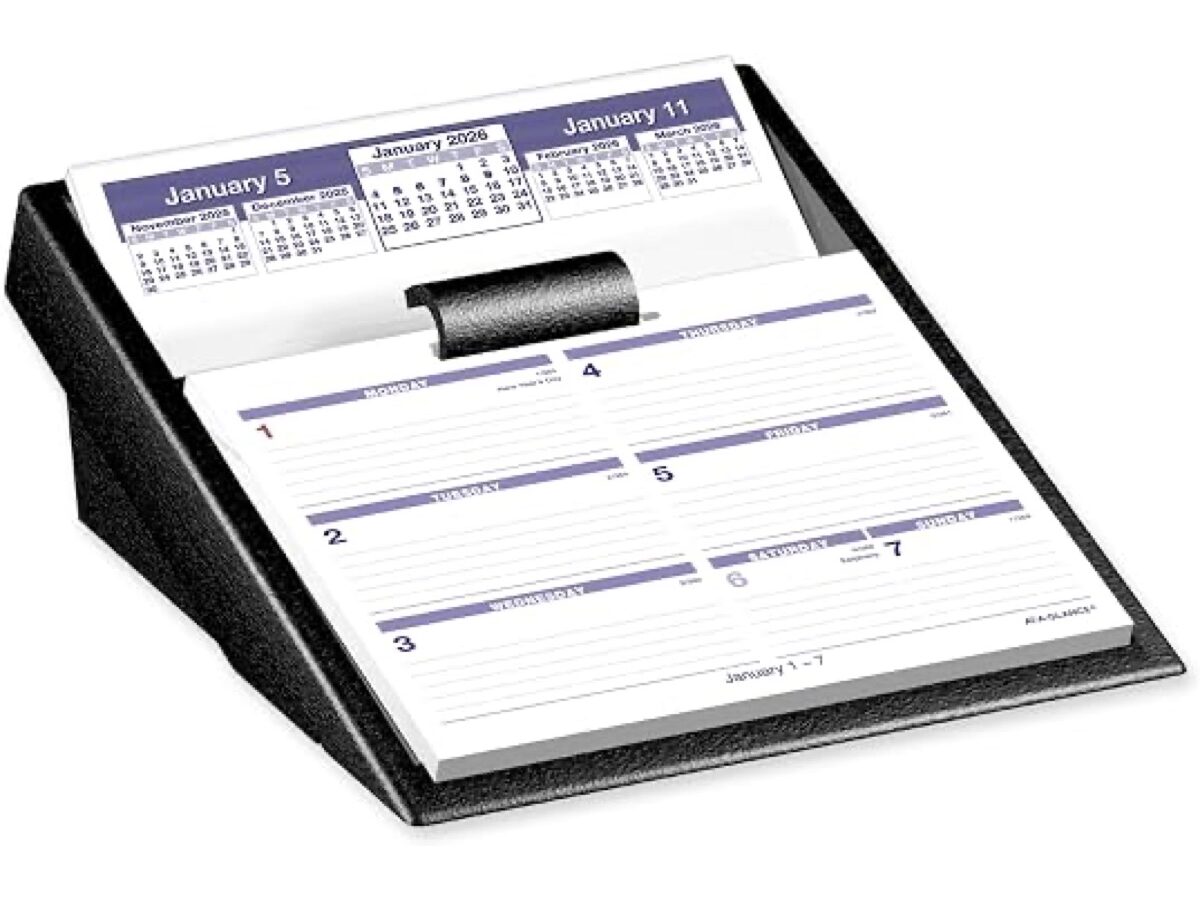
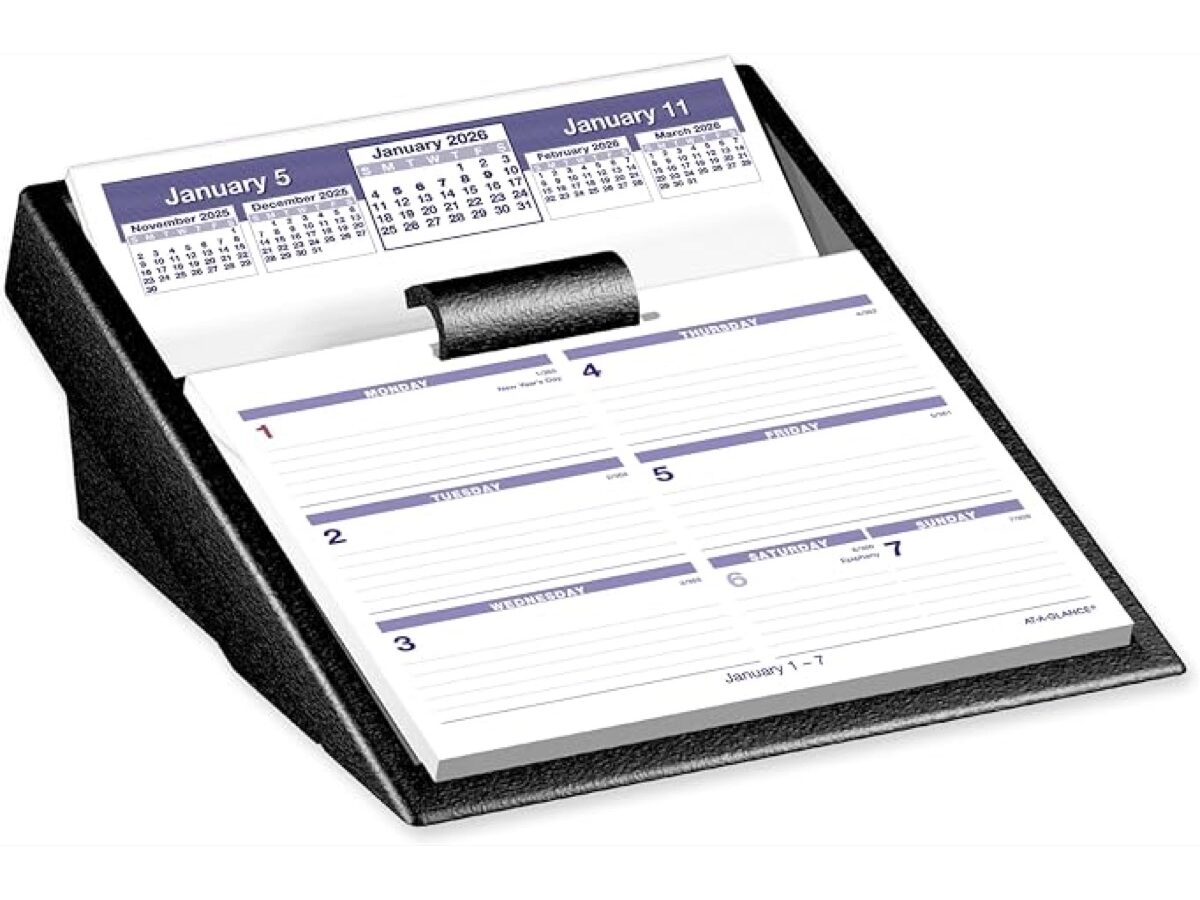
  • AT-A-GLANCE Flip-A-Week Desk Calendar

    AT-A-GLANCE

    Only the current week sits on your desk—flip the page and past weeks drop into the base so this week’s blocks stay visible while you work.

    $Best for: Flat weekly view beside the keyboard
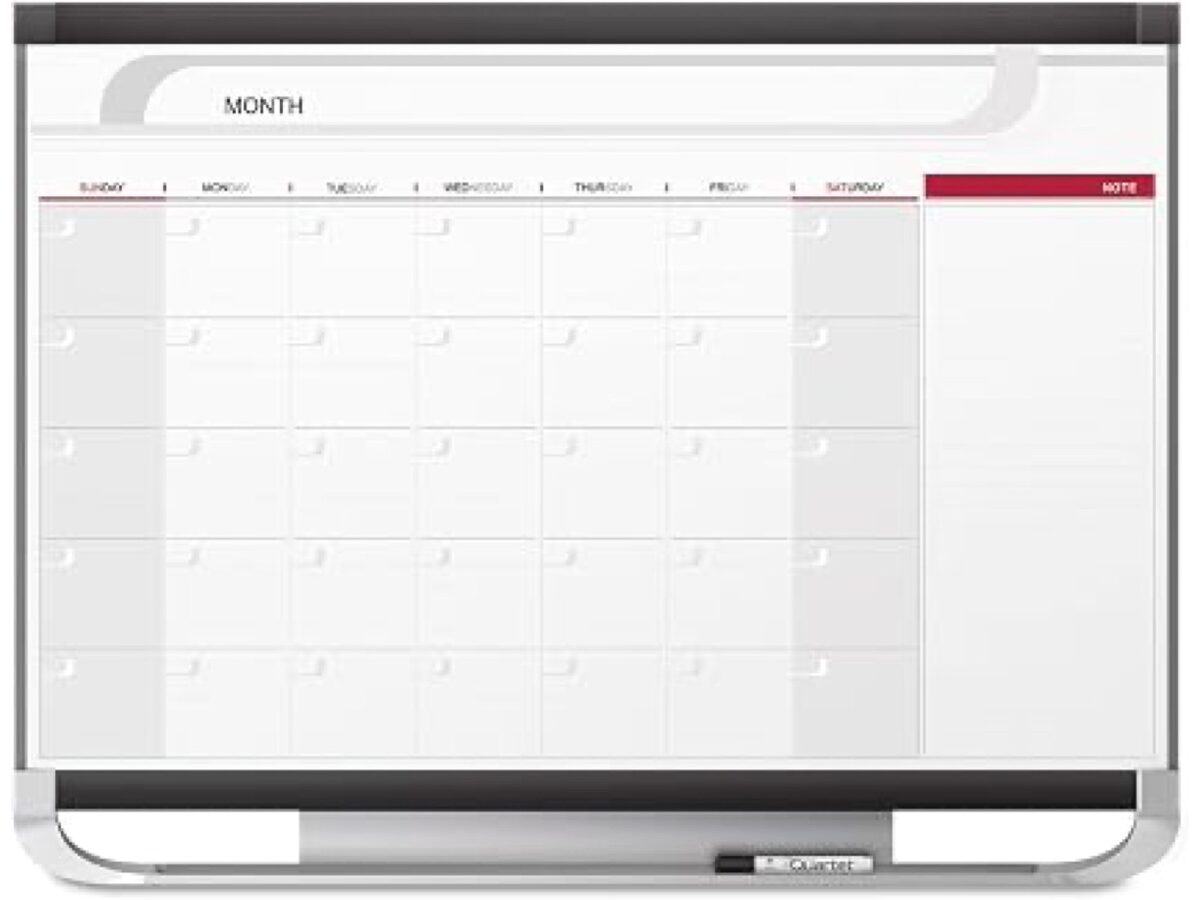
  • U Brands Weekly Dry Erase Calendar

    U Brands

    Pre-printed seven-day grid on a small wall board—wipe Sunday night and the columns are already ruled, so the week resets without rebuilding a layout.

    $Best for: Wall or cabinet weekly schedule
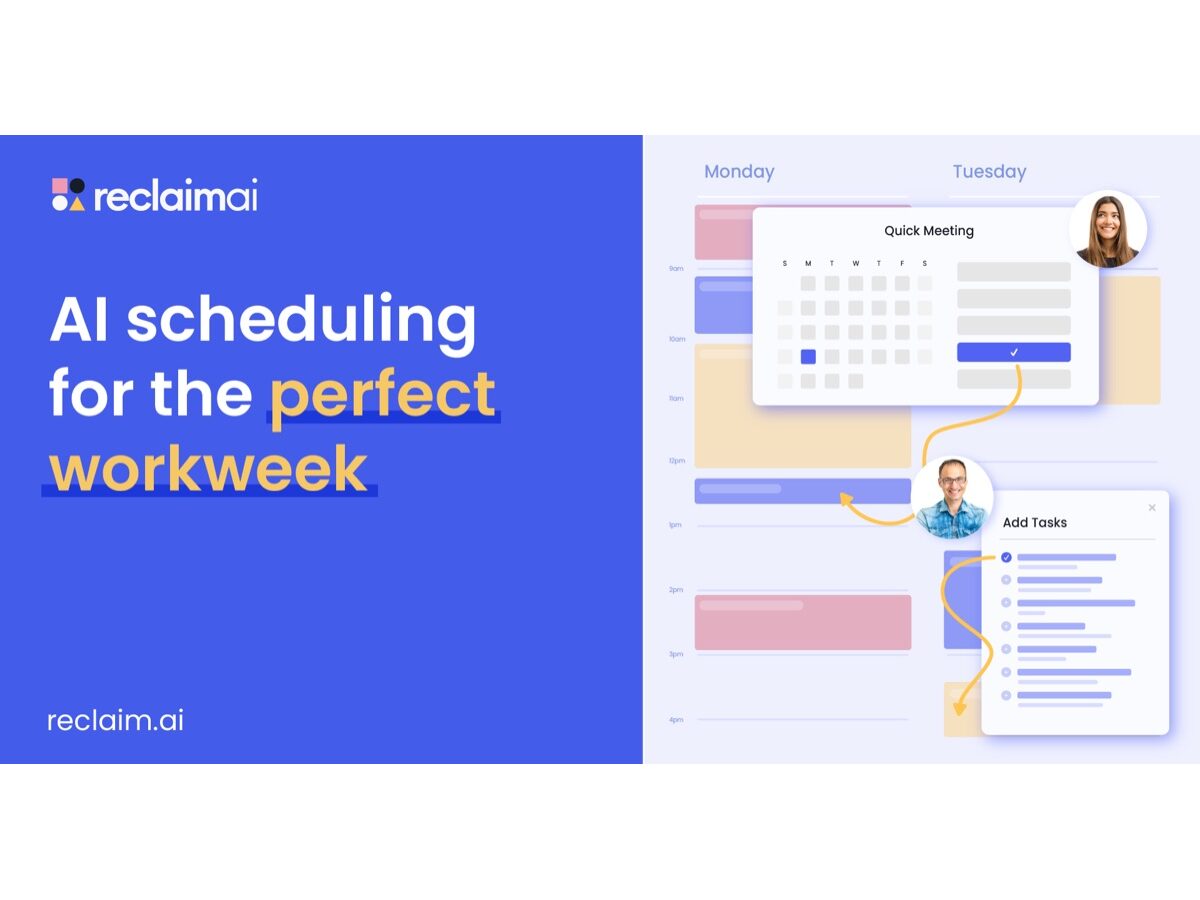
  • Reclaim.ai

    Reclaim.ai

    Connects to Google Calendar or Outlook and automatically schedules and defends focus blocks around existing meetings, then reshuffles when your day shifts.

    SubscriptionBest for: Calendar-heavy workers who lose deep-work time

08 TIMERS

7 picks

Timers

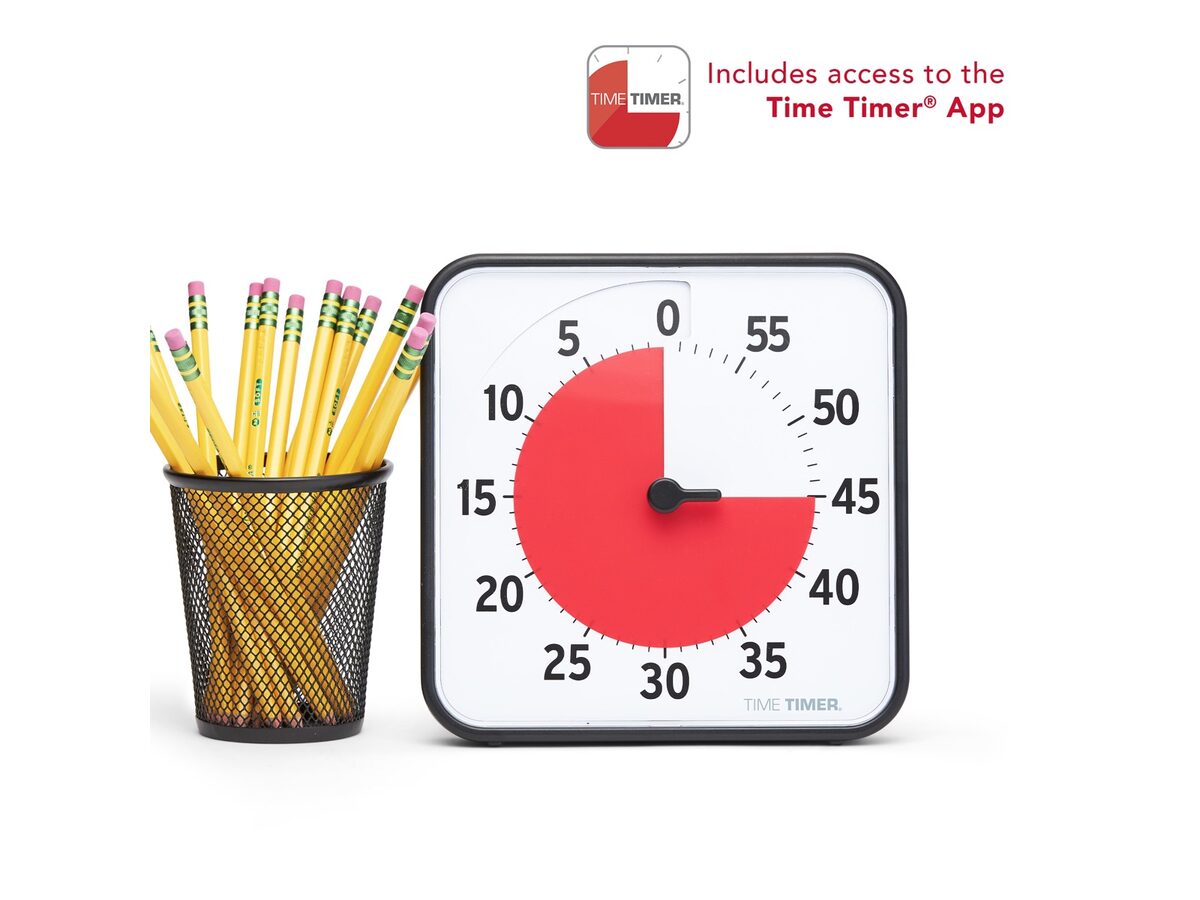
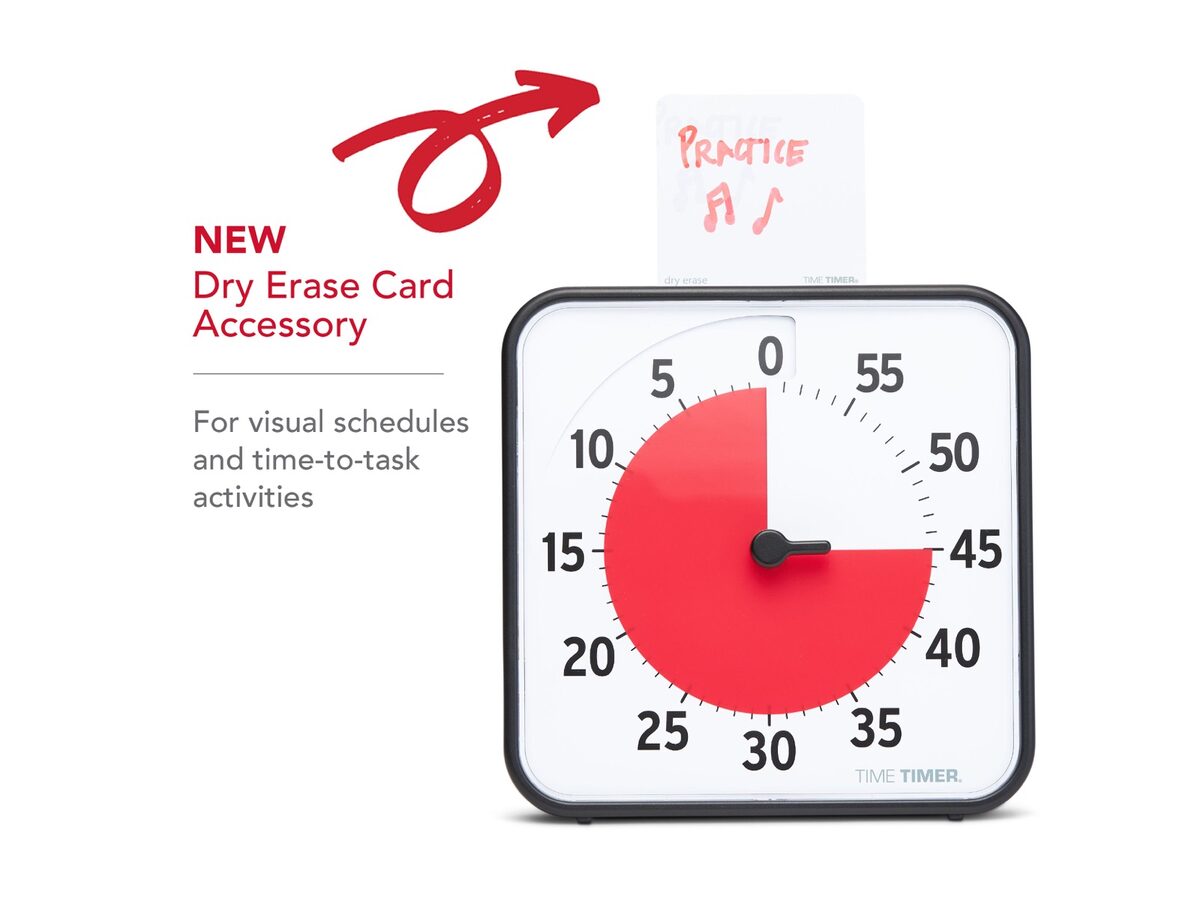
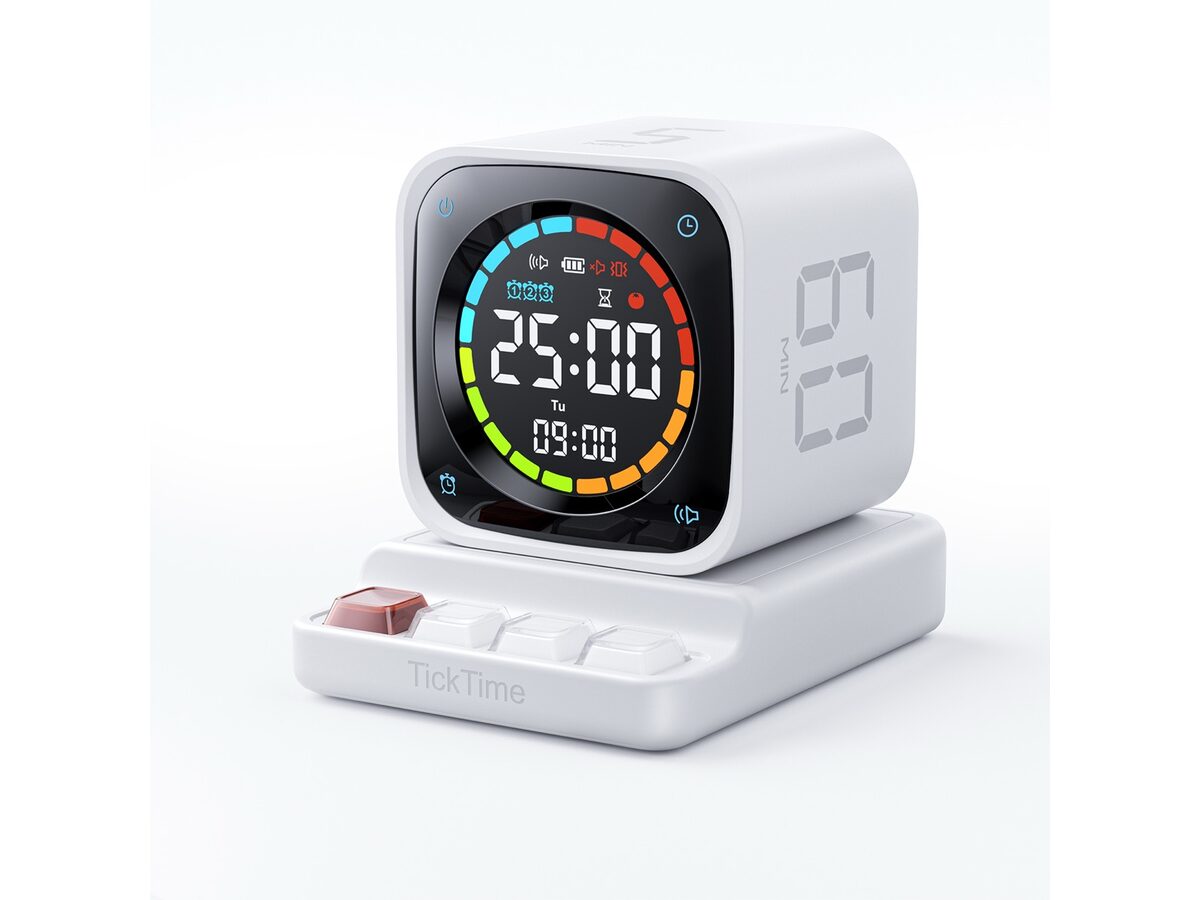
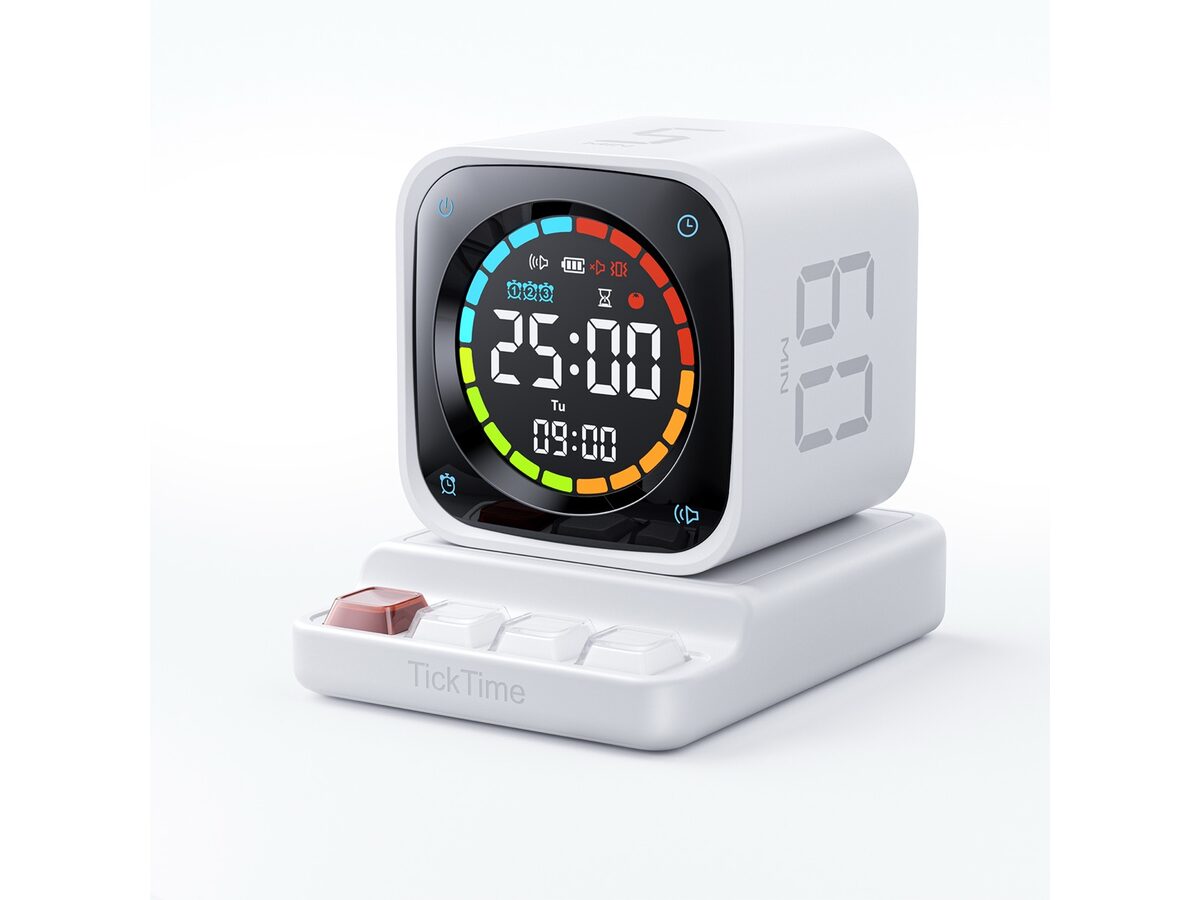
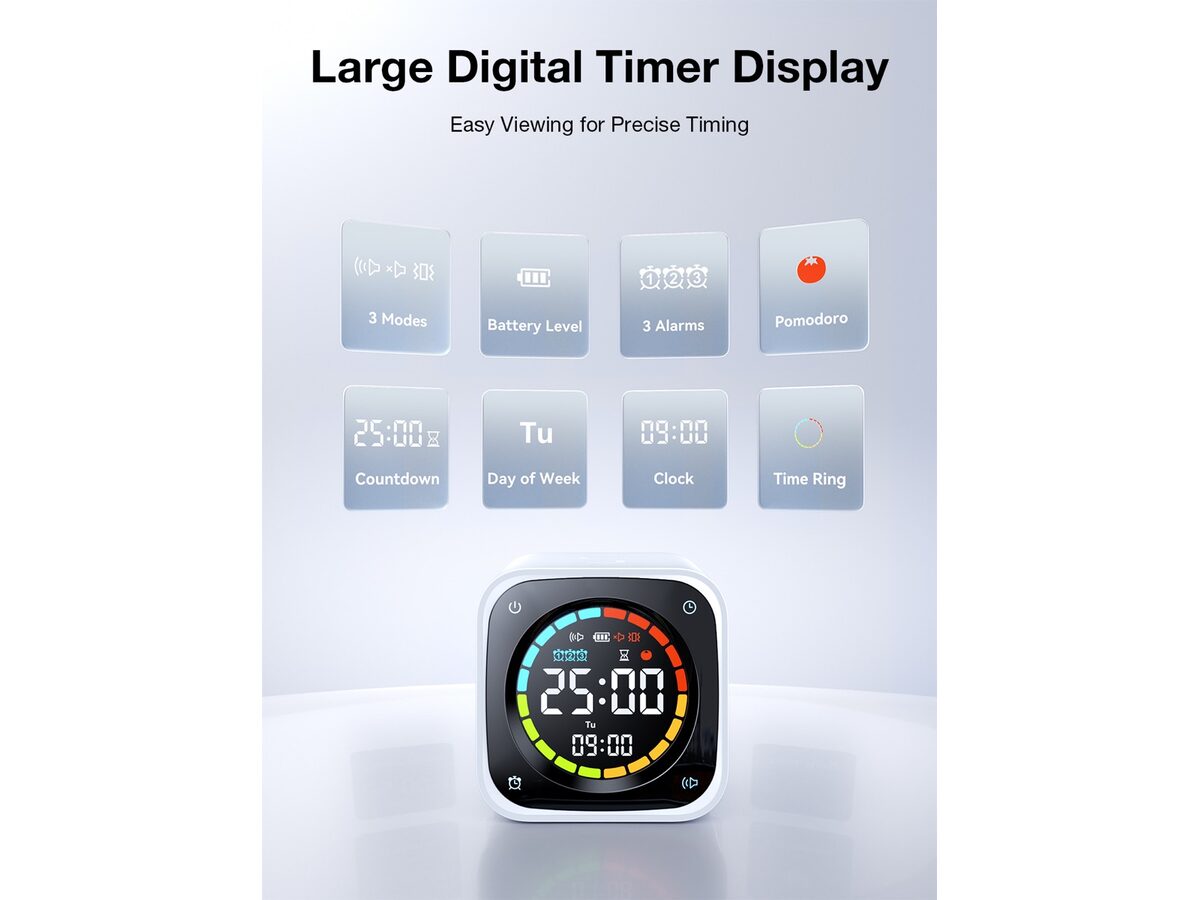
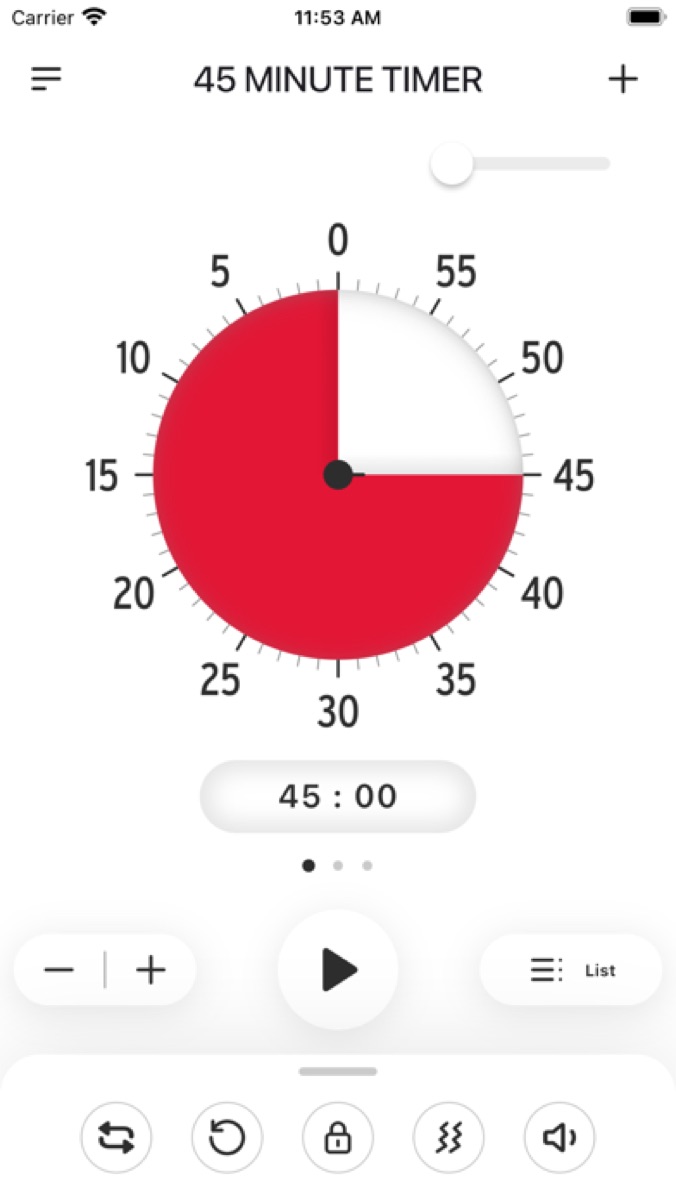
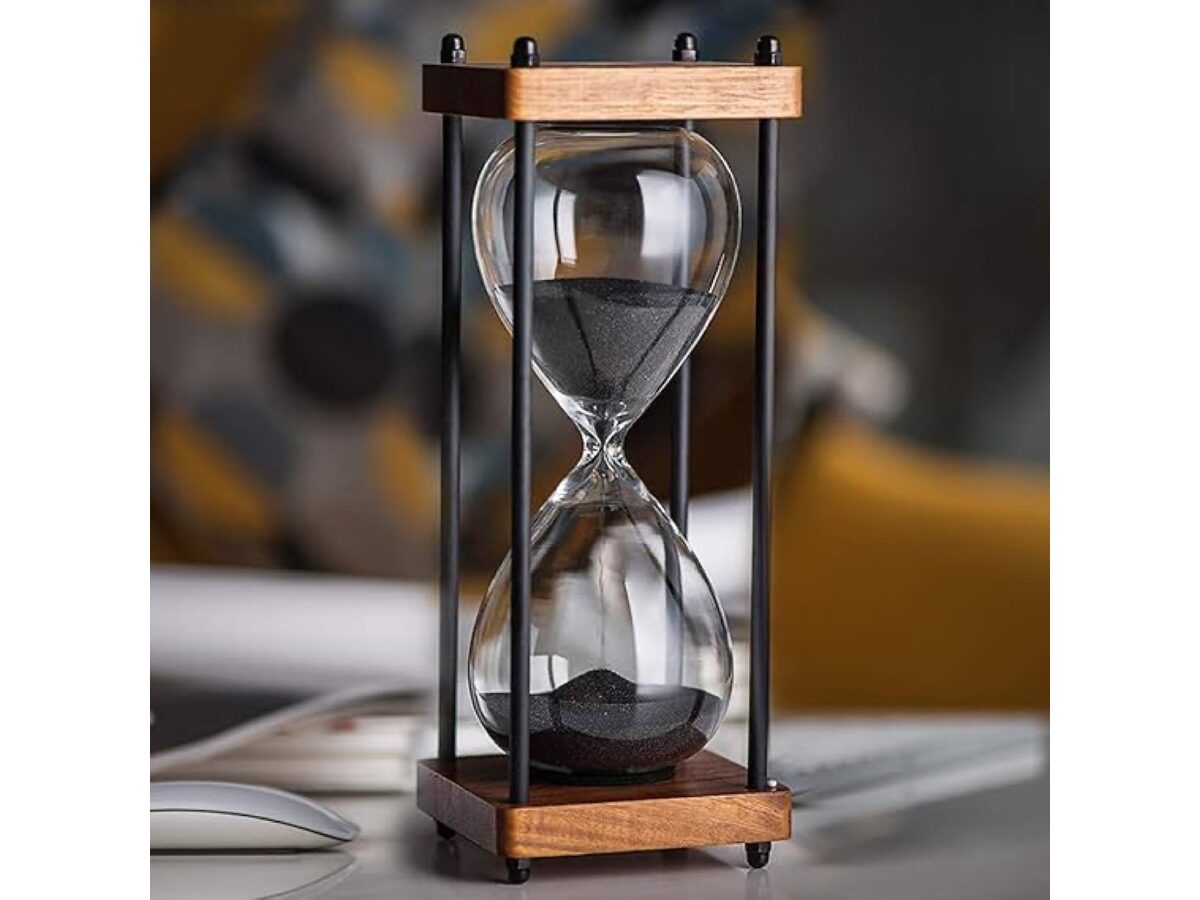
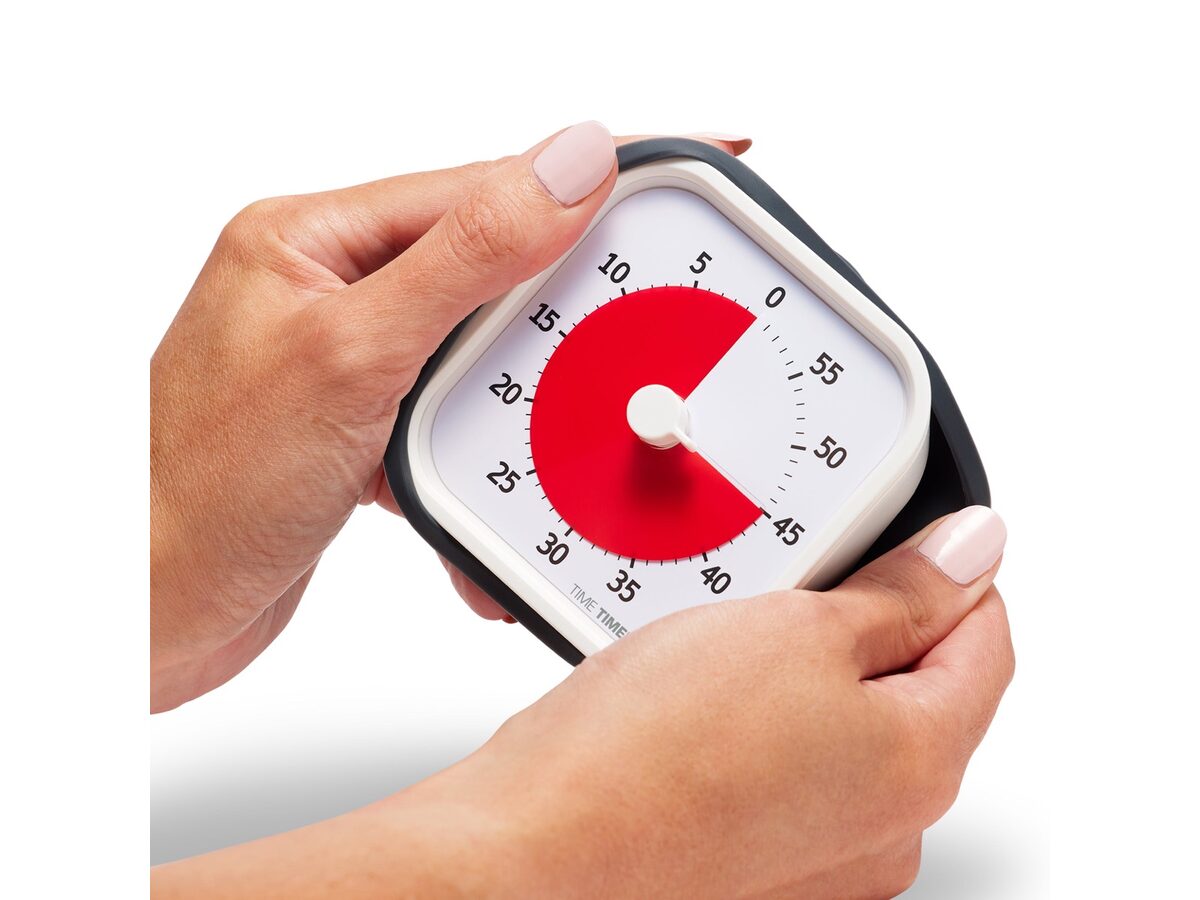
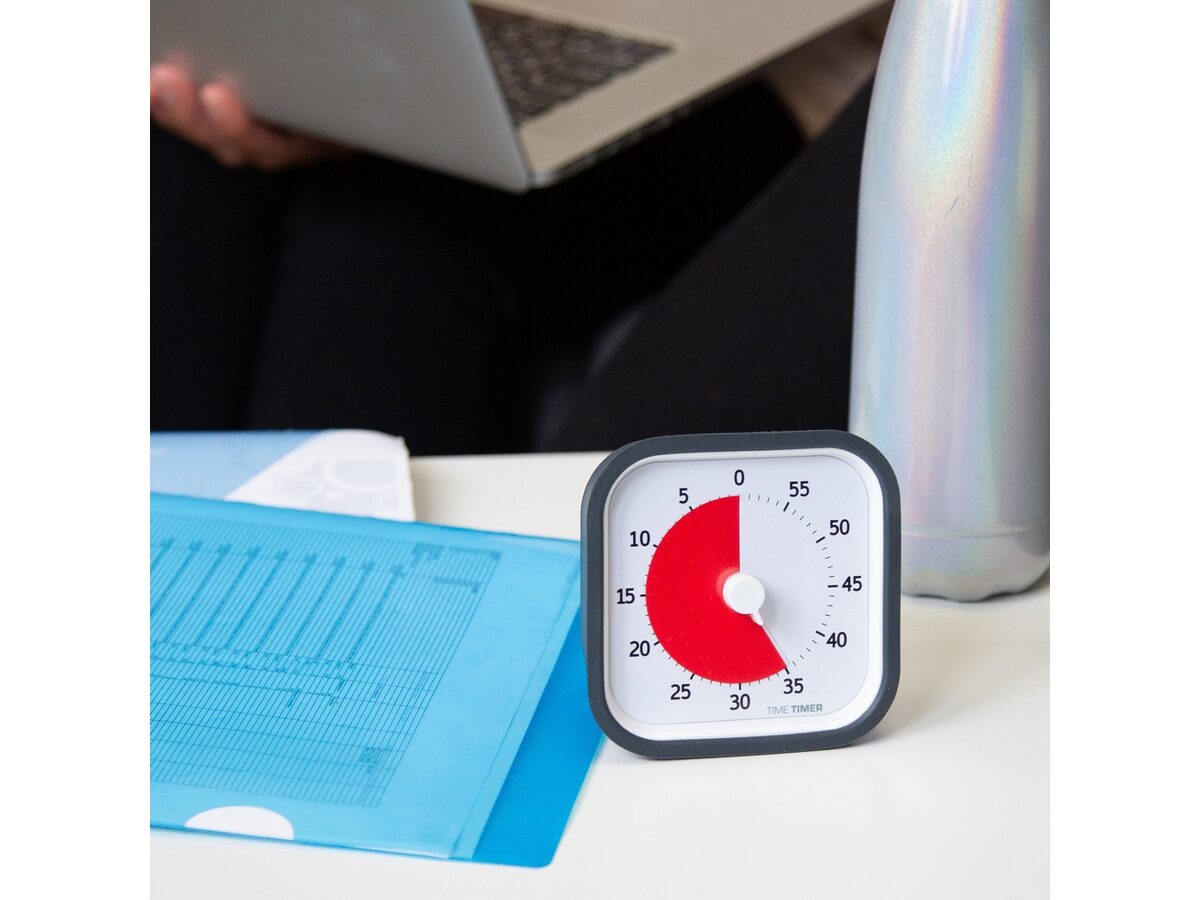
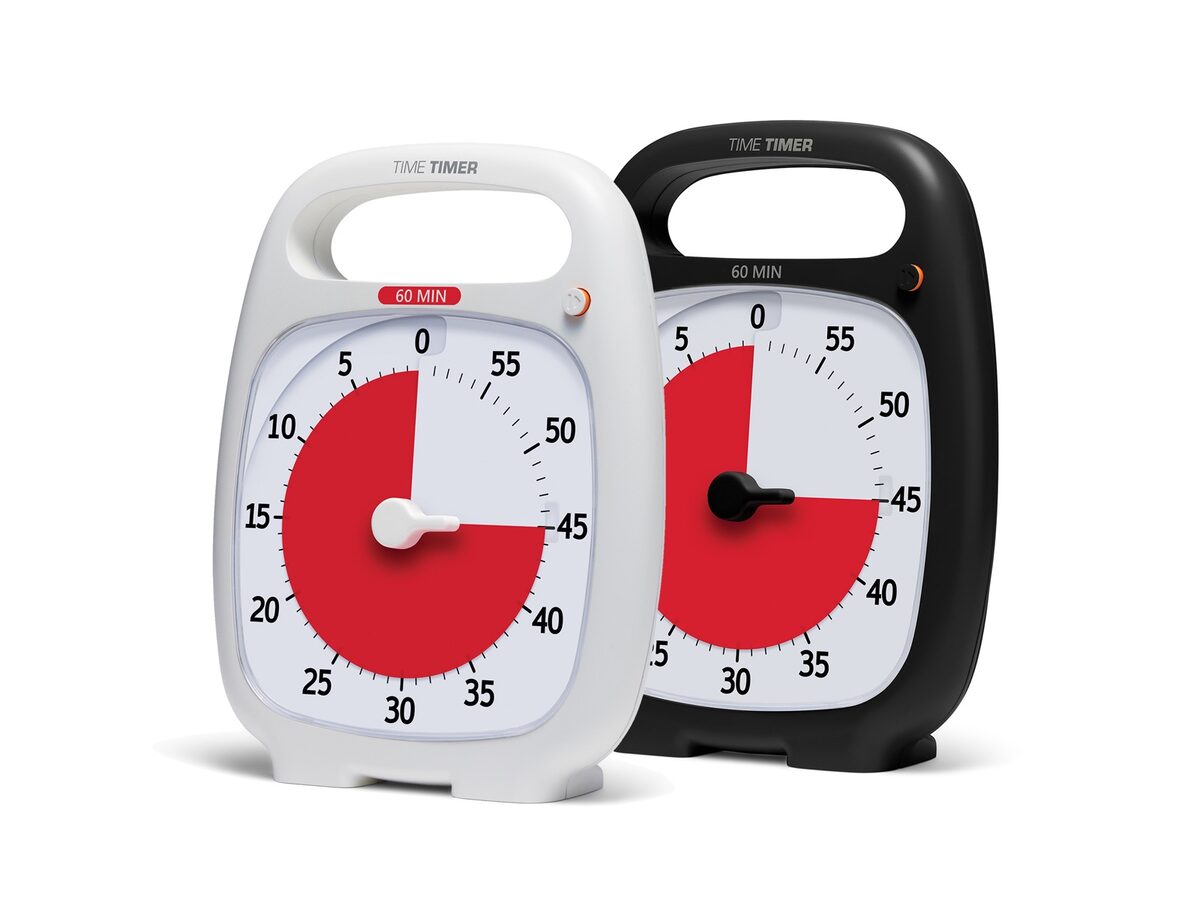
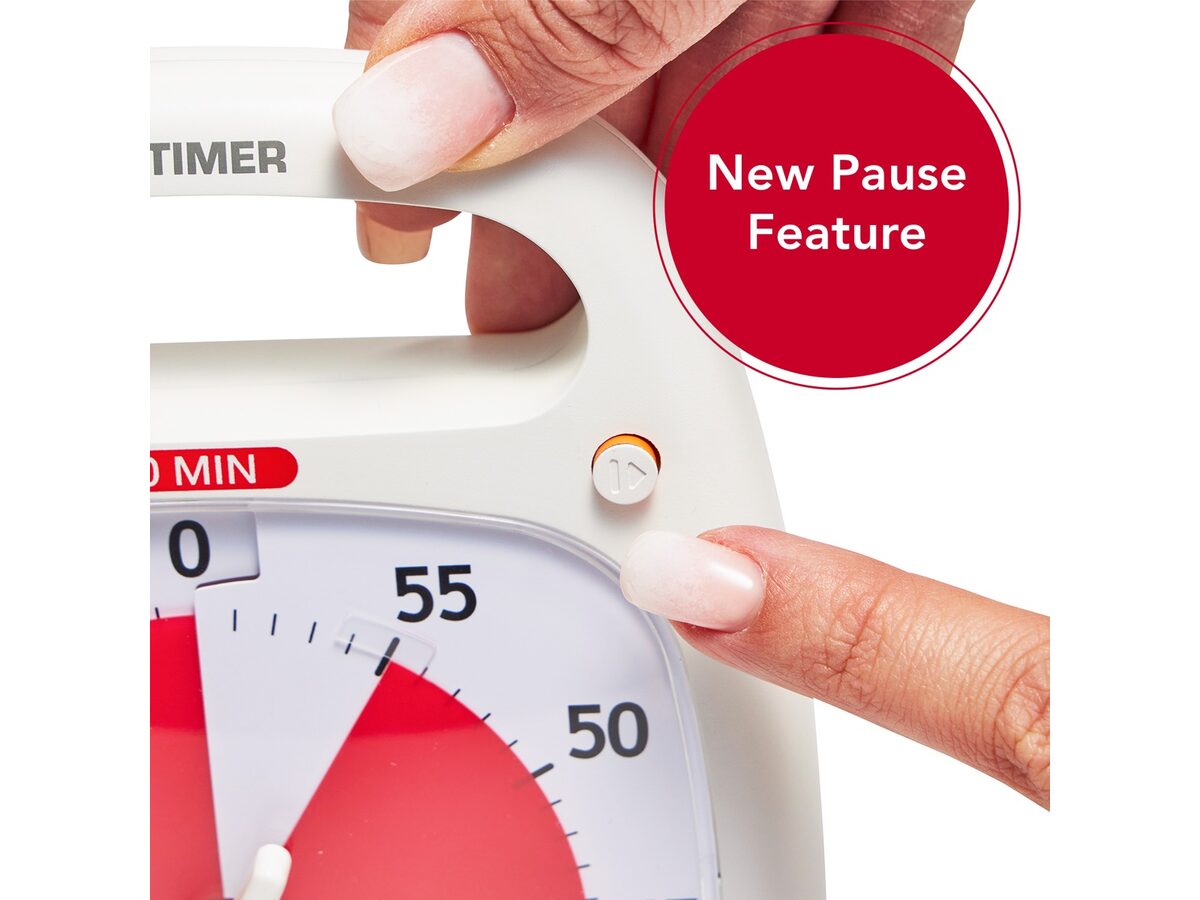
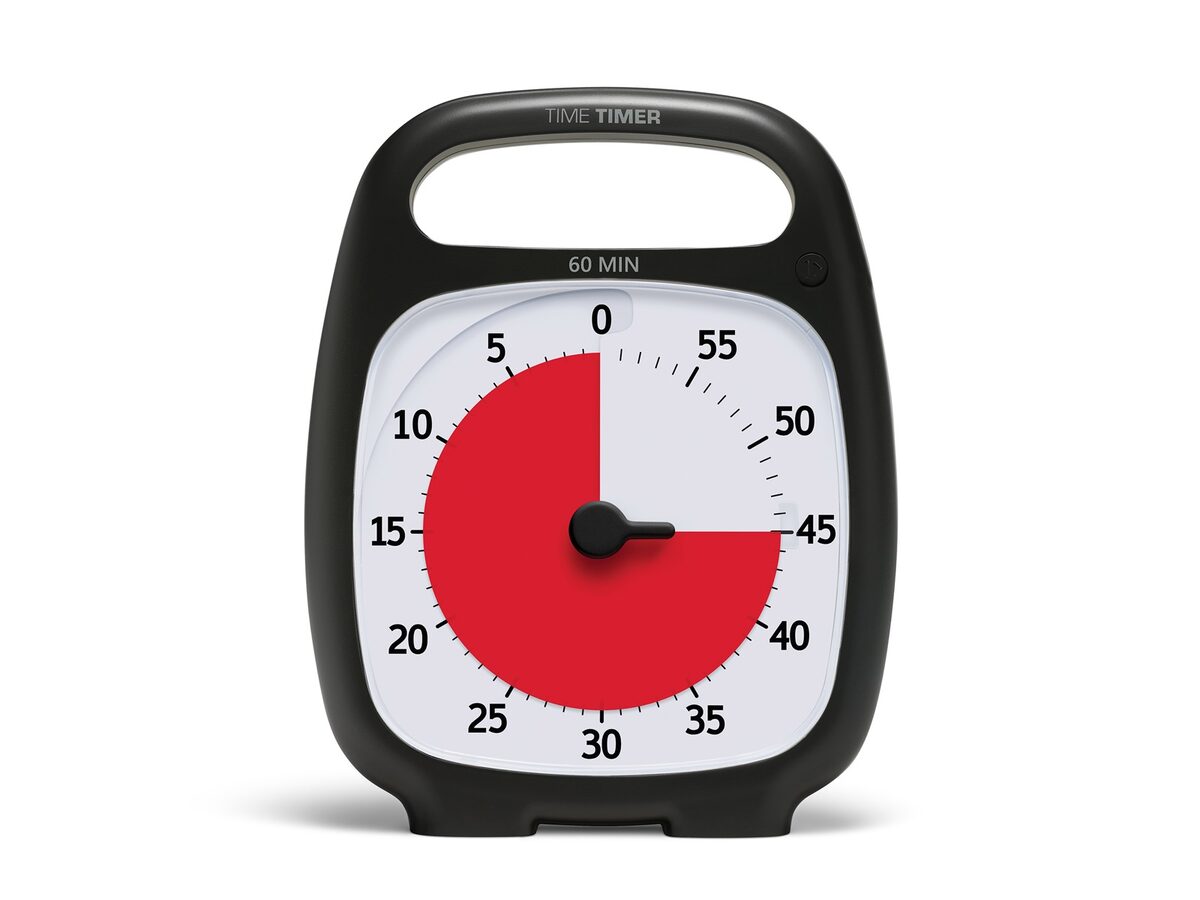
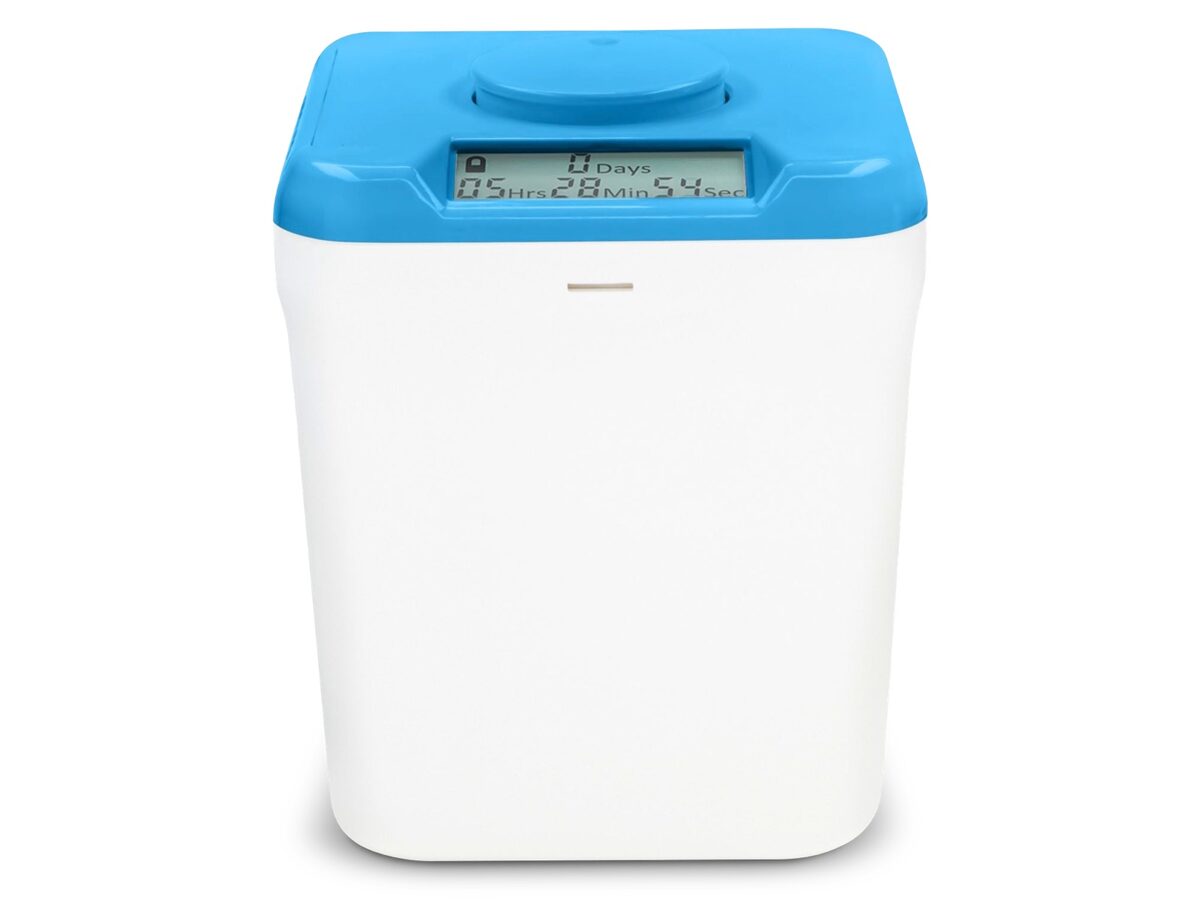
Clocks tell time; timers show how much is left. Visible countdowns make starts and stops easier to honor.
09 FIND YOUR STUFF

4 picks

Find your stuff

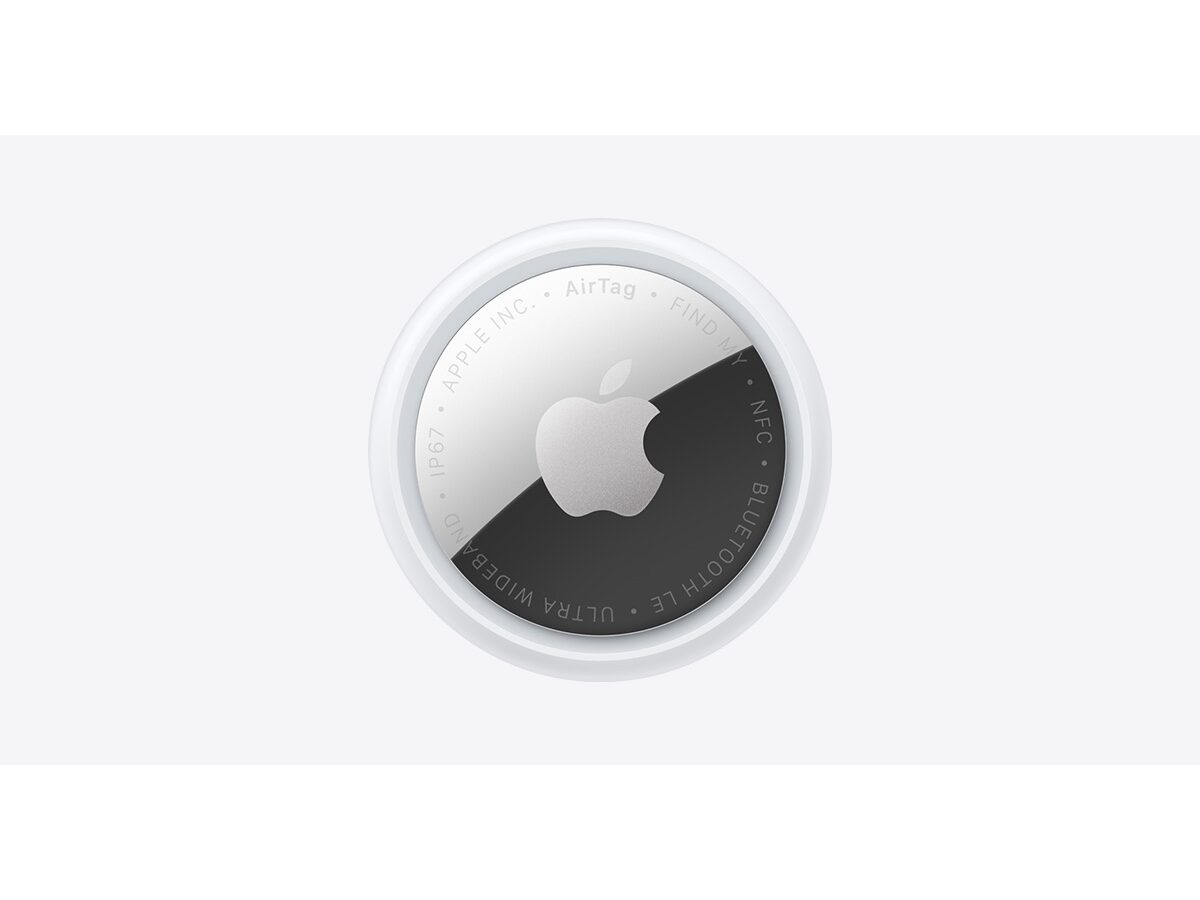
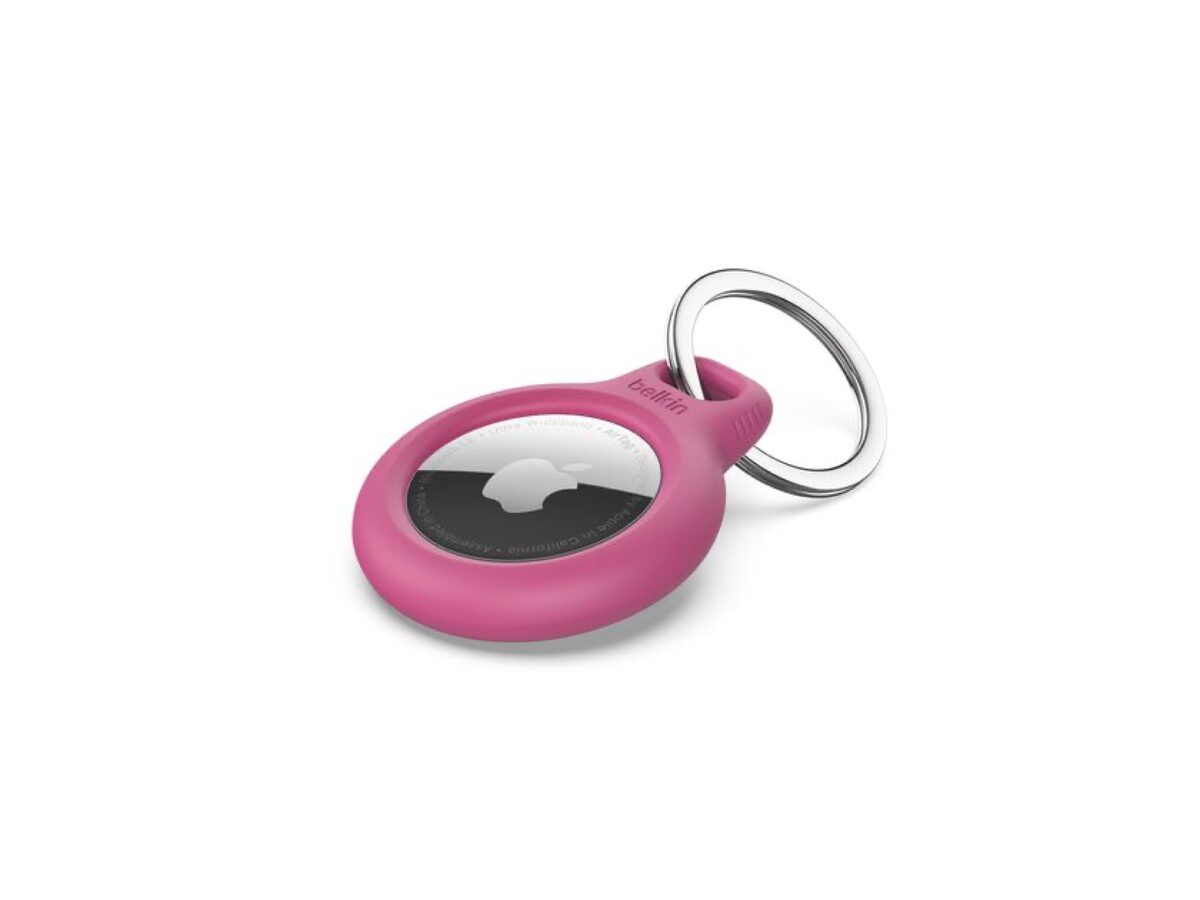
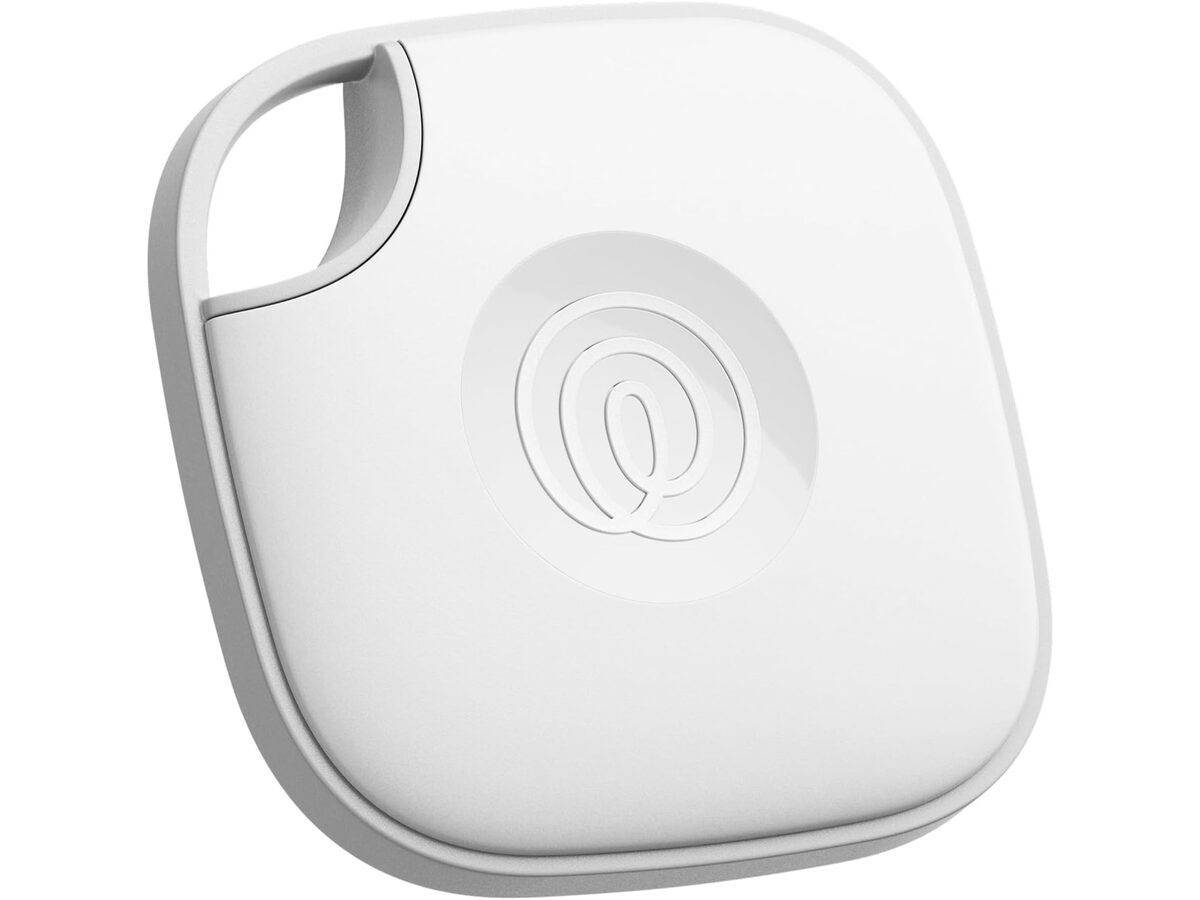
Searching for keys or a wallet burns focus before the real task starts. Trackers and a fixed drop zone cut those repeat scavenger hunts.

10 DESK SETUP

9 picks

Desk setup

Clutter and bad light pull attention away from the task. These keep the workspace readable, labeled, and easier to reset between sessions.

11 FIDGETS AND MOVEMENT

8 picks

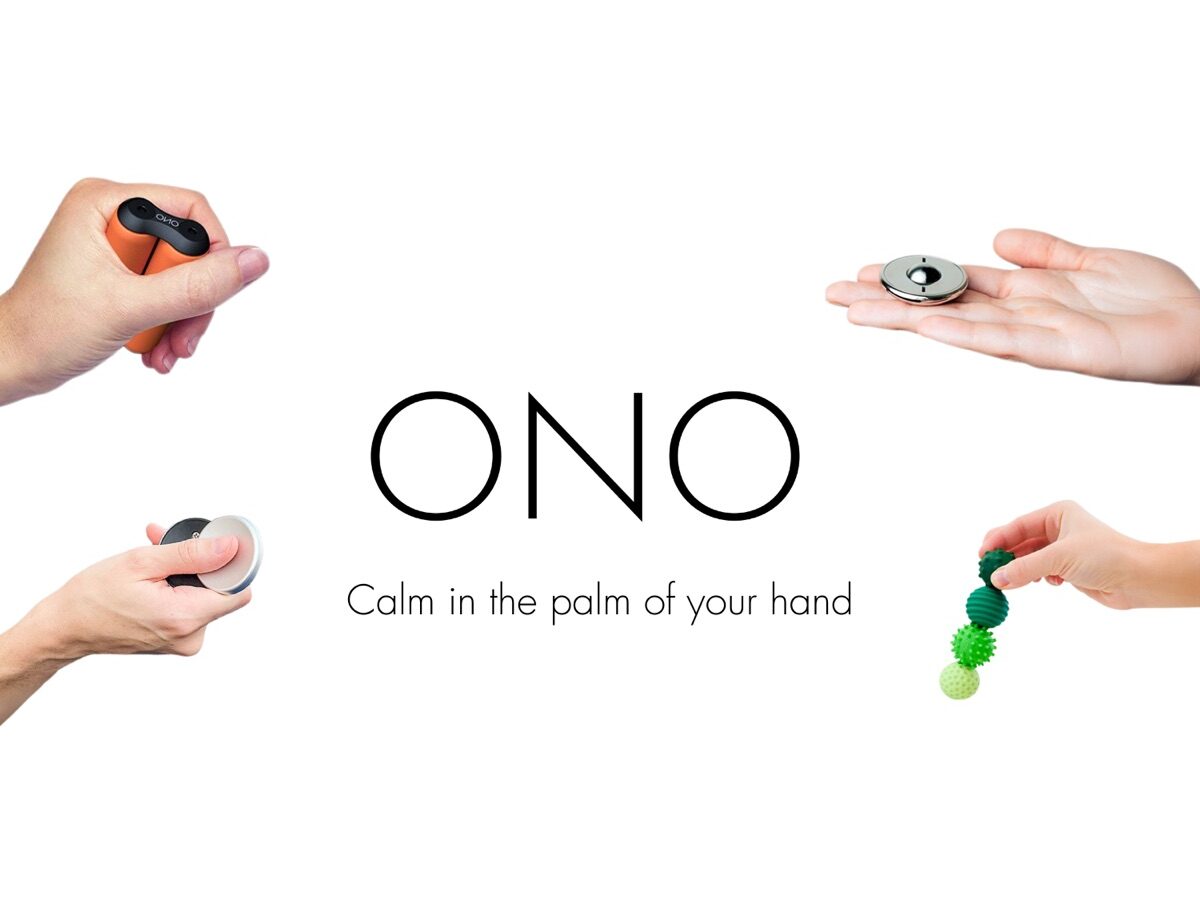
Fidgets and movement

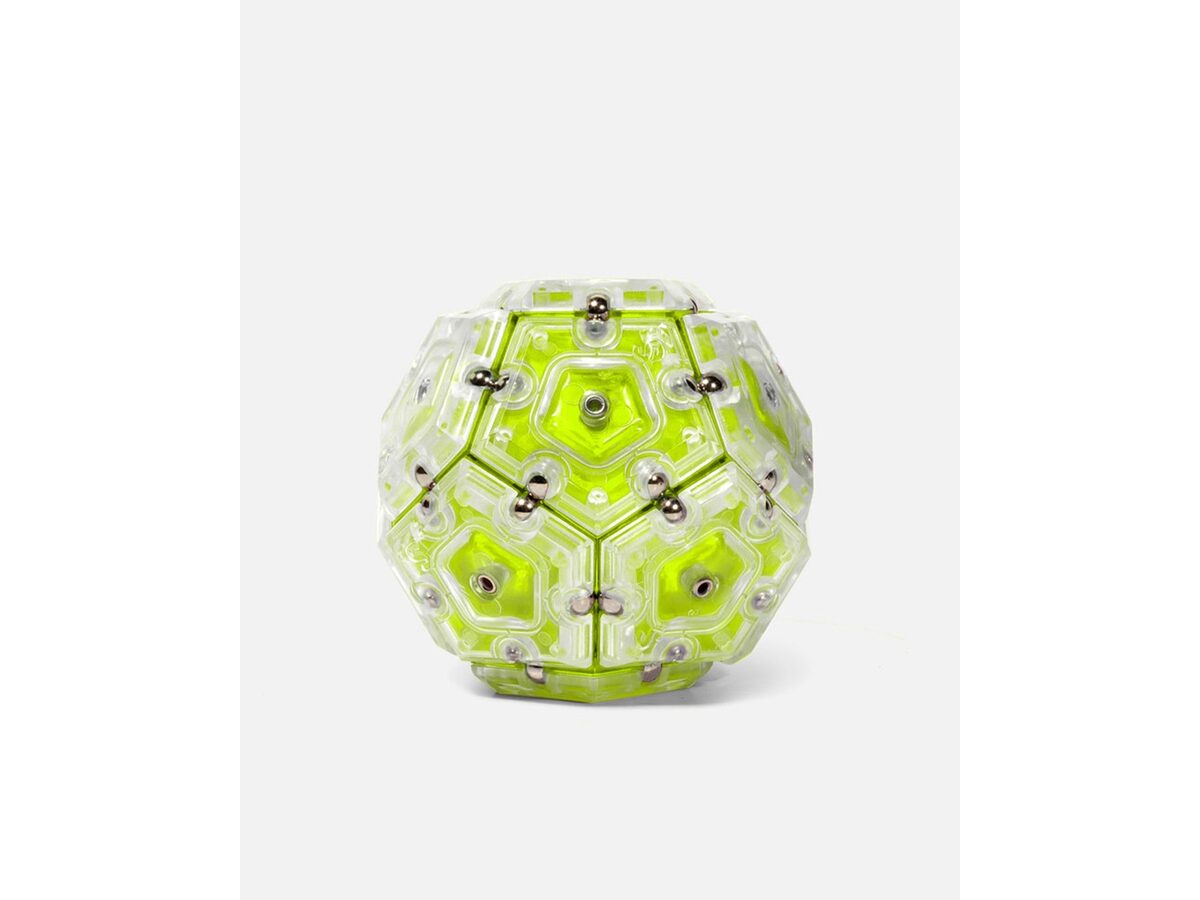
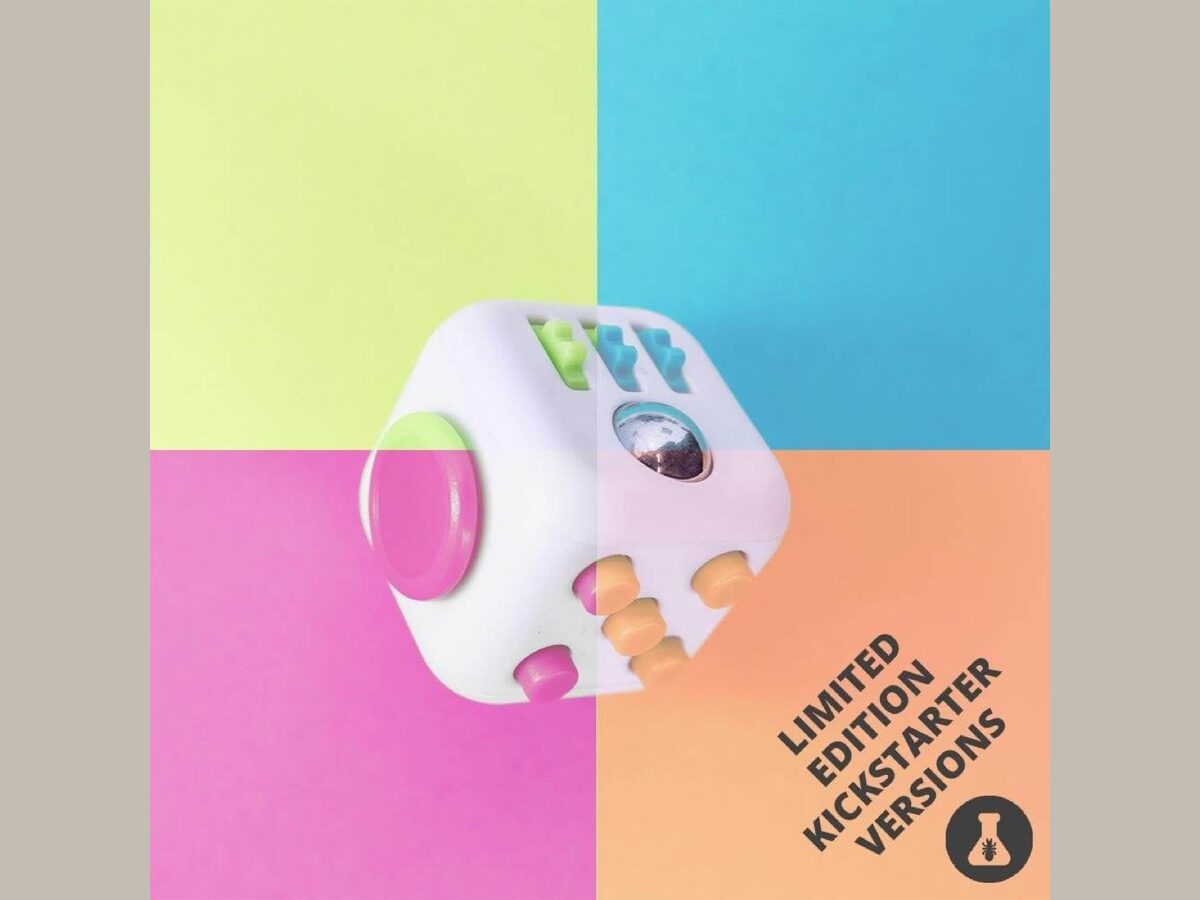
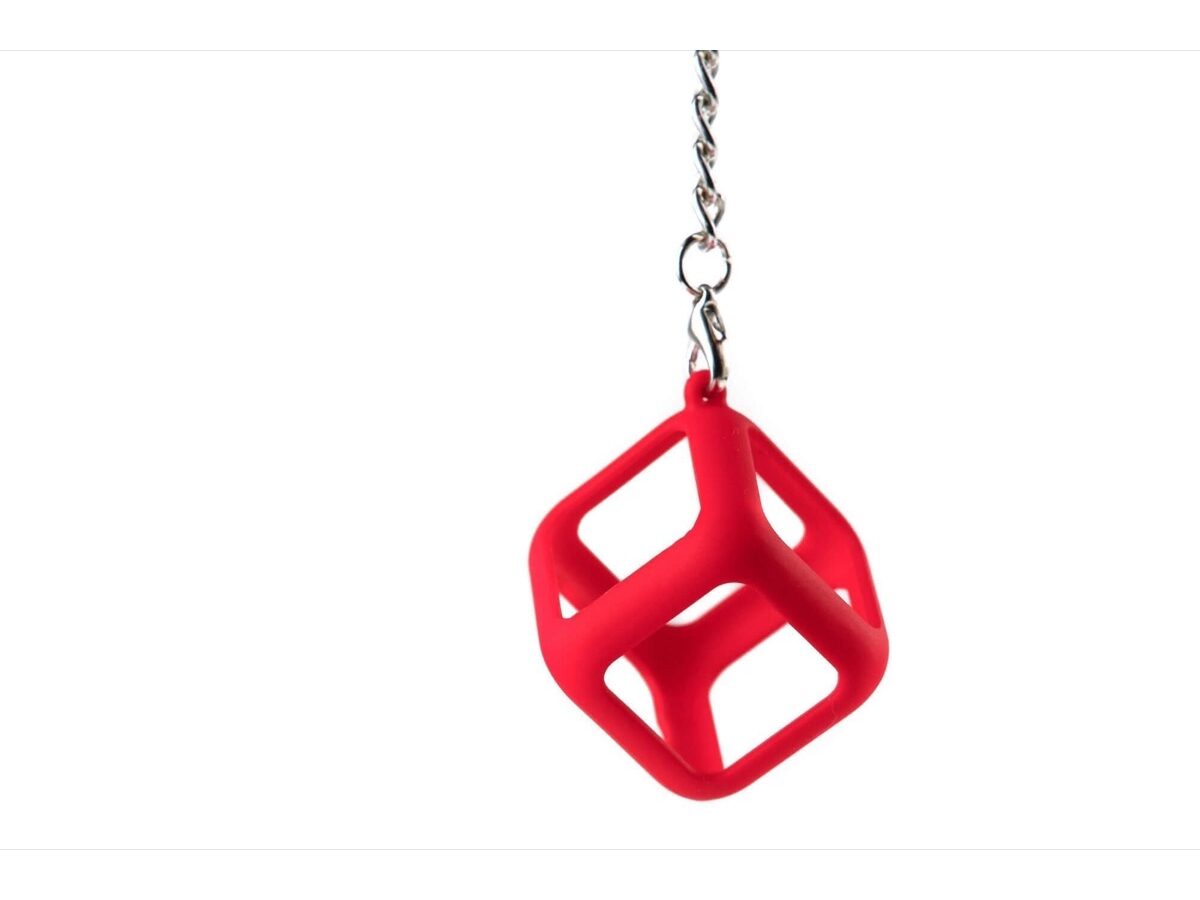
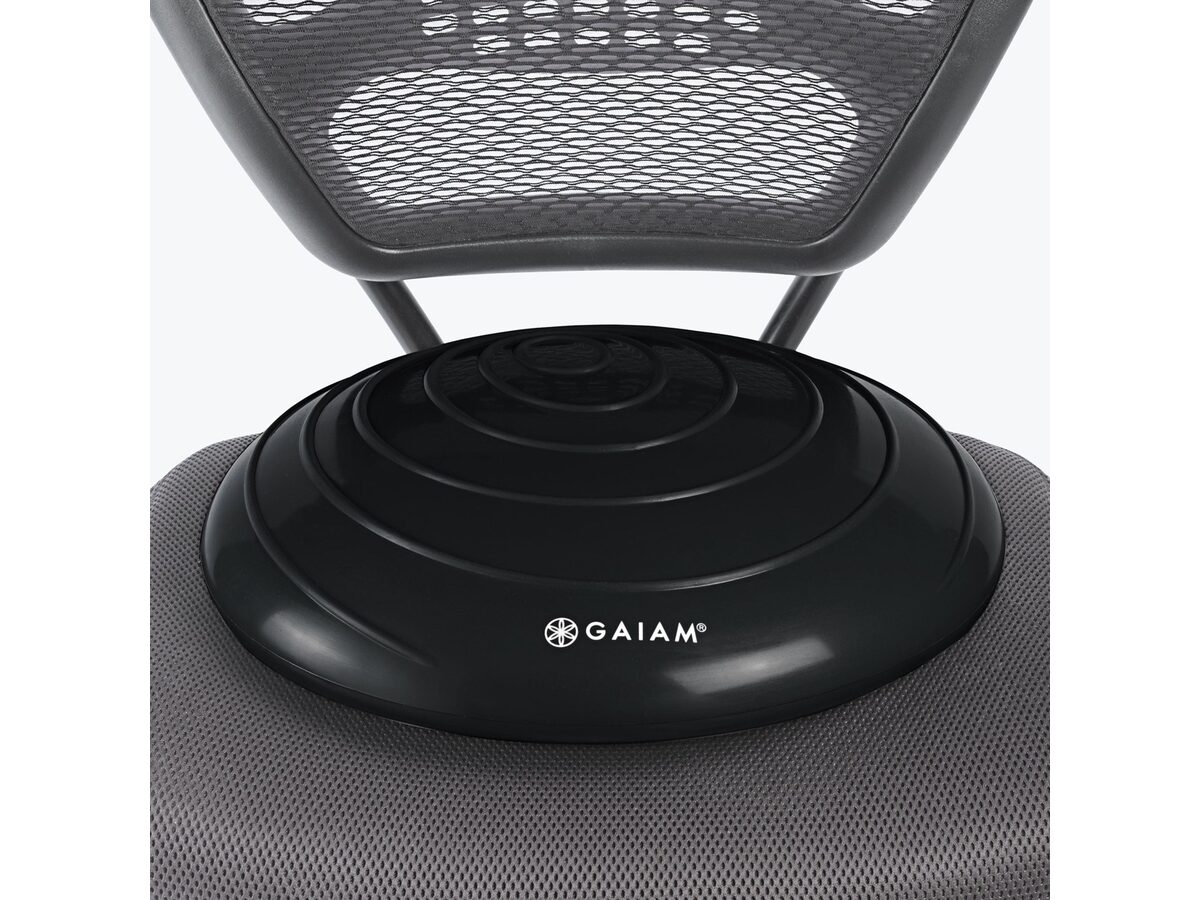
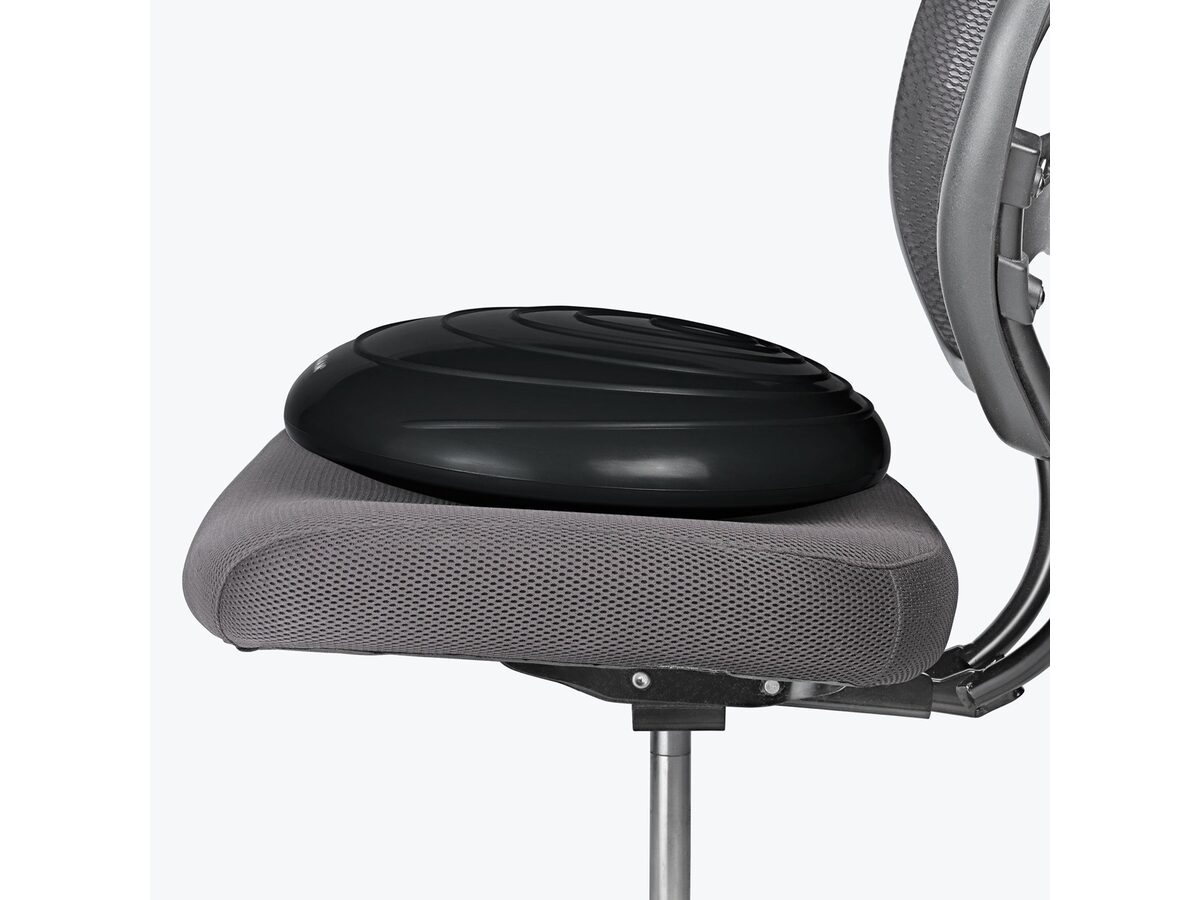
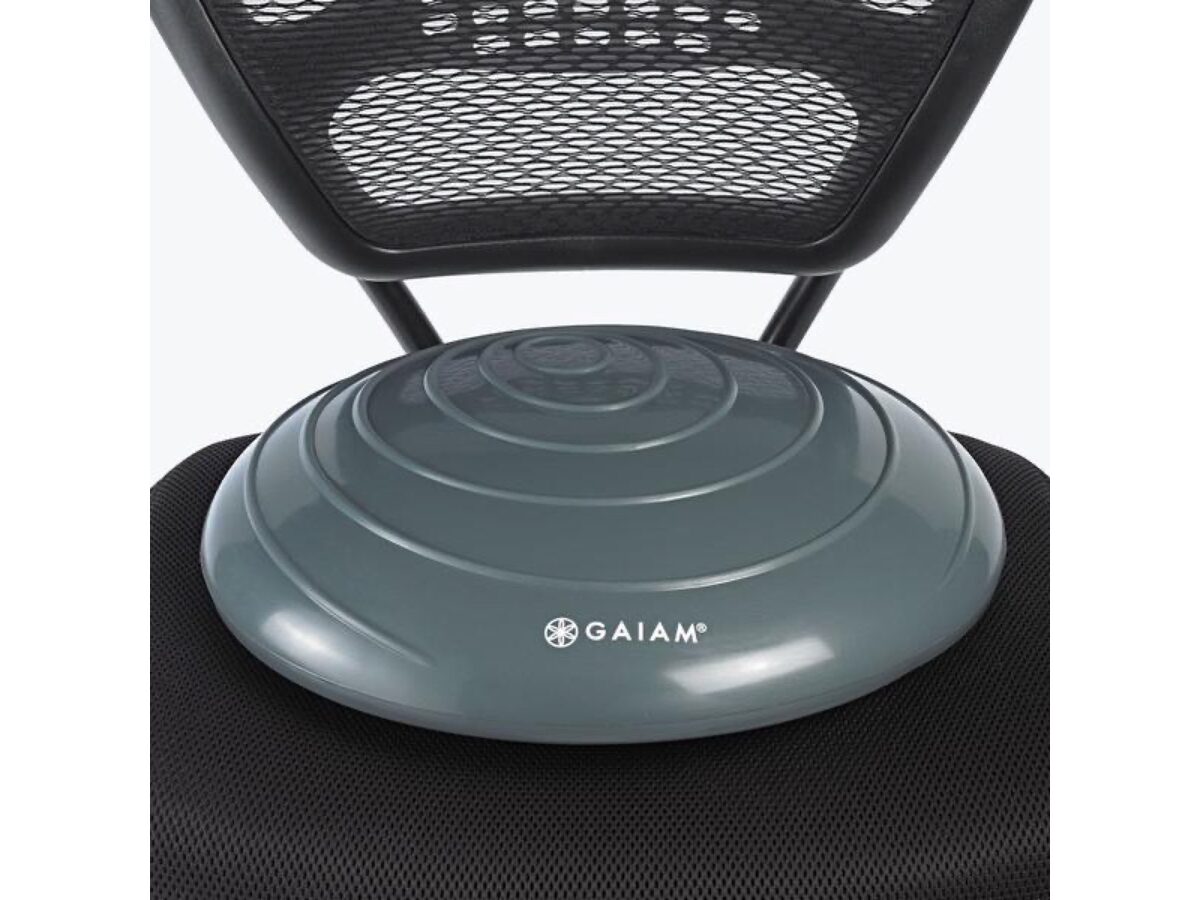
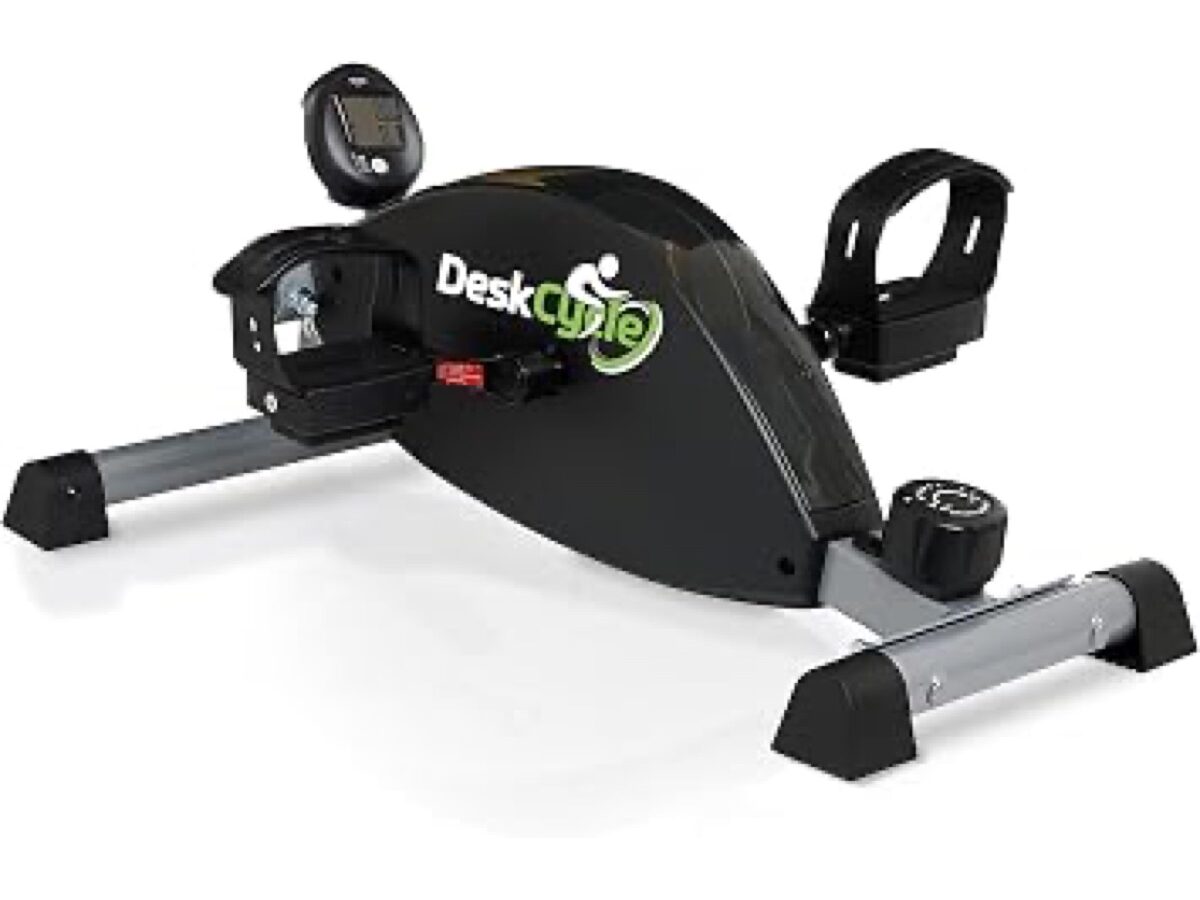
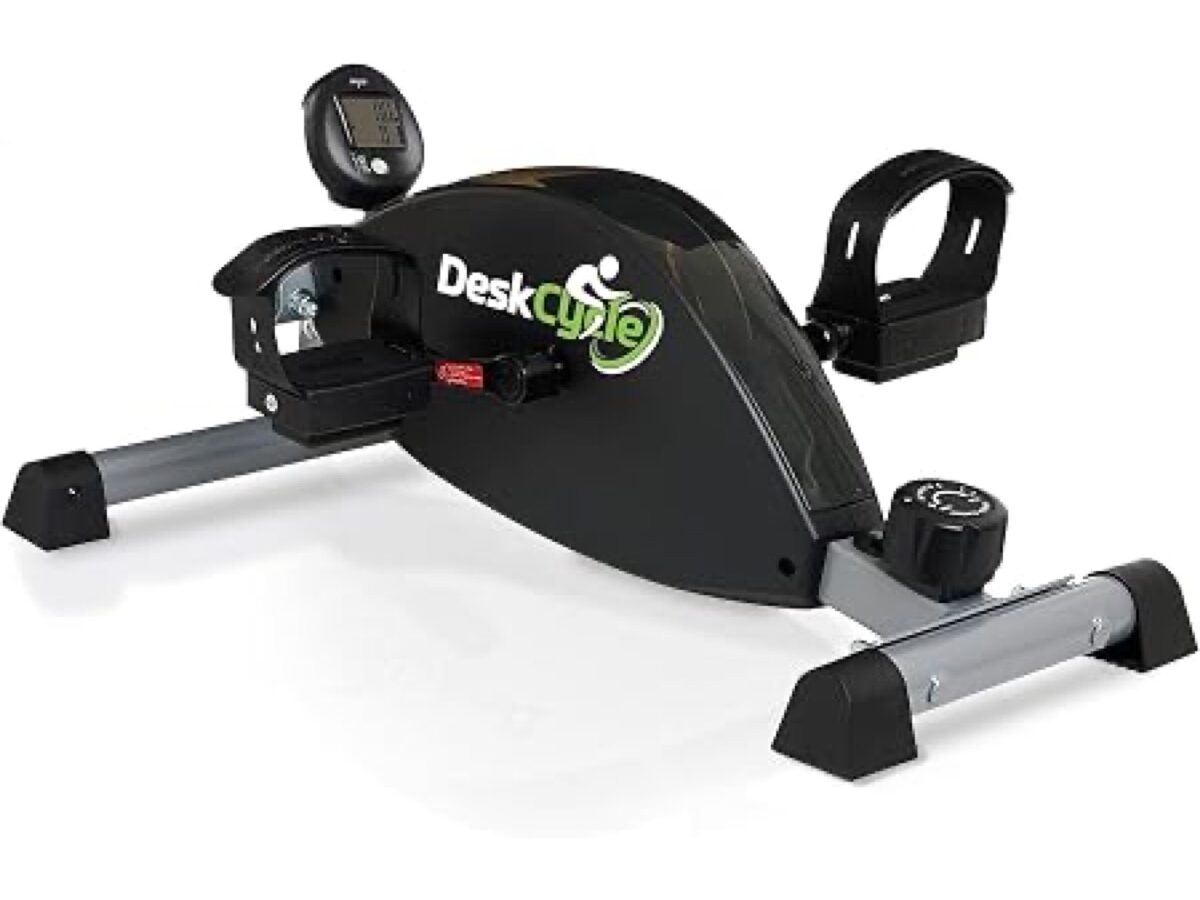
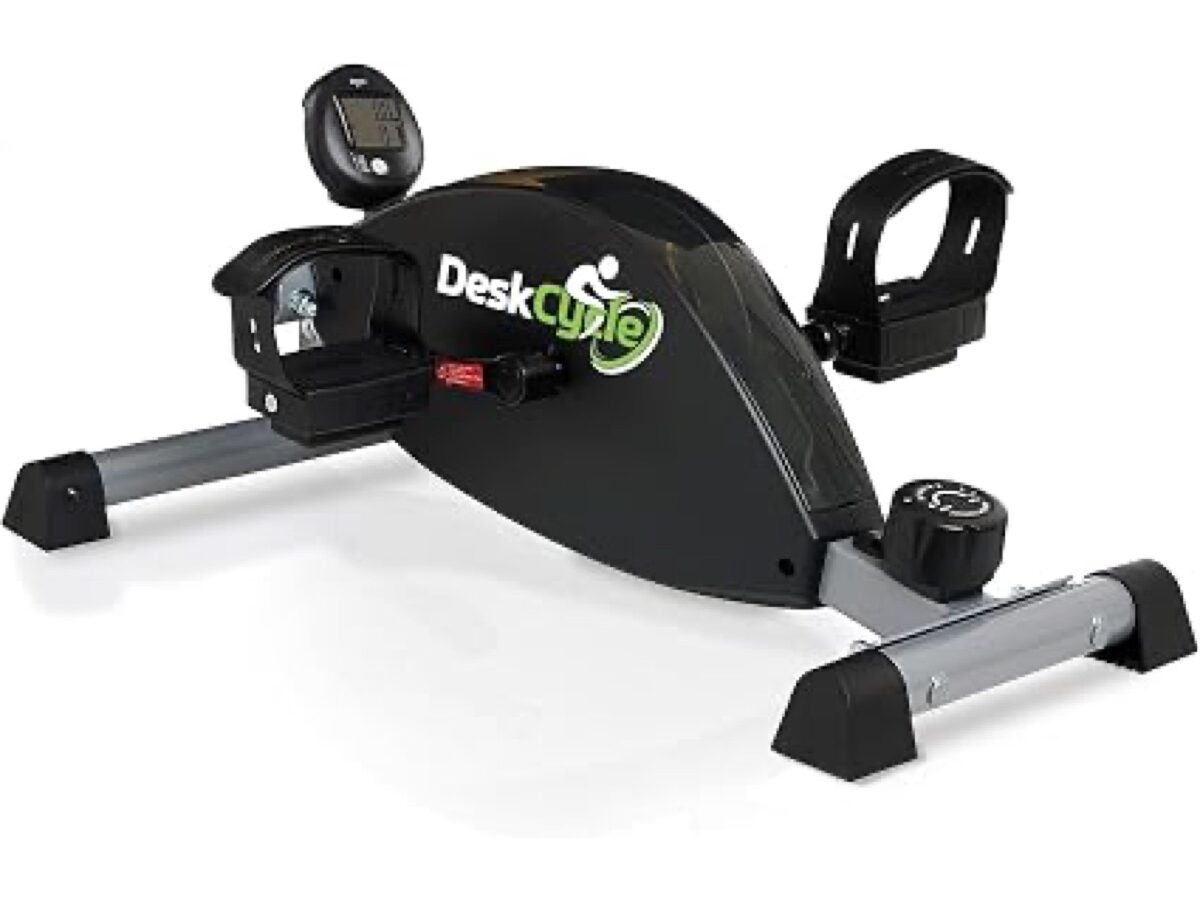
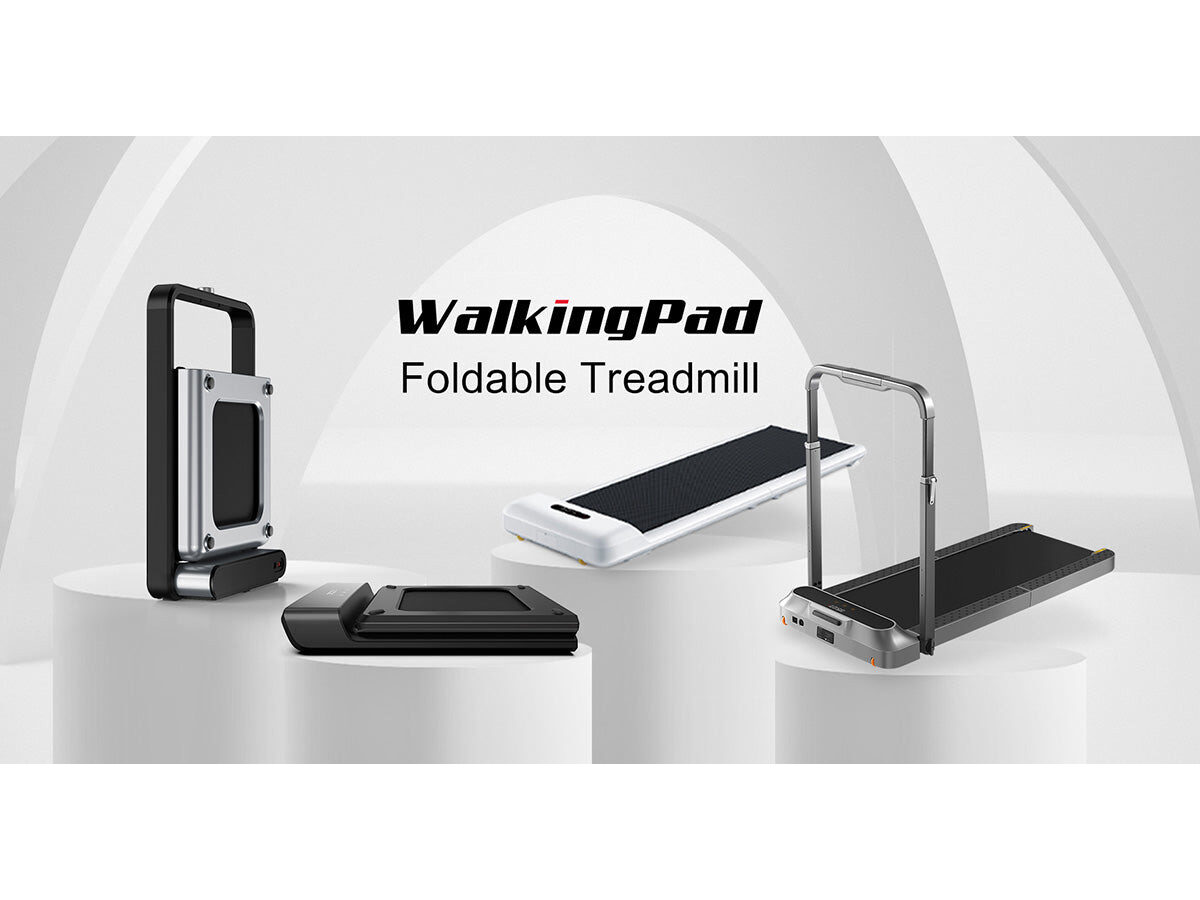
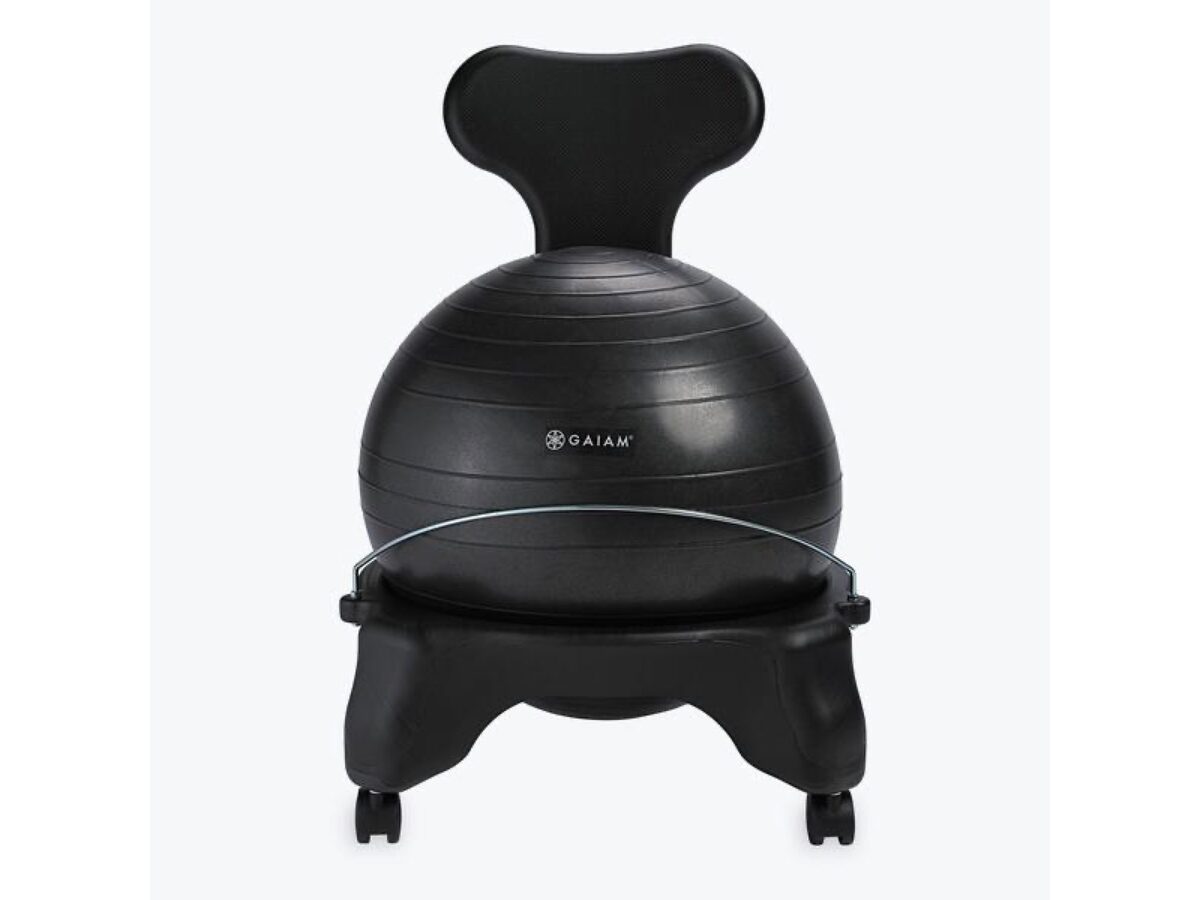
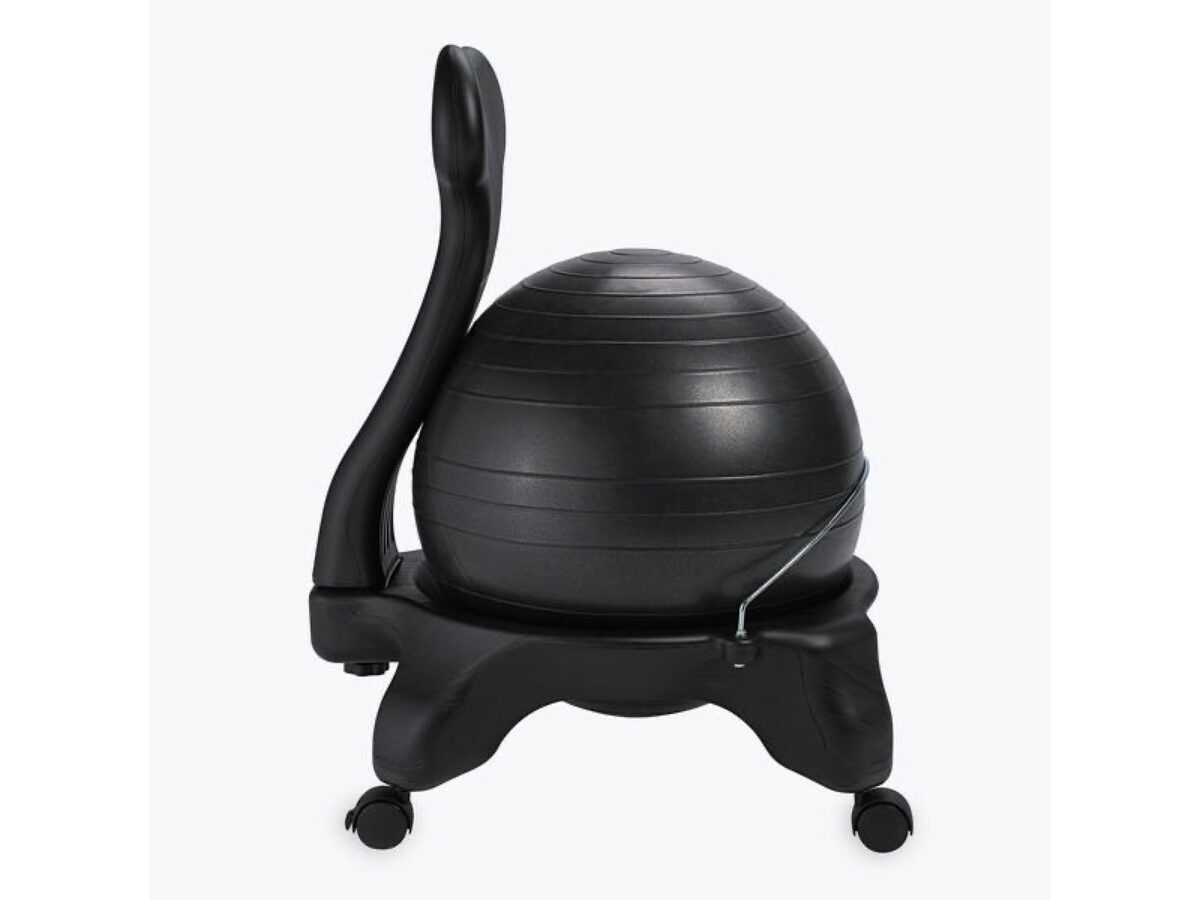
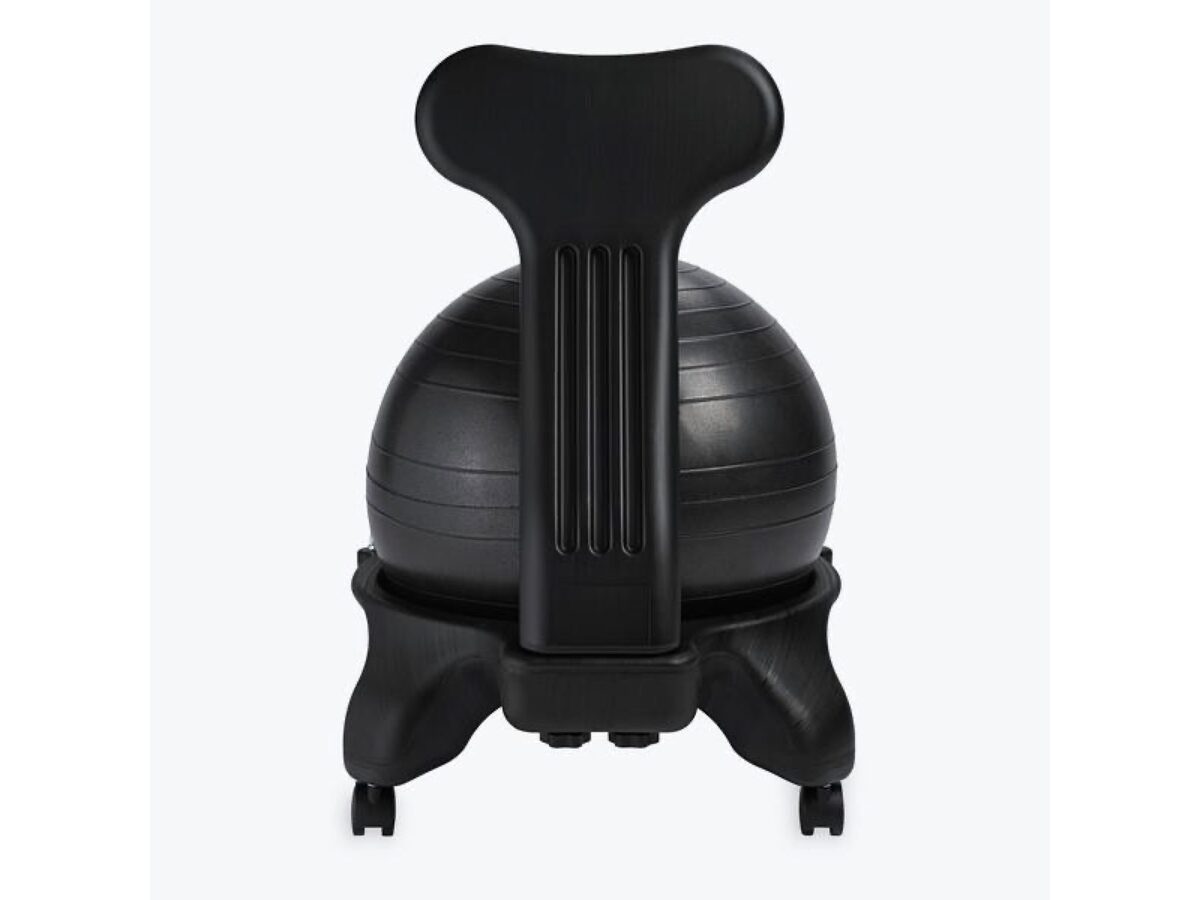
Some brains focus better with hands or legs busy. Quiet fidgets and gentle movement can bleed off restlessness without leaving the task.

Guides

Short, sourced reads on ADHD, doomscrolling, and why focusing feels harder than it used to.

All 12 guides

How we pick

  • Useful on a bad day

    Works when motivation is low and starting is the hard part.

  • Low setup

    You can try it in minutes, not after a weekend of configuring.
  • Clear fit

    Every pick says who it is best for, because no single tool fits everyone.
How this site makes money

Some links on this page are affiliate links (including Amazon and other retailers). If you buy through them, we may earn a commission. It does not cost you extra.

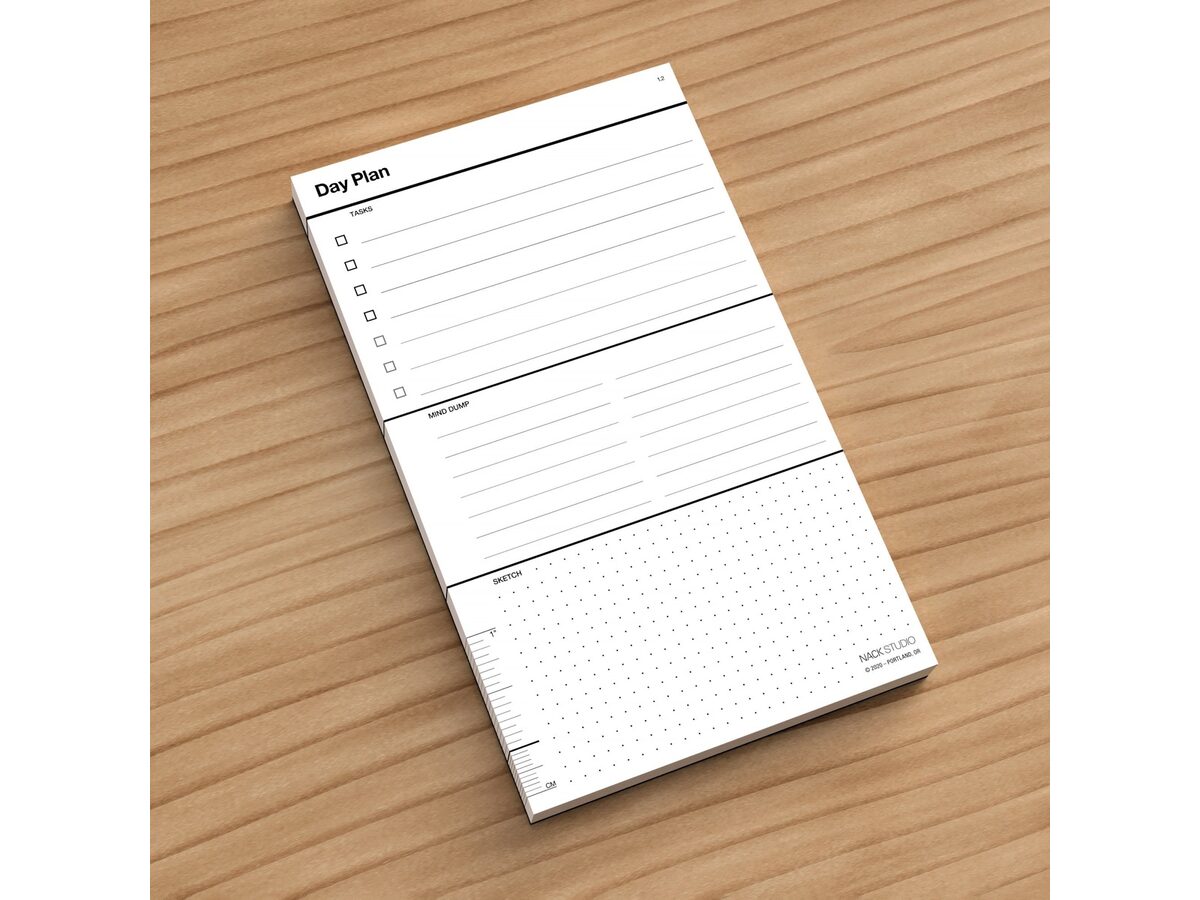
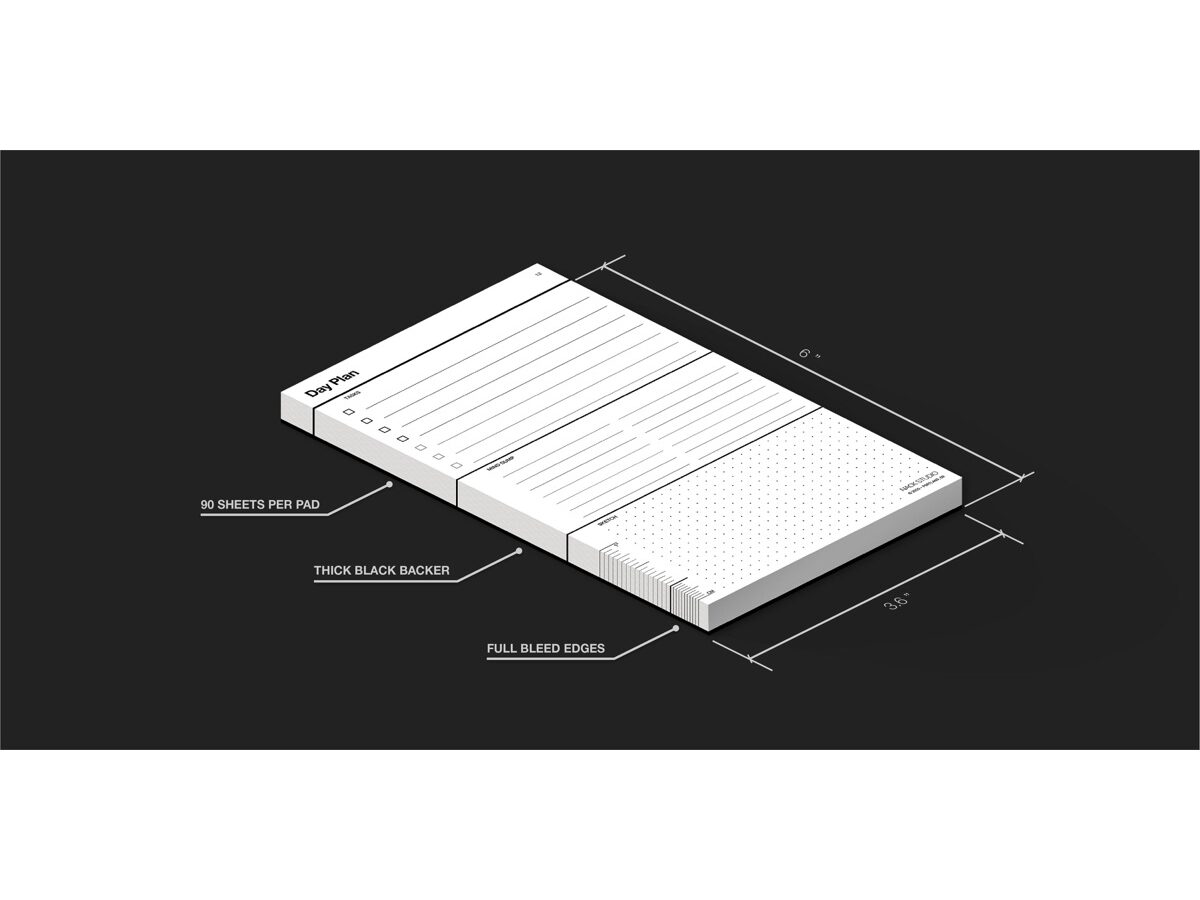
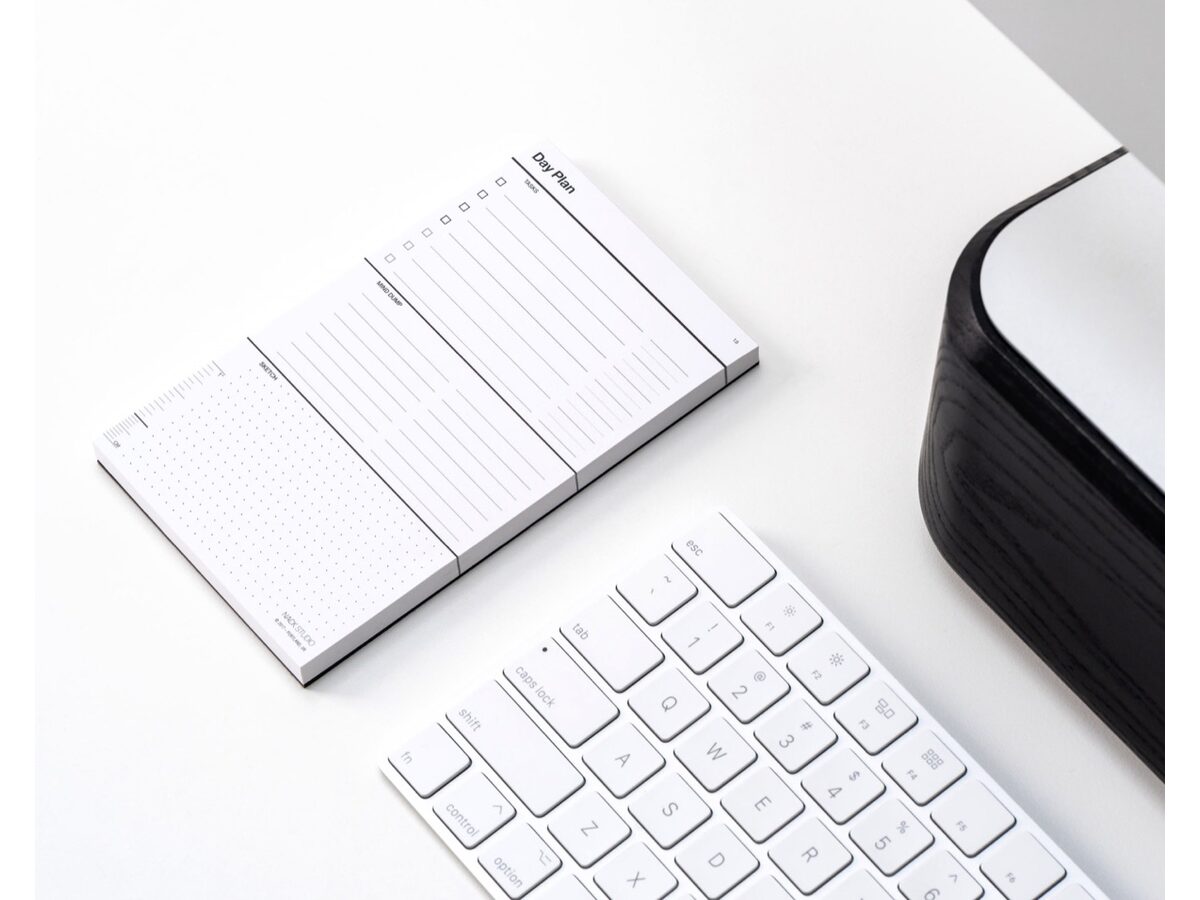
Day Plan is made by Nack, the team behind this site, so we have a material connection to it under FTC guidelines. App Store, Google Play, and most official website links usually do not pay us anything.

As an Amazon Associate, Focus Tools earns from qualifying purchases.

Type a product, category, or guide topic.